
An audio-only fallback should keep the approved speech and the user’s task moving when avatar motion is unavailable. Treat it as a visible product state: explain what changed, retain pause and stop controls, offer text, preserve conversation state, and decide when visual recovery is safe. Never replay a consequential answer without checking its playback state.
Key takeaways
- Keep task state separate from avatar presentation state.
- Tell the user when the experience switches to audio-only.
- Preserve stop, mute, captions, text, and exit controls.
- Recover at a sentence or turn boundary instead of switching visuals mid-word.
1. Define what the fallback protects
Write one sentence before designing the UI: “If animation fails, the user can still hear or read the approved answer and continue the same task.” This prevents fallback from becoming a generic error page. Your application should retain the active user goal, permissions, tool result, conversation turn, and next allowed action.
The avatar is one presentation surface. Losing it should not erase a completed lookup or run a tool twice. The W3C Web Content Accessibility Guidelines are also a useful reminder that users need alternatives and operable controls even when the visual experience works normally.
2. Make fallback an explicit state
Add states such as visual-ready, audio-only, text-only, recovering, and ended. The state should determine which controls appear and what analytics event is emitted. A state machine makes impossible combinations easier to spot; Stately’s state-machine introduction shows the basic model.
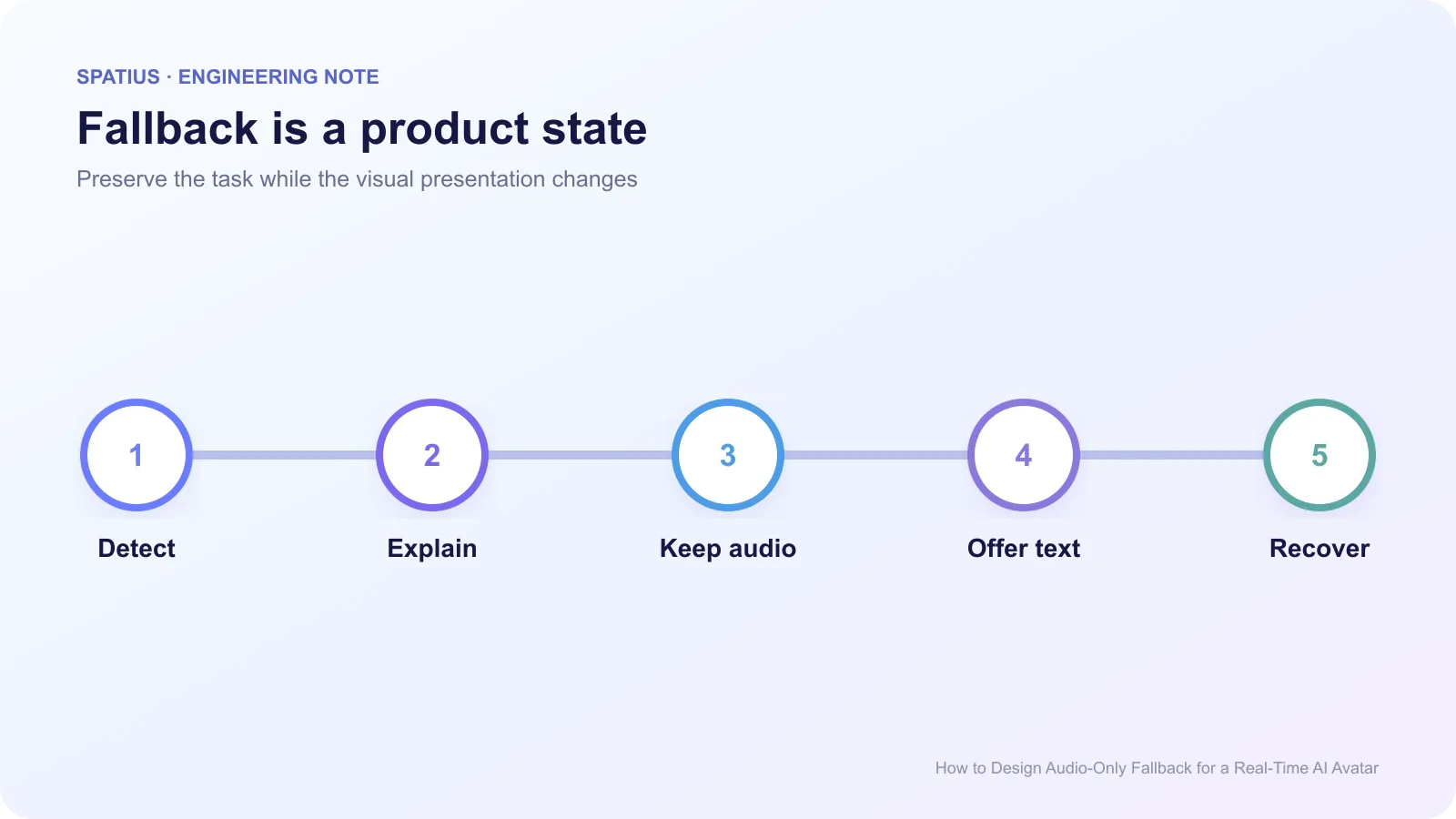
Show a short message such as “Visuals are unavailable. Audio will continue.” Keep it near the player, not in a disappearing toast. W3C’s explanation of status messages clarifies why a change can be announced without moving focus. If the status changes while focus is elsewhere, use an appropriate ARIA live region without announcing every internal retry.
3. Keep the controls consistent
The fallback needs the same user authority as the normal experience: pause or stop speech, mute, open captions or text, leave, and choose another support path. Do not remove interruption because animation stopped. The standard HTMLMediaElement controls provide a baseline for play, pause, current time, and error state even when your product uses a custom audio component.
Avoid autoplay surprises. Browser audio may require a user gesture under its autoplay policy, and a network recovery should not suddenly speak from a background tab. Use the Page Visibility API to decide whether recovered playback should wait until the user returns.
Captions should follow the actual audio segment being played, not the full LLM answer that may still change. W3C’s guidance on captions for live audio explains why synchronized text matters for users who cannot rely on sound.
4. Match fallback to the failure
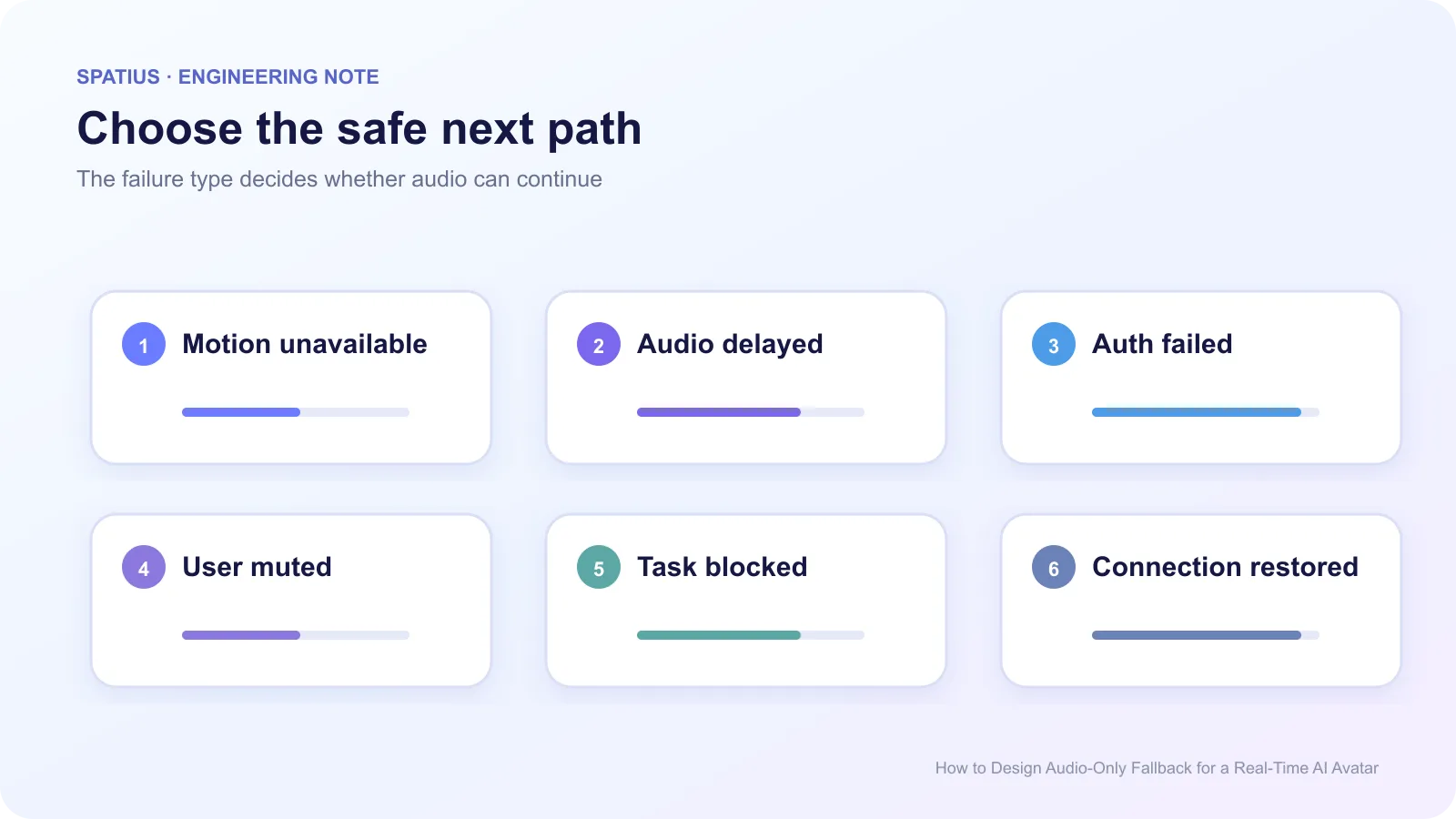
Motion unavailable with valid audio can enter audio-only. A TTS failure cannot. Authentication failure may require a new session rather than a blind retry. A user-muted session should remain muted. A failed tool call needs an application-level explanation, not a cheerful avatar fallback.
Preserve transport details in operator logs. WebSocket close events provide a code, reason, and clean-close signal. Users need a plain explanation, but engineers need the original event tied to the session and turn.
5. Recover only at a safe boundary
When motion becomes available, do not attach a face halfway through a word with no matching start state. Wait for a sentence boundary, the next answer, or an explicit user action. If you cannot identify the current audio position, the media element’s played time ranges may help; otherwise finish in audio-only and restore visuals for the next turn.
Recovery must not repeat a tool result or confirmation. For state-changing requests, follow the idempotency and retry expectations in your own application API, including bounded backoff and jitter. The HTTP specification’s discussion of idempotent methods is a useful model even if the avatar path uses WebSocket messages.
6. Measure fallback as part of the experience
Record entry reason, time spent in fallback, whether audio continued, whether the user switched to text, recovery success, task completion, and exit. Connect those events with OpenTelemetry traces so a fallback rate can be traced to token, transport, motion, or client failures.
Do not treat every fallback as a failure. A user may deliberately prefer audio or text. Keep “user-selected mode” separate from “automatic degradation” in analytics.
Audio-only fallback in Spatius Direct Mode
The current Spatius Direct Mode documentation states that if the Motion Server WebSocket fails to connect within 15 seconds, the SDK enters audio-only fallback and audio continues without animation. Your product still owns the message, controls, task state, analytics, and decision to retry or offer another route.
The broader Spatius docs map defines the boundary: your application owns conversation logic and TTS; Motion Server returns motion data; AvatarKit renders locally.
Use the network recovery guide for reconnection policy, and the waiting and human-handoff guide for product states beyond audio-only.
Frequently asked questions
Should audio-only fallback happen silently?
No. Tell the user that visuals are unavailable while audio continues. The message can be brief, but the state should not be ambiguous.
Should the avatar reappear as soon as the connection returns?
Usually wait for a safe speech or turn boundary. An immediate switch can create visible desynchronization and make users think the answer restarted.