
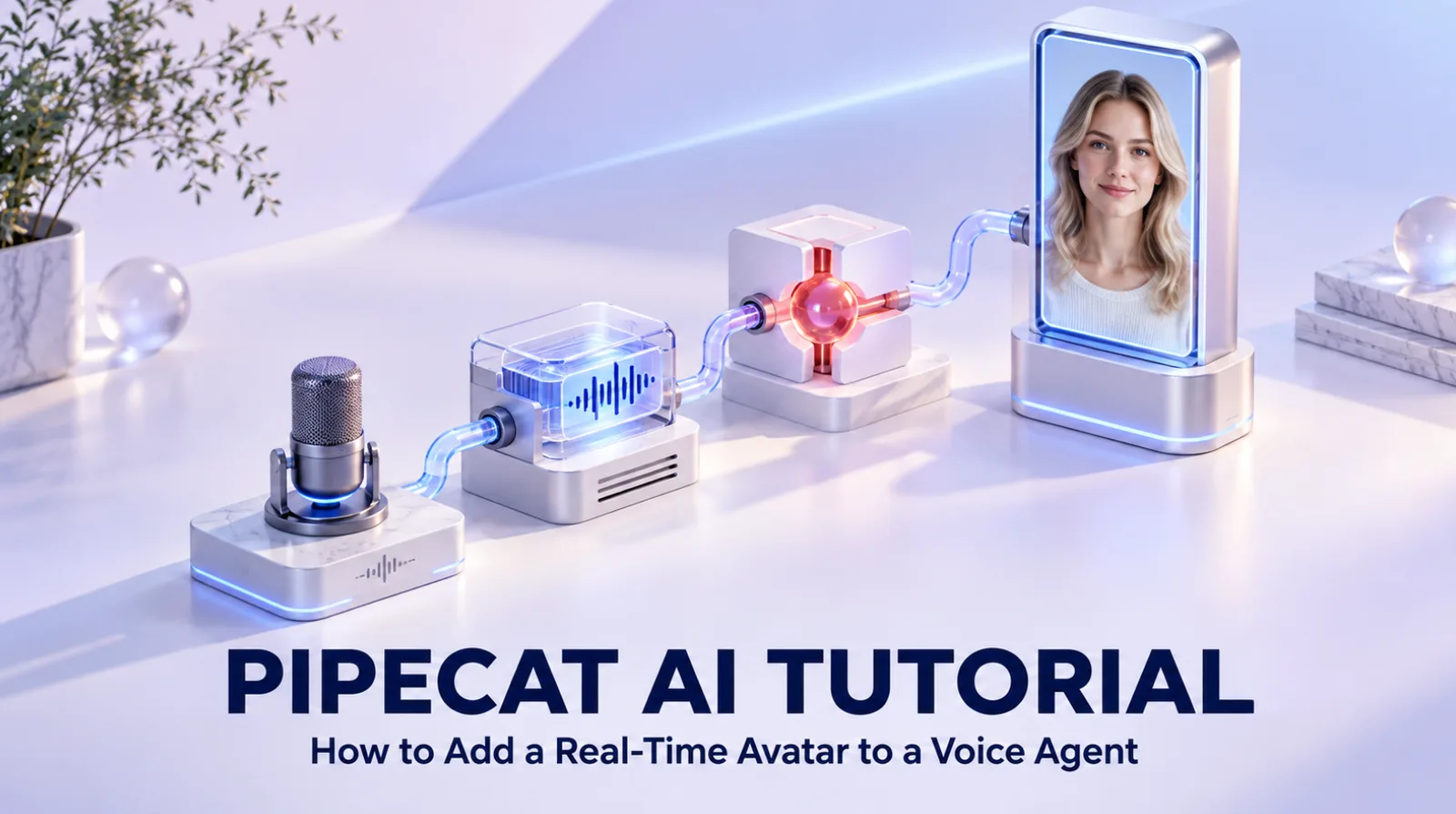
A Pipecat voice agent can gain a real-time avatar without moving its STT, LLM, TTS, tools, or conversation logic into another platform. Keep Pipecat in control of the agent pipeline, branch only the approved bot speech audio to Spatius, and render the resulting avatar motion locally with AvatarKit.
Independent guide: Spatius is not affiliated with, endorsed by, or an official integration partner of Pipecat or Daily. This article describes a reference architecture using public documentation, not a packaged Pipecat plugin.
Last verified: September 22, 2026.
Where Spatius fits in a Pipecat pipeline
Pipecat is an open-source Python framework for real-time voice and multimodal agents. Its pipelines orchestrate transports and services such as speech recognition, language models, tools, and text-to-speech.
Spatius begins after the bot speech has been approved and synthesized. Its architecture documentation describes Motion Server receiving avatar speech audio, returning motion data, and AvatarKit rendering the avatar locally.
| Pipeline responsibility | Pipecat application | Spatius |
|---|---|---|
| User media and transport | Owns through the selected transport | Does not own |
| STT, LLM, tools, memory, and conversation flow | Owns | Does not own |
| TTS provider and bot speech | Owns | Receives the resulting speech audio |
| Facial motion generation | Does not need to own | Motion Server |
| Avatar rendering | Product client or other chosen renderer | AvatarKit renders locally |
| Product UI, policy, analytics, and handoff | Owns | Does not own |
The integration question is therefore not “How do I replace Pipecat?” It is “Where can I make the bot output audio available to the avatar layer without breaking the pipeline?”
Reference architecture
Pipecat’s pipeline and frame-processing model moves typed frames through processors. A typical voice-agent path looks like this:
User audio
  ↓
Pipecat transport input
  ↓
STT → LLM/tools → TTS
                    ├─ bot audio to the user
                    └─ approved bot audio to Spatius
                                  ↓
                         Motion Server
                                  ↓ motion data
                         AvatarKit client render
Only bot output audio should drive the avatar. User microphone frames, transcripts, tool arguments, and private application context should stay in the pipeline that already owns them.
Choose a client-owned or backend-owned audio path
Spatius offers Direct Mode and Backend Mode. Pipecat supports multiple client and server transports. Select the combination from audio ownership—not from whichever demo is shortest.
| Pipecat architecture | Spatius path | Best when |
|---|---|---|
| Pipecat client receives the bot audio and can expose it to the application | Direct Mode | The client should send avatar speech audio and render locally |
| Pipecat server owns TTS audio frames | Backend Mode | The backend should feed audio to Spatius and control downstream delivery |
| Pipecat is using LiveKit Agents instead | Documented Spatius LiveKit integration | The packaged LiveKit route matches the actual agent framework |
Pipecat’s transport guide emphasizes that the client and server transport must match. Adding an avatar does not remove this constraint. Daily, SmallWebRTC, or another supported transport still carries the Pipecat session; Spatius remains a separate visual layer.
Path A: client audio with Spatius Direct Mode
Use Direct Mode when the product client already receives the bot’s output audio. The client obtains a short-lived Spatius Session Token from its own backend, initializes AvatarKit, loads the avatar, connects to Motion Server, and supplies the bot speech audio according to the current Direct Mode client guide.
The product must prevent two playback paths from producing echo. Define one authoritative bot audio output and use the avatar branch only to create synchronized motion.
on Pipecat bot audio:
  preserve the audio order
  send the approved speech to the user's playback path
  send the matching avatar-speech audio to Direct Mode

on bot speech end:
  finalize the avatar turn

on user interruption:
  stop bot playback
  stop or clear the avatar turn
This is pseudocode, not a claim about an official Pipecat adapter. Use the current Pipecat client events and the current AvatarKit SDK reference for exact method names.
Path B: server frames with Spatius Backend Mode
Use Backend Mode when the Pipecat server owns TTS output frames. Pipecat documents how to build a custom FrameProcessor that can observe or transform selected frames inside a pipeline. A production design can use a narrowly scoped processor or side branch to make approved bot speech available to the Spatius Server SDK while still forwarding the original frame downstream.
The processor should not become a second conversation engine. It should handle only the avatar handoff and preserve:
- frame order;
- audio format and sample-rate expectations;
- response boundaries;
- cancellation and interruption signals;
- backpressure and error reporting.
Backend Mode gives the application more control but also more responsibility. The backend must deliver the resulting audio and motion payloads to AvatarKit clients over a transport the team operates.
Interruption handling is the hardest part
Pipecat’s interruption documentation explains how user speech stops in-flight bot output. The avatar must follow the same cancellation boundary.
If Pipecat cancels TTS but the visual layer continues consuming buffered speech, the avatar appears to ignore the user. If the avatar stops but audio continues, lip synchronization breaks. Treat these as one product event with two coordinated consumers.
Test at least:
- interruption before the first bot audio frame;
- interruption during continuous speech;
- interruption while a tool call is pending;
- a TTS connection failure;
- a Spatius connection failure while Pipecat remains healthy;
- reconnect and cleanup after either layer fails.
Pipecat’s service events and Spatius client/server error documentation should feed the same session observability, while preserving which layer failed.
Cost and performance must be measured by layer
Pipecat itself is an open-source framework, but a deployed agent can incur transport, hosting, STT, LLM, TTS, and observability costs. Spatius adds a separate avatar usage cost. A bundled platform may present one rate because it owns more of the stack; a modular Pipecat-and-Spatius system should keep its cost model modular too.
| Metric | Pipecat/agent layer | Spatius/avatar layer |
|---|---|---|
| Speech-recognition latency | Measure here | Not applicable |
| LLM and tool latency | Measure here | Not applicable |
| Time to first TTS audio | Measure here | Input boundary |
| Audio-to-motion delivery | Not applicable | Measure here |
| Client rendering stability | Product client | Measure AvatarKit on target devices |
| Usage cost | Hosting plus selected AI services | Spatius pricing and avatar usage |
Avoid reporting a single end-to-end latency as if it were an avatar benchmark. Keep the measurement points visible so regressions can be assigned to the correct service.
When Pipecat plus Spatius is a good fit
This architecture fits teams that chose Pipecat for control over providers, transports, tools, and conversation flow and now need a photorealistic face without replacing that work. The avatar remains a component instead of becoming the new agent platform.
It is less suitable when the buyer wants one vendor to provide the complete conversation stack and stream finished avatar video. That approach can reduce custom engineering, but it also changes provider flexibility, rendering ownership, and cost structure.
For adjacent decisions, read the BYO LLM and TTS avatar API guide and the on-device versus cloud avatar architecture comparison.
Pipecat avatar FAQ
Is there an official Spatius plugin for Pipecat?
This guide does not claim one. It describes a third-party audio-handoff architecture using Pipecat’s documented pipeline model and Spatius Direct or Backend Mode.
Does Spatius replace Pipecat's TTS service?
No. Pipecat keeps the selected TTS service and produces bot speech audio. Spatius uses that audio to generate avatar motion and render the avatar locally.
Should a Pipecat integration use Direct Mode or Backend Mode?
Use Direct Mode when the client owns the bot audio and can supply it to AvatarKit. Use Backend Mode when the Pipecat server owns the audio frames and the team is prepared to operate downstream delivery.
Can the avatar use a different audio stream from the user playback?
It should use the same approved bot speech content and timing. Independent synthesis or reordered chunks create visible lip-sync and interruption errors.
What must be tested before production?
Test audio format, frame ordering, turn completion, barge-in, TTS failure, Spatius failure, reconnects, client rendering on target devices, and independent cost and latency measurements.
Keep the voice agent; add the visual layer
Pipecat can continue to own the conversation pipeline. Spatius can own avatar motion and local rendering. The result is a composable system in which adding a face does not require rebuilding the agent.
Bring your Pipecat pipeline, transport, and target client. We will help you evaluate Direct or Backend Mode without rebuilding the voice agent. Request a demo, or ,或Review Spatius pricing.。