
A multilingual real-time AI avatar experience needs one application-owned locale state that coordinates speech recognition, agent instructions, retrieval, text-to-speech, captions, formatting, and fallback. Translating the final sentence is not enough. Every layer must agree on the language, regional conventions, and voice the user expects.
Key takeaways
- Let users confirm or change the detected language.
- Route retrieval and tools with locale-aware rules instead of translating every result afterward.
- Keep spoken copy shorter than displayed copy.
- Test latency, pronunciation, captions, and fallback separately for every launch language.
Use one application-owned locale state
Represent language with a standard tag such as en-US, es-MX, or fr-CA. The W3C language-tag guidance explains why language and region are distinct. Store the selected locale with the conversation, not inside a prompt that can drift after each turn.
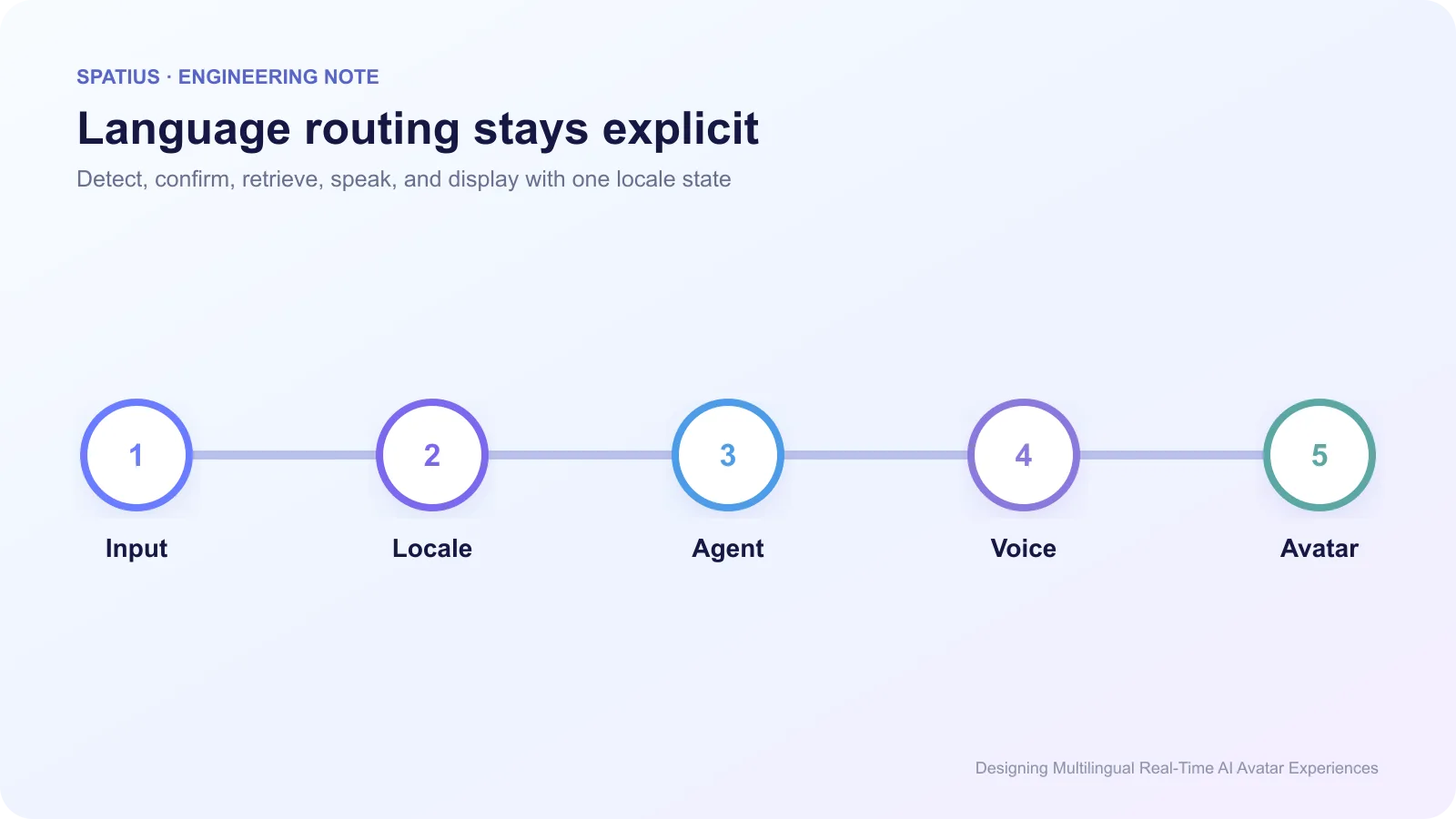
Automatic detection is useful, but it should not silently lock the session. A bilingual user may open in English and ask the next question in Spanish. Decide whether the product switches immediately, asks for confirmation, or keeps one language per workflow. That is a product rule, not an avatar-model setting.
For visible copy, the browser’s Intl API can format dates, numbers, lists, and display names without maintaining ad hoc templates for every region.
Route the entire answer path
Select ASR and TTS configurations that support the chosen locale, then pass that same locale to retrieval, date and number formatting, and the visible UI. Unicode’s Locale Data Markup Language covers the regional rules behind dates, currencies, units, and plural forms that simple translation misses.
For RAG, prefer approved content already written for the locale. Translating an English passage on demand may preserve the gist while losing legal, support, or product terminology. If local content is missing, tell the user which source language was used and keep citations available.
Keep voice identity consistent
A brand voice includes pacing, pronunciation, register, and terminology. Build a pronunciation list for product names, acronyms, people’s names, and domain terms. ElevenLabs documents pronunciation dictionaries as one way to control recurring words; other TTS providers expose different controls.
Do not assume one voice performs equally well in every language. Test native speakers, code-switching, numbers, URLs, abbreviations, and the longest expected answer. D-ID’s overview of multilingual visual agents shows how language breadth is now part of vendor positioning, but published language counts do not replace product-level QA.
Design captions with speech
Captions help users in noisy rooms, support comprehension, and provide a fallback when audio is unavailable. Follow the W3C caption guidance for readable timing and access. Display the text your application approved, not a second ASR pass over the avatar’s own voice.
Spoken and displayed text can differ. The avatar might say “Your renewal is next Friday” while the interface shows the exact date, plan, and source link. Keep both fields in the same response object so localization changes do not separate them.
Set the document and component language correctly. WCAG’s guidance on language of page and parts helps assistive technology pronounce content and switch language rules.
Test language quality end to end
For each locale, run a fixed test set: short answers, long answers, names, product terms, dates, currency, interruptions, tool calls, and silence. Measure first audio, first motion, completion rate, correction rate, and fallback use. Deepgram’s language documentation illustrates how speech support can vary by model and feature, even inside one provider.
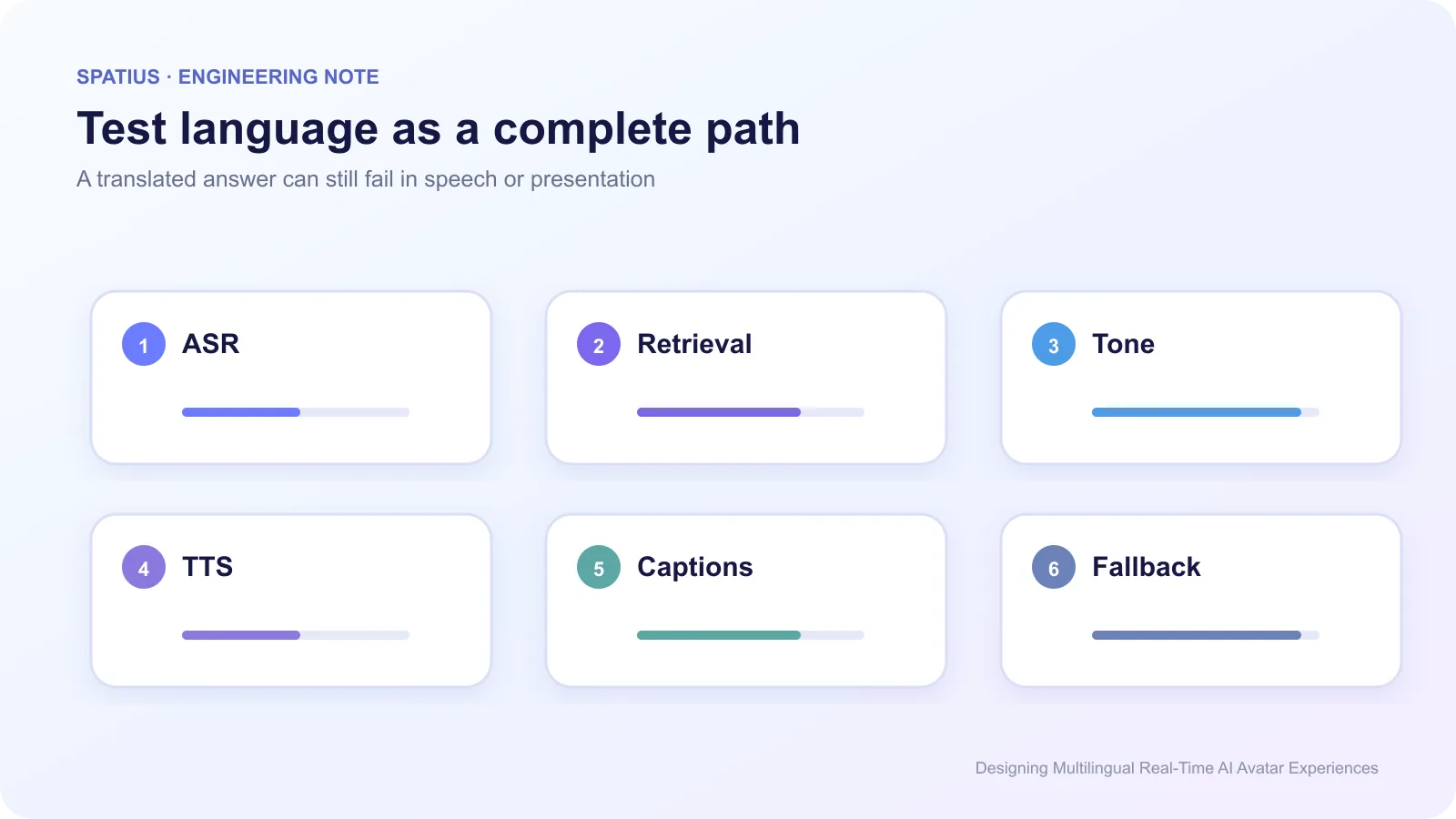
Include right-to-left layouts and text expansion when those markets are in scope. The W3C internationalization resources cover direction, typography, and locale issues that sit outside translation quality.
Test code-switching instead of assuming one turn has one language. Google Cloud’s speech language support illustrates that recognition features and models vary across locales, even when a language name appears supported.
Keep the avatar boundary clear
Spatius receives avatar speech audio and returns motion data; AvatarKit renders locally. The application owns language detection, ASR, LLM, retrieval, TTS, captions, and locale policy. See the Spatius Docs Map for the current division.
That separation lets teams choose speech and agent providers by market. Review the integration-path guide to decide whether the client, an agent platform, or your backend should own the audio path.
Use the guide on what data an avatar provider should receive to keep locale, account state, and workflow permissions in the customer application.
Frequently asked questions
Should the avatar switch languages automatically?
Only when the product can detect the change with enough confidence and the workflow allows it. A visible language control is still valuable.
Do we need a different avatar for every language?
Not necessarily. The more important questions are voice quality, pronunciation, cultural fit, UI direction, and whether the visual identity is appropriate for the market.
Which language should launch first?
Start with the language supported by your real content, customer team, and QA process—not the one with the largest theoretical market.