
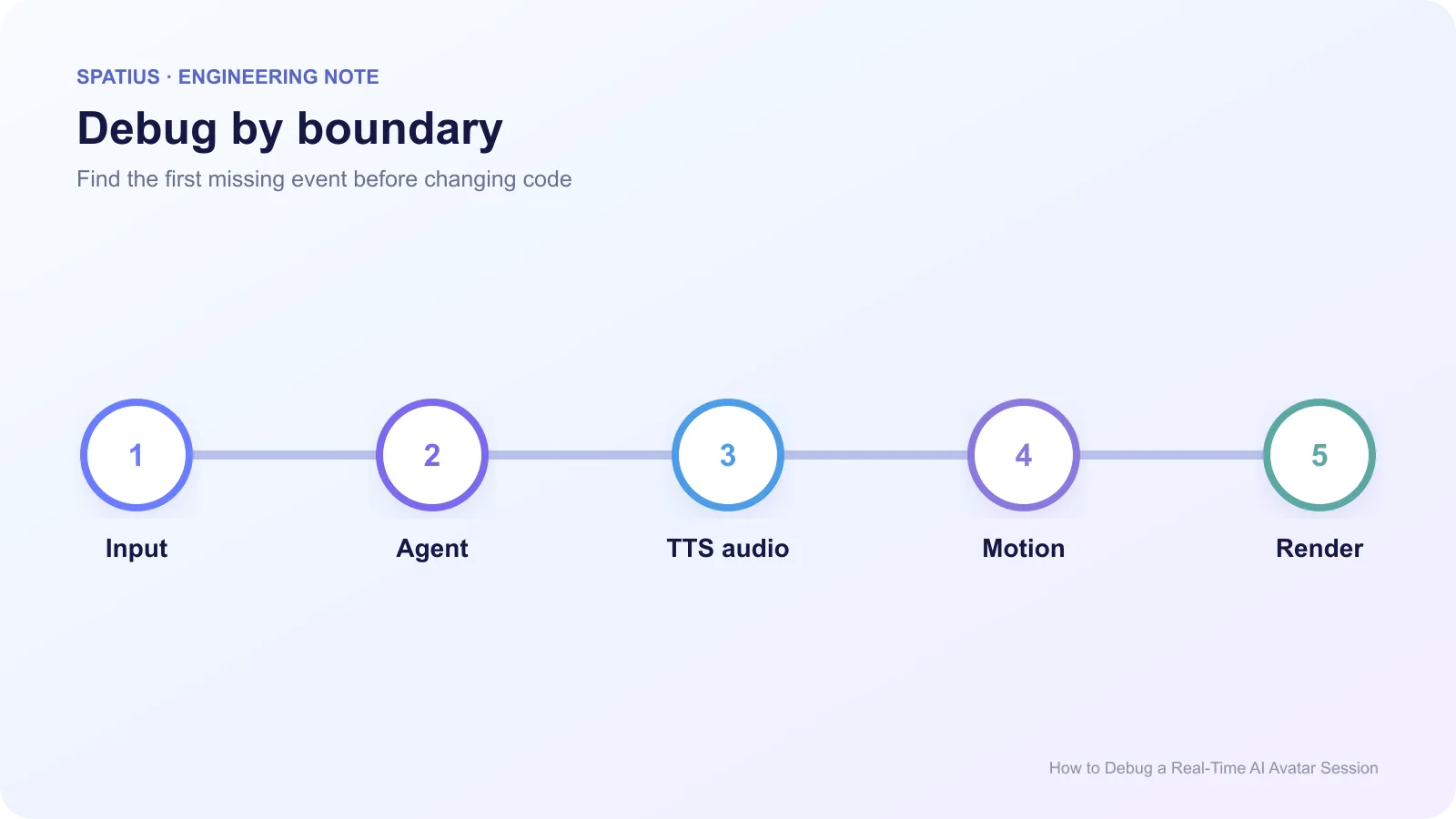
To debug a real-time AI avatar session, trace one user turn from input through the agent, TTS, motion service, client renderer, and product state. Stop at the first expected event that is missing or late. That boundary is your starting point; the frozen face on screen is only the symptom.
Key takeaways
- Reproduce one turn with a correlation ID and an exact timestamp.
- Confirm audio exists before investigating avatar motion.
- Separate a transport failure from a rendering failure.
- Preserve error codes and close reasons instead of replacing them with a generic message.
Start with the first missing event
Write the expected event sequence before opening five dashboards. A basic turn might be: input received, transcript final, agent response started, TTS chunk produced, avatar audio accepted, motion received, playback started, playback completed. OpenTelemetry spans provide a practical way to connect those events without forcing every component into one log format.
Use consistent attribute names for service, session, turn, and outcome. The OpenTelemetry semantic-conventions project is a useful reference when separate teams need to query the same trace without inventing a new field for every service.
Start with a short known-good PCM file. If the avatar path works with that file, the failure probably sits upstream in TTS, encoding, chunking, or application state. If it fails, inspect the avatar session and client. The Web Audio API can help confirm whether browser audio is decoded, scheduled, and audible.
Match the symptom to the owning layer
The user speaks but nothing happens. Confirm microphone permission, input frames, VAD state, and transcript completion. Browsers require a secure context and explicit permission for getUserMedia. An avatar renderer cannot repair a blocked microphone.
The agent answers but the avatar is silent. Verify that TTS produced the expected format and that the application sent it. Check sample rate, mono/stereo shape, chunk order, and end-of-input signaling. A file that “plays on my laptop” may still violate the SDK’s accepted stream format.
Audio plays but the face freezes. This narrows the problem to motion delivery, asset state, rendering, or a fallback path. Look for connection state changes and renderer errors. MDN’s requestAnimationFrame reference explains why background tabs and display refresh behavior can affect visual updates.
The mouth moves late. Compare the timestamps for audio scheduling and first motion consumption. Do not keep adding arbitrary delay. ProtoFace’s lip-sync monitoring guide describes common sources such as dropped frames, TTS chunking, network jitter, and model latency.
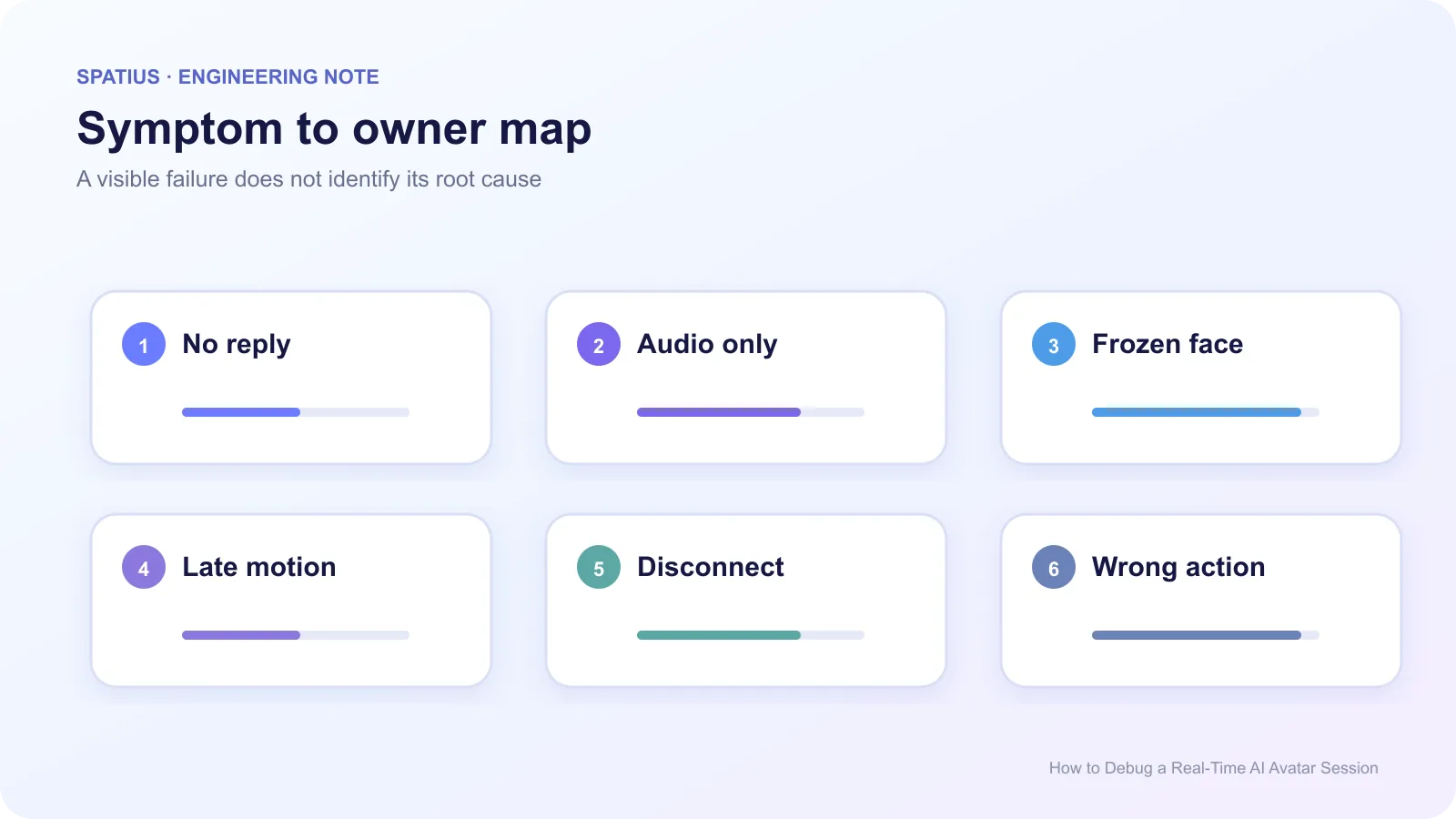
The session disconnects. Record the WebSocket close code or RTC connection transition, network status, token age, and last successful event. MDN documents WebSocket close codes; preserve them in operator logs while showing users a simpler recovery message.
The avatar says the wrong thing. That is usually an agent, retrieval, tool, or application problem rather than animation. Anam’s discussion of tool-call debugging shows the value of recording arguments, results, errors, and execution time beside the transcript.
Use a controlled reproduction
Reduce the session to one avatar, one voice, one browser, one input file, and no optional tools. Then reintroduce components one at a time. Capture a browser performance trace, application logs, and a screen recording with the clock visible. For RTC paths, WebRTC getStats can reveal packet loss, jitter, and frame behavior.
For WebSocket paths, log connection state transitions and message sequence IDs using the browser’s WebSocket API. That makes missing, duplicate, and late messages visible without recording their sensitive content.
Avoid logging complete prompts, transcripts, API keys, or tool payloads by default. The OWASP Logging Cheat Sheet recommends recording enough context for investigation without creating a second store of sensitive data.
Debugging Spatius integrations
In Spatius, Motion Server receives avatar speech audio and returns motion data; AvatarKit renders locally. The docs map keeps that boundary explicit. Your application still owns ASR, LLM, TTS, tools, and workflow state.
Check the documentation for the selected path before interpreting an event. Direct Mode puts the Motion Server connection in the client. Backend Mode puts more connection and transport responsibility on your backend. The same symptom can therefore have a different owner.
For ongoing operations, connect this runbook to production monitoring for real-time AI avatars rather than treating every incident as a new mystery.
Frequently asked questions
What should I capture in a bug report?
Include the correlation ID, UTC time, integration path, app version, device, browser or SDK version, network profile, first missing event, error code, and safe reproduction steps.
Should I retry every failed session automatically?
No. Authentication, permission, and malformed-audio failures usually need correction. Retry only conditions your runbook classifies as transient, and cap the attempts.