
To load test a real-time AI avatar, model complete sessions rather than repeated HTTP requests. Ramp connection starts, keep sessions open, send realistic speech-audio bursts, record motion and playback milestones, force a small failure, and verify recovery. Set pass/fail thresholds before the run so a high connection count cannot hide unusable response timing.
Key takeaways
- Model how people actually start, speak, wait, interrupt, and leave.
- Measure connection success and user-visible timing separately.
- Test the agent, audio, motion, and client boundaries with one correlation ID.
- Stop a run when error, latency, or resource thresholds cross the agreed limit.
1. Build a workload model from sessions
Start with four numbers: expected concurrent sessions, new sessions per minute, speaking time per session, and the distribution of short versus long answers. A test that opens 5,000 idle sockets proves something about connections, but almost nothing about audio processing or motion delivery. Grafana’s k6 WebSocket documentation explains why a WebSocket virtual user behaves as an event loop rather than an HTTP loop.
Include the quiet parts. A typical user may listen for 20 seconds, interrupt once, remain silent, and then leave. Mix cold and warm starts. If your product serves several regions, keep that dimension in the workload instead of averaging it away.
Do not copy a concurrency target from a competitor page. Capacity depends on the integration path, audio shape, answer length, client platform, regional routing, and limits in the application stack. The k6 scenarios model is useful when you need separate executors for arrivals, long-lived sessions, and spikes.
2. Instrument the complete session path
Give every synthetic session a correlation ID. Record token latency, connection establishment, first accepted audio, first returned motion, first local motion, conversation completion, close reason, and retry outcome. OpenTelemetry traces let separate services retain their own logs while sharing the same session and turn identifiers.
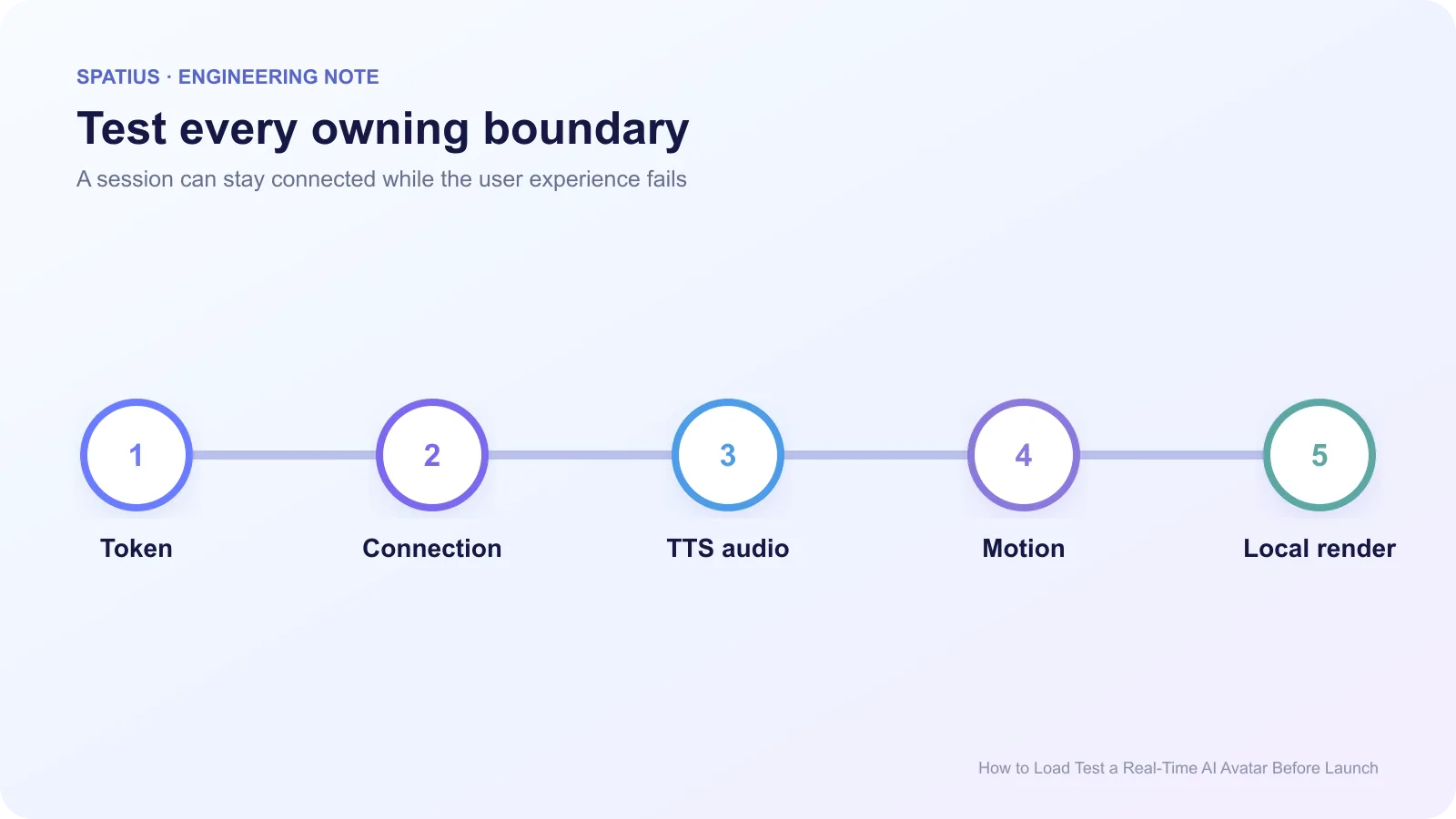
Server-side success is not enough. A connection can remain open while motion messages arrive late or the device cannot render them. Use the browser Performance API for client milestones. For RTC paths, the WebRTC statistics specification defines transport measurements you can pair with application events.
Watch the load generator too. If its CPU, file descriptors, or outbound network saturate first, the result describes the test machine. Run a calibration with no media processing, then monitor generator headroom throughout the real run.
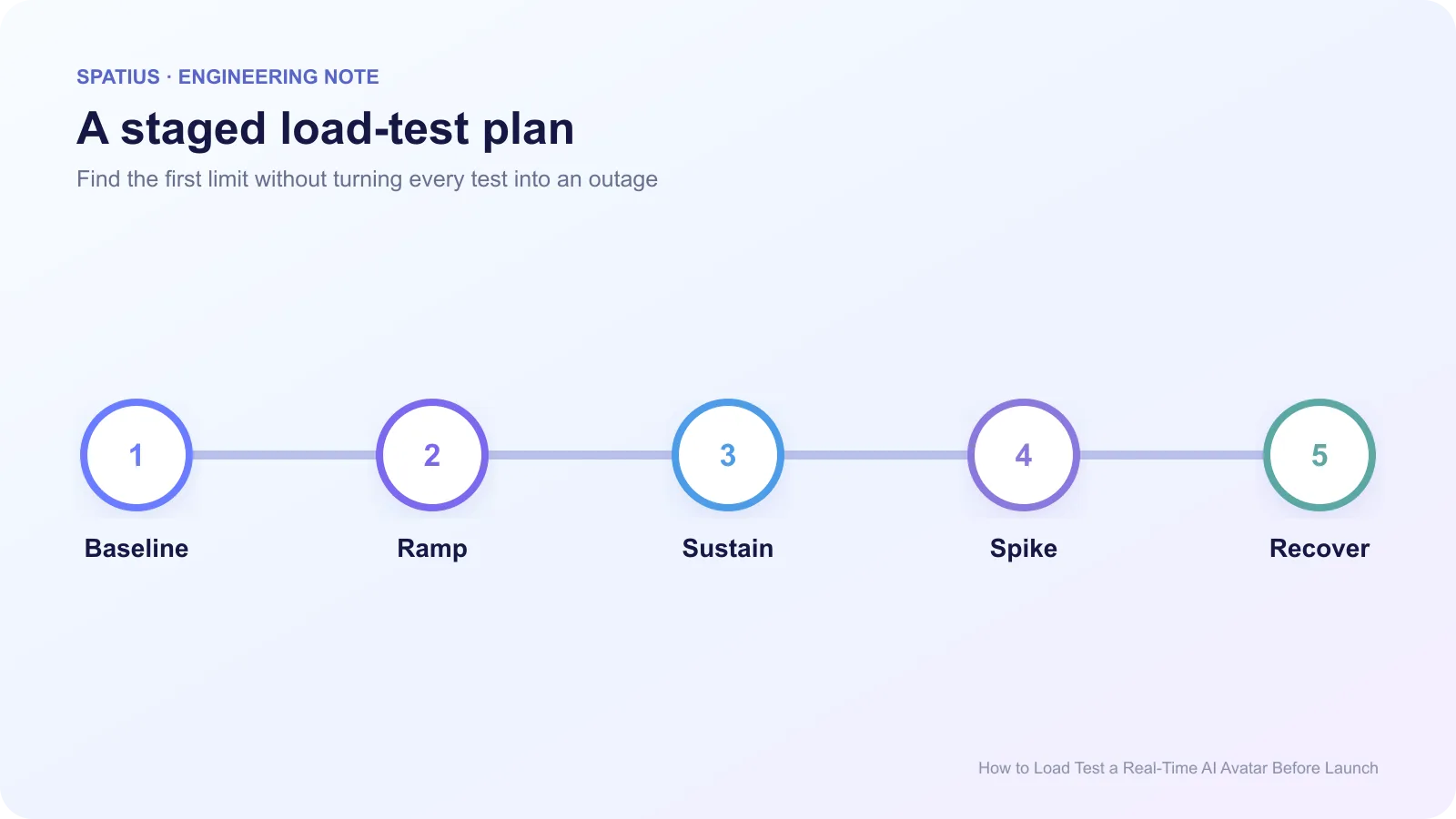
3. Run five test stages
- Baseline: Run a handful of sessions and confirm every metric, trace, and expected result.
- Ramp: Increase arrivals gradually until the planned production peak.
- Sustain: Hold the peak long enough to reveal memory growth, queue buildup, token expiry, and cleanup problems. Keep setup and teardown inside the documented k6 test lifecycle.
- Spike: Add a short burst that represents a campaign, meeting start, or retry storm.
- Recover: Return to normal traffic and verify queues, error rates, and startup time return to baseline.
Avoid jumping directly to the maximum. The Google SRE guidance on overload describes why a service should shed work instead of letting excessive demand collapse all useful work. A gradual ramp tells you where that behavior begins.
4. Set thresholds before the run
Define thresholds for connection success, p95 startup, p95 first motion, unexpected close rate, recovery success, and client frame health. Grafana k6 supports thresholds as pass/fail criteria. When reporting latency, preserve the distribution instead of relying on one average; the Prometheus guide to histograms and quantiles explains the tradeoff. The exact values should come from your product expectation and pilot data, not a universal avatar benchmark.
Include security and cost limits. A load test can trigger rate controls or produce a surprising TTS bill. Review the test plan against OWASP’s unrestricted resource-consumption risk and use dedicated credentials, controlled data, and an approved environment.
5. Test failure without creating a mystery
During the sustained stage, inject one fault at a time: delayed token issuance, a dropped Motion Server connection, a slow TTS response, or a suspended browser tab. Preserve WebSocket close-event details and confirm the product shows a safe fallback instead of an endless spinner.
Do not combine five failures in the first run. You need to know which boundary produced the behavior. Once isolated recovery paths pass, a later game-day exercise can test a compound incident.
Load testing a Spatius integration
Spatius converts avatar speech audio into motion data; AvatarKit renders locally. Your application owns ASR, LLM, TTS, tools, workflow state, and the downstream product experience. The Spatius Developer Docs Map is the current source for that boundary.
Choose the tested topology from the integration-path guide. Direct Mode puts the Motion Server connection in the client. Backend Mode and platform integrations assign different connection and transport responsibilities. Load the path you will deploy.
After the run, use the production API evaluation checklist to turn the results into a release decision. When a session fails under load, the avatar debugging guide helps locate the first missing event.
Frequently asked questions
How many concurrent sessions should we test?
Test the forecast peak plus a documented safety margin, but preserve the expected mix of speaking, listening, interruption, and silence. Idle connections alone are not a production model.
Should a load test include real users?
No. Use synthetic identities and approved test content. Real-device validation can run separately with a small internal cohort after the service path passes.