
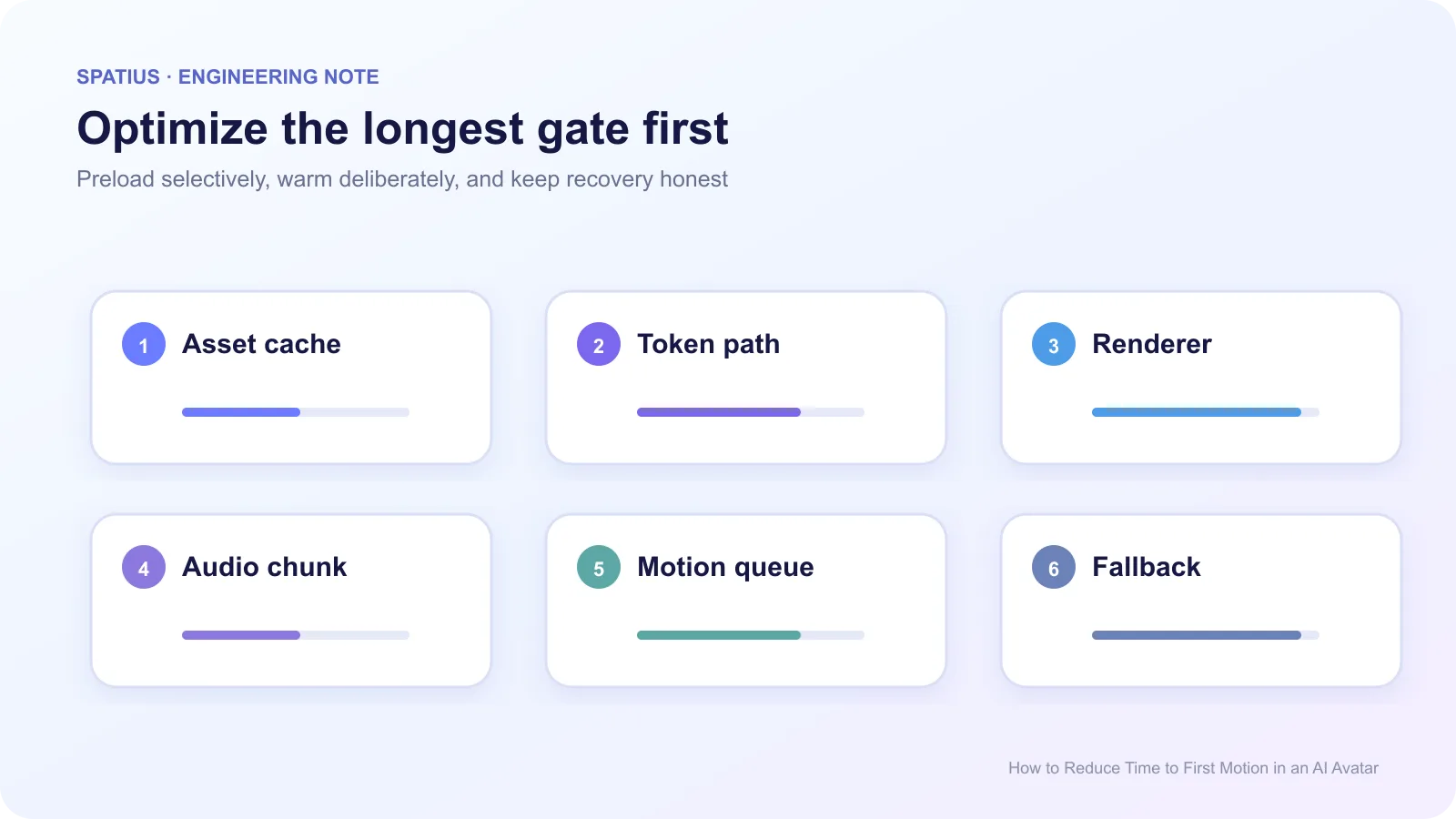
Time to first motion is the interval from the product’s chosen start event to the first visible avatar movement associated with the response. Reduce it by measuring asset readiness, session connection, first audio, first motion data, and first rendered frame separately. Optimize the longest gate instead of adding speculative preloads everywhere.
Key takeaways
- Define whether the clock starts at page load, user input, or approved speech.
- Separate cold-start and warm-start measurements.
- Load avatar assets before the first answer only when the user is likely to start a session.
- Align first audio and first motion; an early but silent movement can feel worse.
Define the metric before optimizing it
For a conversational turn, start at “approved avatar speech is available” and end when the corresponding motion is visible. For product startup, use a separate metric from user intent to a ready avatar. The User Timing API lets the client create named marks for both definitions.
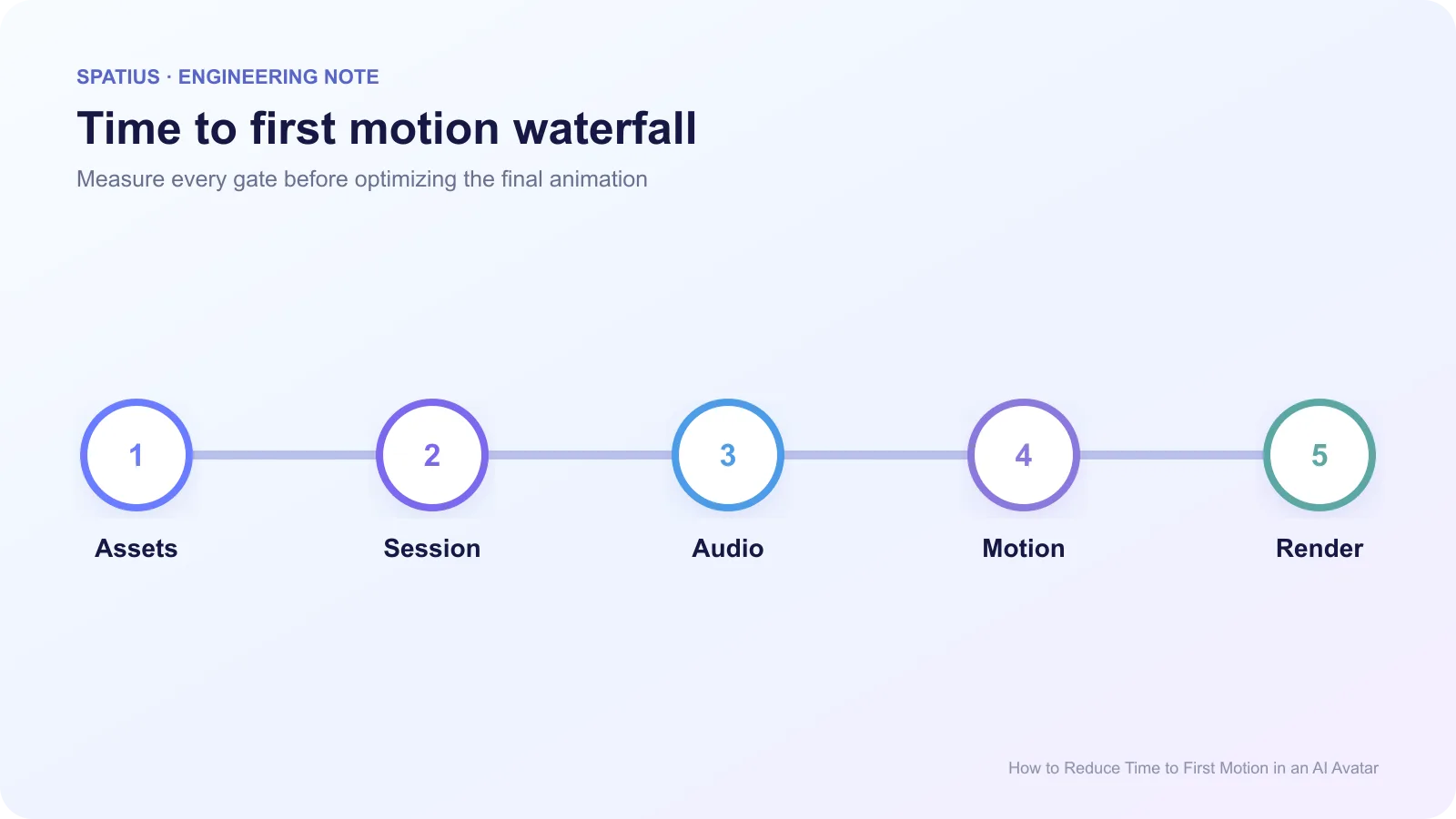
Record asset load, renderer ready, credentials ready, connection open, first audio accepted, first motion received, and first frame drawn. Send those marks to your observability stack with a correlation ID. A single “startup took 2.4 seconds” measurement cannot tell you whether caching or TTS work will help.
Web performance guidance on resource priority helps when a page loads the avatar beside more important product UI. Increase priority only for resources proven to block the intended interaction.
Remove avoidable startup work
Load the smallest resources required for the initial avatar state. Use preload only for assets the current page will need soon. MDN warns that preloaded resources consume bandwidth early, so preloading every avatar and texture can slow the rest of the product.
Cache versioned avatar assets where the product and security model allow it. Report cold and warm sessions separately. A warm demo is not representative of a first-time user, while a cold-only benchmark understates repeat performance.
When WebAssembly is part of the client, streaming compilation can compile while bytes arrive, provided the server returns the correct MIME type.
Create session tokens before the first response only after genuine user intent, such as opening the assistant or entering a workflow. Do not mint sessions for every page visitor. This controls cost and avoids holding credentials for users who never interact.
Warm the renderer deliberately
Initialize the graphics context and load the default idle state before response audio arrives. Use requestAnimationFrame for rendering work tied to display refresh. Remember that background tabs may pause callbacks, so test tab visibility changes rather than assuming the renderer stayed warm.
Shader compilation and texture upload can create a first-use hitch. Capture a browser performance trace and move only the proven expensive work earlier. Chrome’s Performance panel can show long tasks, rendering time, and GPU-related activity visible to the page.
Pause or reduce work when the page is hidden. The Page Visibility API lets the product detect that state instead of assuming animation frames continue normally.
Start with a useful audio chunk
Very small TTS chunks can reduce initial delay while increasing request overhead and producing unstable phrase boundaries. Very large chunks delay first output. Choose the chunking policy with the TTS provider, language, and avatar motion path in the same test.
Check the AudioContext state before scheduling. Browsers may suspend audio until a user gesture or after lifecycle changes, which can look like avatar latency.
The Web Audio scheduling model provides a stable media clock for playback. Schedule audio and avatar motion from related timestamps so motion does not visibly lead or trail the voice.
Avoid false starts
The fastest first motion is useless if the agent changes its answer after speaking. Buffer enough model output to produce a stable phrase, especially when retrieval, permissions, or a tool result can still change the response. A truthful listening or thinking state is better than a talking avatar that retracts its first sentence.
Anam’s work on session openings illustrates the difference between automatically speaking and waiting for the user. Decide that behavior by workflow, not by whichever option makes a demo start faster.
The Spatius article on designing the first avatar interaction provides a product framework for readiness, consent, greeting, and user control.
Measuring Spatius startup
Spatius receives avatar speech audio, returns motion data, and renders through AvatarKit on the client. The Spatius Docs Map defines the boundary. ASR, agent, and TTS timings remain in your application or agent platform.
In Direct Mode, separate token acquisition, AvatarKit readiness, Motion Server connection, audio submission, motion arrival, and local rendering. Other integration paths assign those stages differently, so use the integration guide before naming metrics.
Frequently asked questions
Is time to first frame the same metric?
No. An idle first frame can be visible before response motion. Track renderer-ready and response-first-motion separately.
Should we preload on the homepage?
Only if evidence shows a meaningful share of visitors start the avatar there and the preload does not damage page performance.
What is a good target?
Set a target from your own workflow, devices, regions, and user testing. Publish the conditions beside any number.