
An AI avatar feels real-time when it becomes ready without confusion, responds soon enough to preserve conversational flow, starts motion with speech, lets the user take a turn, and recovers without forcing the conversation to restart. Users experience that sequence as one interaction even though several systems create it.
Key takeaways
- “Real-time” is a perception created by several timed transitions.
- Time to first audio and first motion matter more than total generation time.
- Turn-taking and interruption policy shape trust as much as raw speed.
- A clear fallback can preserve the interaction when visual presentation fails.
Real-time is a chain of moments
People do not experience an API benchmark. They finish speaking, watch for acknowledgement, hear the start of an answer, and judge whether the avatar’s motion belongs to that voice. Nielsen Norman Group’s classic response-time guidance distinguishes immediate feedback from delays that break attention. Conversational interfaces add more milestones inside that interval.
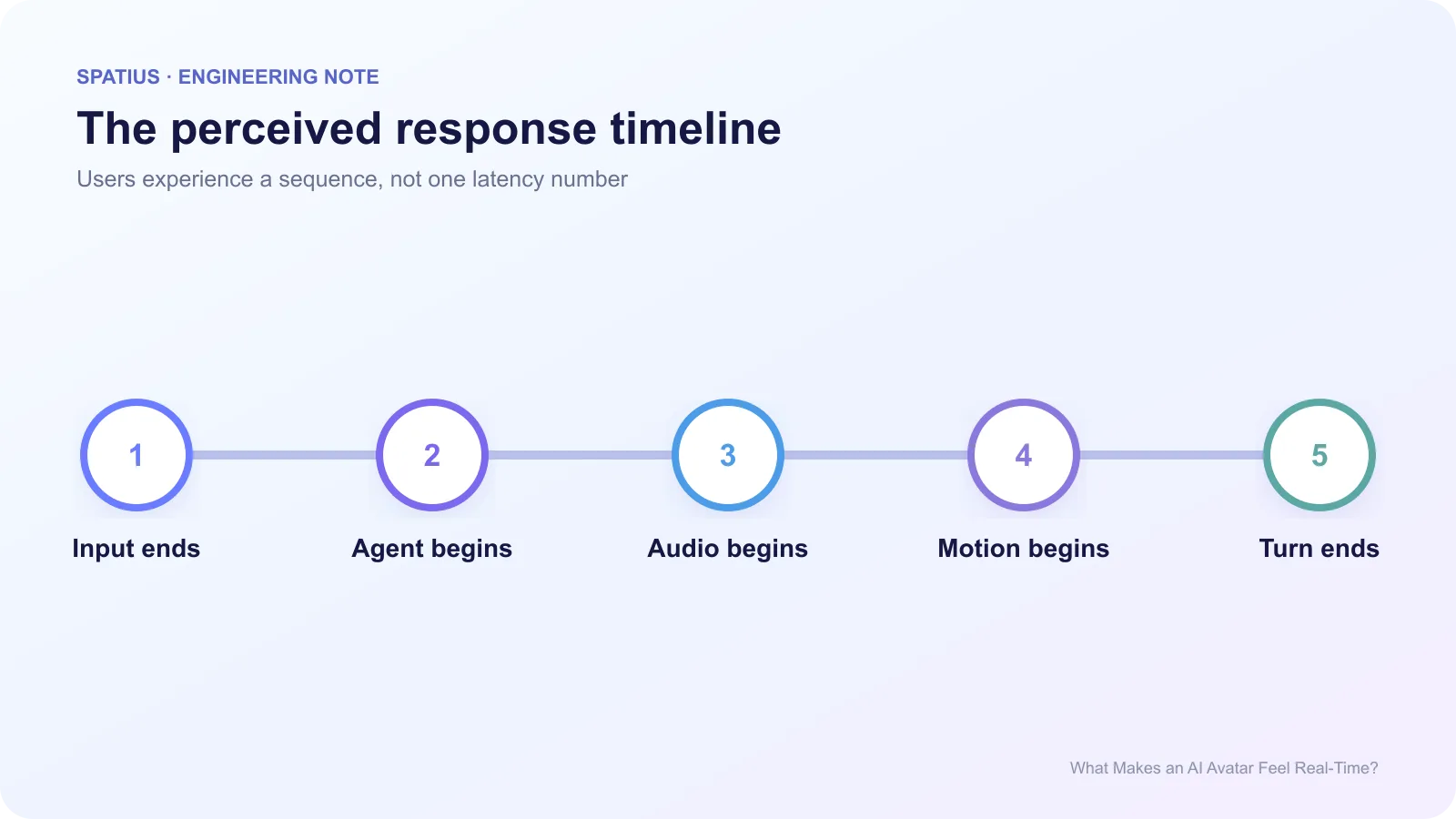
Record at least: end of user input, final transcript, first agent token, first TTS audio, first avatar motion, audible playback, and end of turn. The Performance API can mark client events, while your backend traces the agent and TTS. One total number hides whether the delay occurred before the answer or between audio and motion.
For interactions that include taps or controls, the Interaction to Next Paint metric offers a useful reminder: users judge responsiveness from visible feedback, not from a server timestamp alone.
Five conditions that create the feeling
1. Predictable startup
A session should show when it is loading, ready, listening, or blocked. Anam’s update on predictable avatar session openings demonstrates how much product behavior sits in the first message: whether the avatar greets, waits, or accepts an interruption.
2. Fast first useful output
Streaming can reduce the wait before speech, but the first audio must still be correct. Sending unreviewed model fragments into TTS may produce false starts or corrections. Use sentence-level buffering or an approval rule that fits the risk of the workflow.
3. Natural turn-taking
The system needs a reliable end-of-turn decision and a policy for barge-in. LiveKit’s discussion of turn detection shows how voice activity and semantic cues can shape this choice. Your product decides whether an opening instruction, payment confirmation, or tool-driven step may be interrupted.
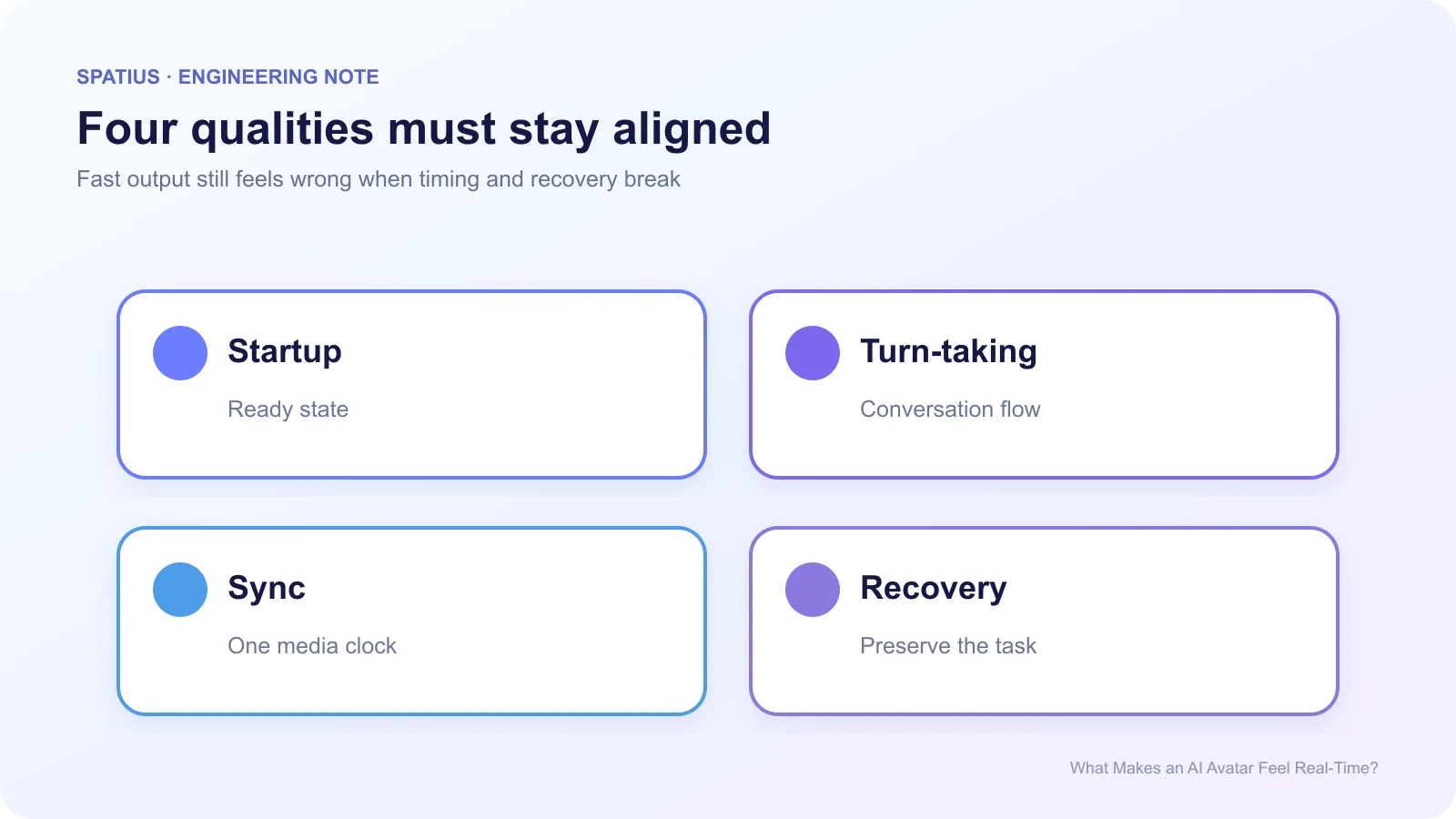
4. Audio and motion begin together
Users notice a mouth that starts after the voice, even when the answer itself arrived quickly. Schedule from a shared media timeline and measure drift through the turn. The Web Audio API’s timing model is a better foundation than independent wall-clock timers.
The browser’s AudioContext clock is monotonic and suited to scheduling. Relating motion timestamps to that clock prevents wall-clock adjustments from creating visible jumps.
5. Visible recovery
Networks change, mobile tabs suspend, and credentials expire. A real-time experience needs text, audio-only, retry, or exit states that preserve the task. MDN’s online and offline events can provide a hint, but they are not proof that a specific service is reachable. Verify the actual connection.
Measure the experience by percentiles
Track median, p95, and failure rate for each milestone. Averages hide the sessions users remember. When RTC is involved, the WebRTC statistics specification defines transport measurements such as jitter, packet loss, frames, and round-trip time. WebSocket integrations need application-level timing and reconnect events.
Test on a real minimum device under CPU and network throttling. Chrome DevTools explains how to simulate slower networks. Repeat the same conversation: short response, long response, interruption, silence, and a network transition.
Also test user interruption explicitly. The Spatius article on when users should be able to interrupt an AI avatar separates conversational timing from business rules that must complete safely.
How Spatius fits the real-time path
Spatius converts avatar speech audio into motion data, and AvatarKit renders locally. The application still owns ASR, LLM, TTS, turn-taking, and interruption policy. That division is documented in the Spatius Docs Map.
The integration path changes what you measure. Direct Mode puts the Motion Server connection in AvatarKit on the client. Backend Mode gives your backend greater control over chunking, buffering, and downstream transport. Use the path-specific events rather than copying a generic latency diagram.
Frequently asked questions
Is lower latency always better?
Lower delay helps until it causes unstable speech, premature answers, or unsafe actions. The goal is the fastest correct and recoverable experience.
Does high frame rate make an avatar feel real-time?
Frame rate helps visual continuity, but it cannot fix a late answer, broken turn-taking, or poor audio-motion alignment.
What should teams optimize first?
Start with time to first useful audio, time to first motion, and failed-start rate. Then investigate the component responsible for the slow or missing transition.