
Keep voice and avatar motion synchronized by scheduling both against one monotonic media timeline, preserving chunk order and timestamps, measuring onset and drift, and defining what happens after a gap or reconnect. Independent wall-clock timers eventually diverge, especially when the network, decoder, or renderer pauses.
Key takeaways
- Use the audio playback clock as the presentation reference when possible.
- Timestamp chunks and reject duplicates or out-of-order data.
- Measure both initial offset and drift across long turns.
- Resynchronize at safe boundaries instead of stretching motion indefinitely.
Use one media timeline
The browser’s AudioContext currentTime is a monotonic hardware-backed timeline designed for audio scheduling. Map motion frames or control points to the corresponding audio position rather than calling Date.now() independently in the audio and render loops.
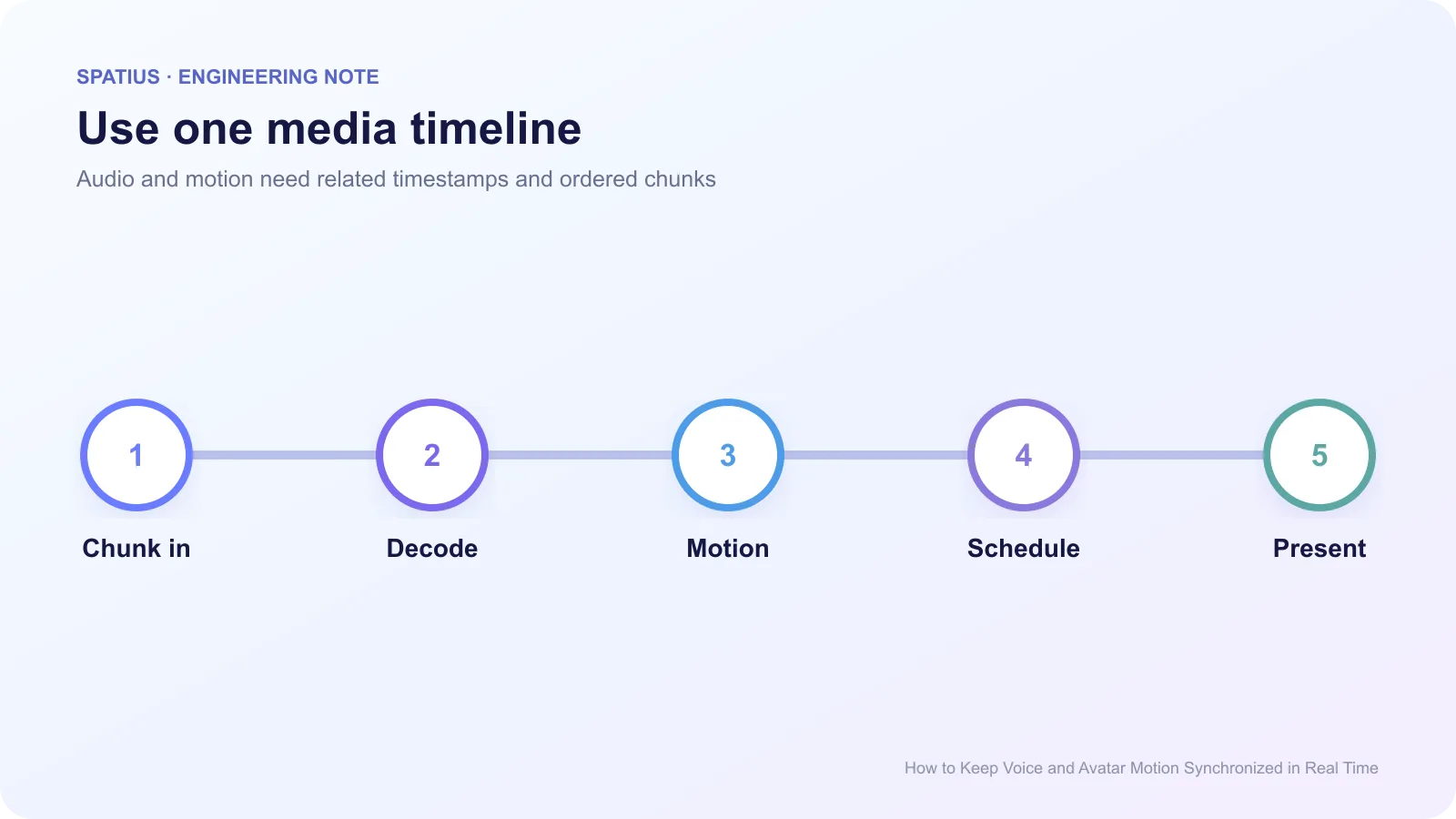
Every streaming chunk should carry a sequence number or media timestamp. The receiver can then buffer briefly, reorder within a limit, and identify missing data. WebRTC’s jitter-buffer measurements illustrate how media systems account for variation between packet arrival and playback.
RTP uses timestamps and sequence numbers for the same reason. RFC 3550 defines the relationship without requiring applications to use RTP for every avatar integration.
Measure onset and drift separately
Onset offset is the difference between audible speech start and visible mouth motion start. Drift is how that difference changes during the turn. A fixed 80 ms offset and a turn that grows from 20 ms to 400 ms are different failures.
Record the scheduled and actual audio start, first motion timestamp, first painted response frame, dropped frames, buffer depth, and any resync. ProtoFace’s lip-sync monitoring guide identifies TTS chunking, transport jitter, video stalls, and backend delay as common contributors.
Use AudioBuffer duration and decoded sample counts to verify the media length the browser actually scheduled, not only the duration reported by the upstream service.
Classify the sync failure
Constant offset often comes from a fixed decode, buffer, or rendering delay. Correct the scheduling relationship rather than adding UI animation.
Growing drift suggests separate clocks, inaccurate sample counts, resampling, or accumulated frame timing error. Web Audio’s sample-rate documentation matters because a stream interpreted at the wrong rate changes duration.
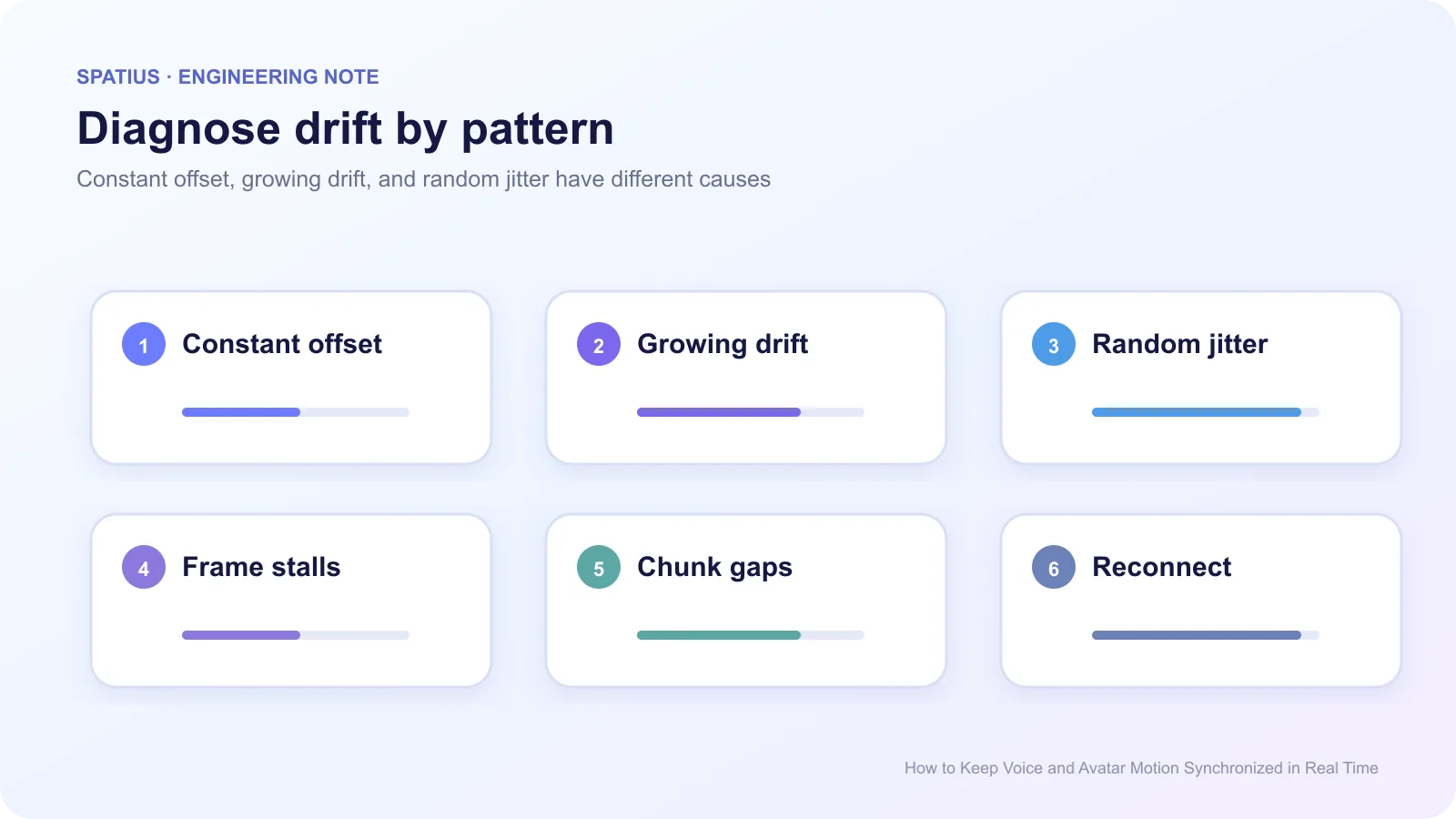
Random jitter points toward variable arrival, decode, or main-thread work. Use a small adaptive buffer and watch p95, not just average offset.
For render pacing, requestAnimationFrame provides the display callback, but it can be delayed by long main-thread tasks or paused in background tabs.
Frame stalls may happen while audio continues on a dedicated audio thread. Capture long tasks and animation frames with the Chrome Performance panel. Optimize the blocking work rather than delaying audio to match a slow UI.
Treat chunk boundaries carefully
TTS providers may emit chunks that do not align with words or phonemes. Do not reset the avatar to idle at every network chunk. Preserve continuity until an explicit end-of-input signal or a verified turn boundary.
The Web Audio guidance on scheduled playback shows how starts can be placed on the audio timeline rather than triggered by independent timeouts.
If a chunk is late, choose a policy: hold both streams within a small budget, continue audio with reduced motion quality, or enter audio-only fallback. Avoid repeatedly pausing speech to chase perfect visual alignment; users notice broken cadence too.
For more detail on delay, loss, and jitter, WebRTC for the Curious provides a vendor-neutral explanation of real-time media behavior.
Resynchronize at safe moments
Long turns provide natural boundaries at sentence pauses. If drift exceeds the product’s tested limit, adjust a motion queue at a pause rather than warping every frame. After a reconnect, discard stale motion and restart from the next approved phrase unless the integration can resume from a shared timestamp.
The Page Visibility API matters because background tabs may throttle rendering while audio or network activity follows different rules. Test hide, restore, sleep, and device rotation.
Synchronization in Spatius
Spatius Motion Server receives avatar speech audio and returns motion data, while AvatarKit renders locally. The Developer Docs Map defines this path. Your application or chosen agent framework owns TTS and the decision about what speech to send.
Use the audio requirements in Direct Mode, including PCM16, mono, and the configured sample rate. For backend-owned transport and buffering, review the integration-path guide and instrument the component that schedules downstream audio and motion.
The companion article on on-device versus cloud avatar architecture explains why transport labels alone do not guarantee synchronization.
Frequently asked questions
Can I fix lip sync with a fixed delay?
A fixed delay can correct a stable offset in one environment. It will not fix growing drift, variable jitter, dropped frames, or incorrect sample rate.
Should audio pause when motion is late?
Only within a tested buffer budget. Beyond that, audio-only continuation is often better than broken speech.
How should we test synchronization?
Use short and long phrases, fast and slow speech, network jitter, background tabs, device sleep, and reconnects. Measure onset and end-of-turn drift for every run.