
To version a real-time AI avatar integration, pin every deployable dependency and record the compatible SDK, asset, message-contract, configuration, and application versions in one manifest. Release through a small cohort, keep the previous contract operational, and define rollback triggers before launch. A package downgrade alone is not a rollback if cached assets or messages changed.
Key takeaways
- Version the complete runtime contract, not only the SDK package.
- Use immutable assets and pin prerelease dependencies.
- Test forward and backward compatibility before expanding a release.
- Keep task state and stored data readable by the previous release.
1. List every independently changing part
An avatar release may include the web or native app, AvatarKit, an RTC adapter, backend or platform plugin, character assets, Motion Server behavior, configuration, feature flags, and application message schemas. Write the list for your chosen integration path. If an item can change without the others, it needs an owner and a compatibility rule.
Semantic Versioning defines major, minor, and patch signals for a declared public API. The SemVer specification also says a released version must not be modified. That rule is especially useful for large avatar assets: publish a new versioned URL rather than replacing bytes behind an old name.
2. Record one compatibility manifest
Store the application release, SDK version, avatar/scene asset IDs and hashes, message-contract version, integration path, and enabled flags together. Include it in diagnostics and safe bug reports; OpenTelemetry’s service resource conventions include a standard service.version field. “Latest” is not a reproducible version.
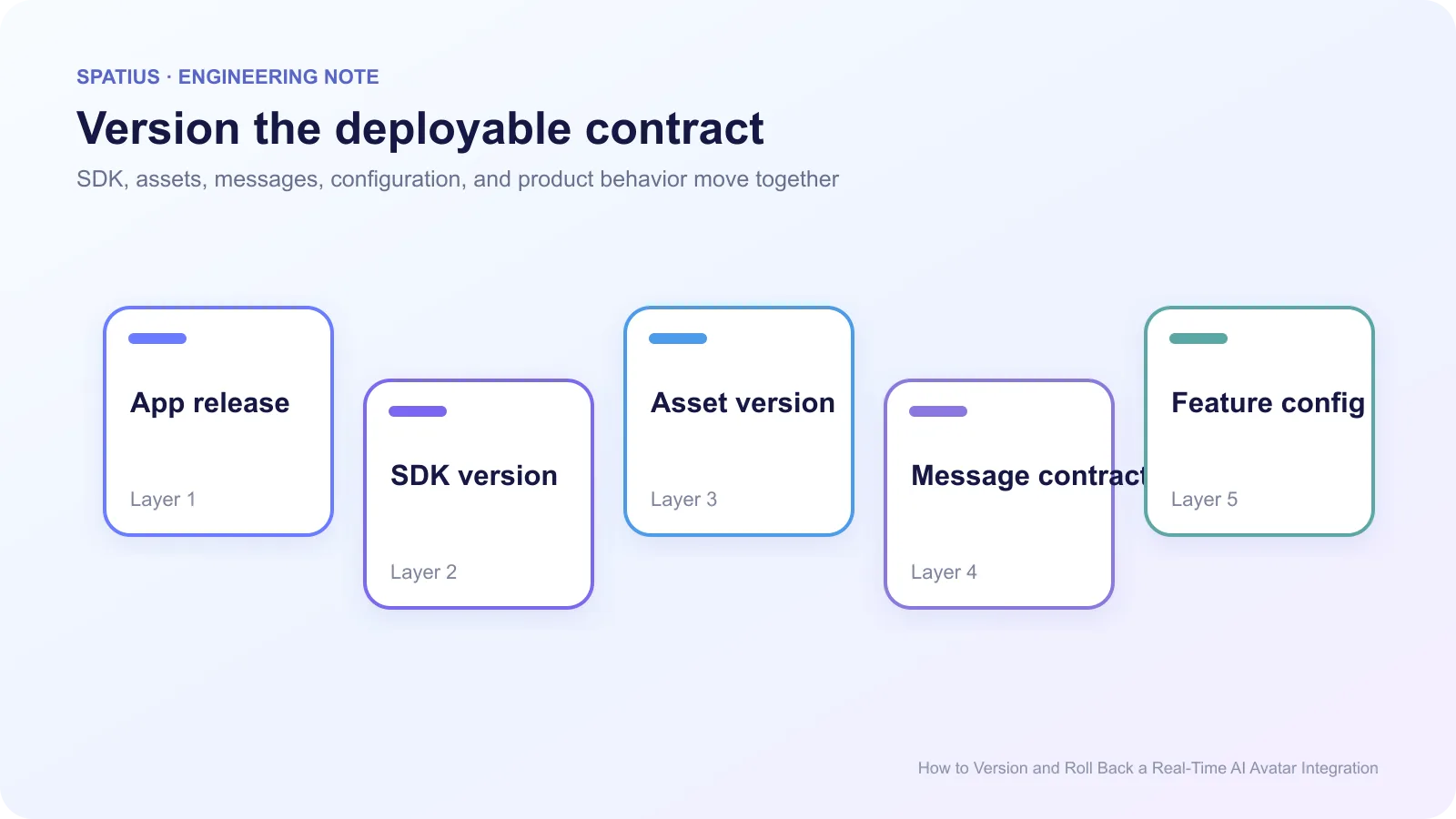
Commit dependency lockfiles. npm’s package-lock documentation explains how the lockfile records an exact dependency tree. Pin canary or prerelease packages instead of accepting a floating range; React’s versioning policy makes the risk clear by stating that Canary releases may contain breaking changes.
3. Design contracts for version skew
During rollout, old clients can talk to new backends and cached clients can reconnect after a deployment. Add an explicit message or protocol version, ignore unknown optional fields, and reject incompatible versions with a useful error. Siemens’ API versioning guideline explains how parallel versions control migration impact.
Do not remove a field in the same release that stops sending it. The Kubernetes API deprecation policy is stricter than most SaaS products need, but its compatibility principle is valuable: support old and new forms long enough for safe upgrade and rollback. For HTTP APIs, the standardized Sunset header is another way to communicate planned retirement.
Stored application state matters too. If the new release writes a conversation or task format the old release cannot read, a code rollback can make active sessions unusable. Prefer additive changes or a dual-read period.
4. Release through controlled cohorts
Start with internal users, then a canary cohort, then a small percentage of production sessions. Compare startup, first motion, unexpected close rate, fallback entry, task completion, and client errors with the previous version. OpenFeature’s feature-flag specification provides a vendor-neutral model for evaluation context and flag behavior, while LaunchDarkly documents how percentage rollouts assign stable contexts to variations.
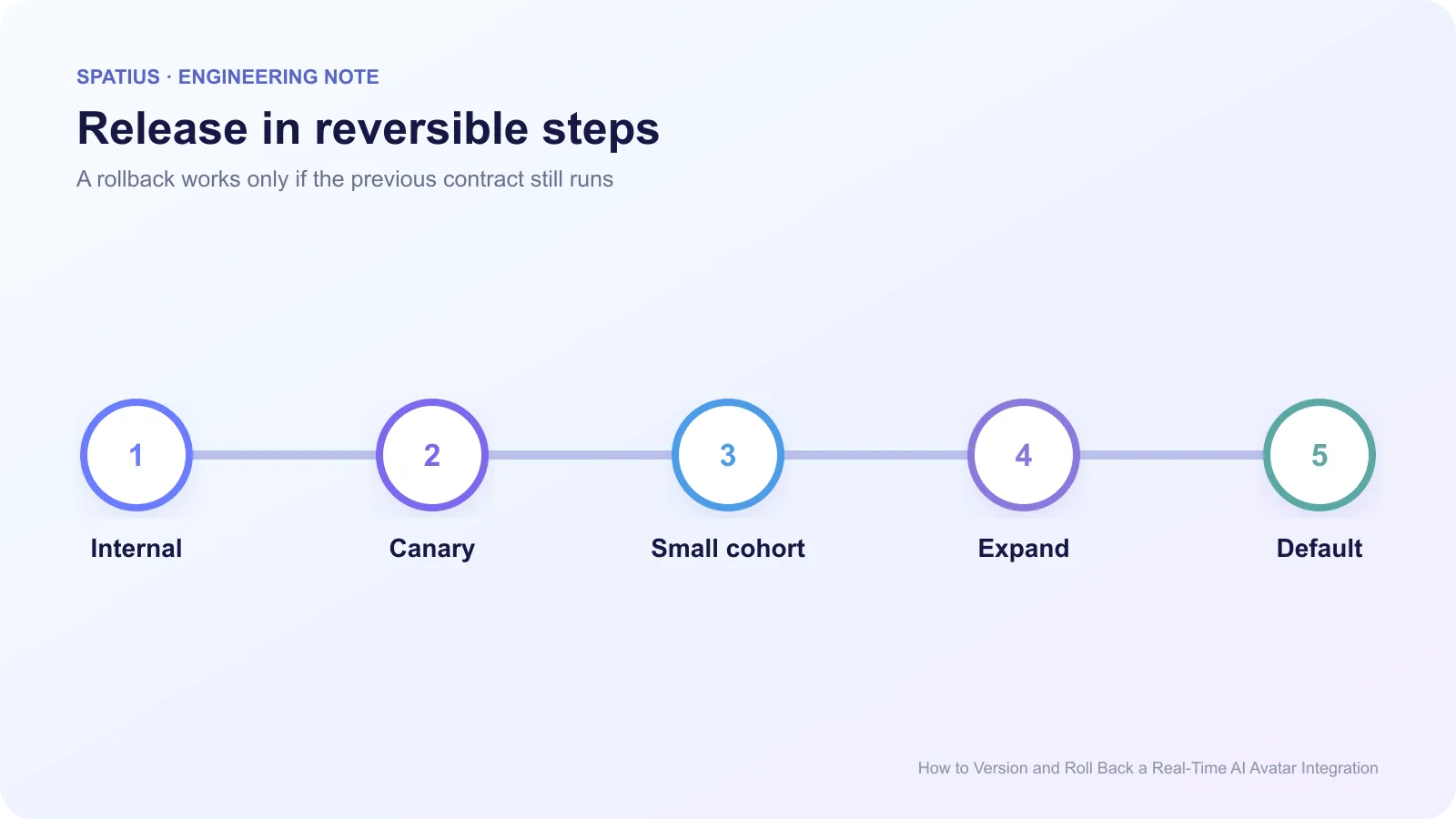
The rollout flag should select a tested manifest, not an arbitrary mix of new code and old assets. Keep cohorts stable long enough to compare behavior. A user switching versions every session makes incident analysis harder.
5. Define rollback triggers and mechanics
Write the trigger before launch: for example, a new error class, a material p95 regression, repeated context loss, missing controls, or a fallback rate above the approved threshold. Connect release data to traces; Sentry’s release-health documentation is one example of tying sessions and failures to a release. The rollback command itself should be tested too; Kubernetes documents the mechanics of rolling back a deployment.
A rollback plan should answer four questions:
- Which flag or deployment restores the previous application contract?
- Are the previous assets still available at immutable URLs?
- Can the previous release read state written during the canary?
- What happens to sessions already in progress?
Avoid purging every cache as the first response. MDN’s HTTP caching guide shows why content-addressed or versioned assets are easier to roll forward and back than mutable URLs.
6. Run the rollback before you need it
In staging, start a session on the old version, deploy the new version, reconnect, then roll back while another session is active. Check speech, motion, controls, task state, asset selection, and telemetry. Repeat with a cached browser and a native client that updates later. Keep source rollback auditable; Git’s revert records a new change that reverses an earlier commit instead of rewriting shared history.
Keep one known-good artifact set for the supported rollback window. Record who can trigger rollback and how the change is communicated. A plan that depends on one engineer remembering a package version at 2 a.m. is not complete.
Versioning a Spatius integration
Use the Spatius integration-path guide to identify the components your team owns. Direct Mode has a client AvatarKit integration and a token endpoint. Backend Mode adds server SDK and downstream transport responsibilities. Platform integrations introduce their own packages and room or channel configuration.
The Developer Docs Map links to current SDK references and error pages. Your application still owns the agent, TTS, workflow state, release flags, and client experience.
Use the production load-test guide before expanding a version, and the session debugging guide to include the compatibility manifest in incident reports.
Frequently asked questions
Is pinning the SDK version enough?
No. Assets, message schemas, backend or platform packages, configuration, feature flags, and cached clients can change the runtime contract.
Should every change get a new API version?
No. Use a new contract version for incompatible behavior. Backward-compatible fields and internal fixes can remain within the supported version when your compatibility policy allows it.