




Give your LiveKit agent a real-time face.

Keep your voice stack. Add a synchronized, on-device 3D avatar with the official Spatius plugin.

01

Clone the repo and enter the quickstart folder

LiveKit

Clone the Spatius avatar demo repository, then enter the LiveKit Agents quickstart folder.

Commands
git clone https://github.com/spatius-ai/spatius-avatar-demo.git
cd spatius-avatar-demo/platform-integrations/livekit-agents-demo/livekit-agent-quickstart
02

Create env files

LiveKit

Copy both templates, then fill in backend/.env and frontend/.env with your Spatius, LiveKit, and Google AI Studio credentials.

Commands
cp backend/.env.example backend/.env
cp frontend/.env.example frontend/.env
03

Install dependencies

LiveKit

Install both apps. The backend pins livekit-agents, livekit-plugins-google, and livekit-plugins-spatius to matching versions.

Commands
# backend
cd backend
uv sync
# frontend
cd ../frontend
pnpm install
04

Run the stack (3 terminals)

LiveKit

Start the token server, LiveKit agent worker, and frontend separately. Open localhost:3000, click Connect, then Enable Mic.

Commands
# Terminal 1: token server
cd spatius-avatar-demo/platform-integrations/livekit-agents-demo/livekit-agent-quickstart/backend
uv run token_server.py
# Terminal 2: LiveKit agent worker
cd spatius-avatar-demo/platform-integrations/livekit-agents-demo/livekit-agent-quickstart/backend
uv run agent.py dev
# Terminal 3: frontend
cd spatius-avatar-demo/platform-integrations/livekit-agents-demo/livekit-agent-quickstart/frontend
pnpm dev

Add a face. Keep the brain.

LiveKit Agents orchestrates the conversation. Spatius turns speech into synchronized motion. AvatarKit renders it locally.

Tap nodes for details
LiveKit Agents Integration architectureYou manageSpatius managedLiveKit Agents WorkerAgentSessionSTT / LLM / TTSVAD / turns / toolsSpatius Pluginlivekit-plugins-spatiusMotionServerLiveKit roomRTC AdapterLiveKit providerAvatarKit SDKclient rendereruser audioAvatar
Spatius publishes synchronized audio and motion data—not finished avatar video. The Web client must use AvatarKit RTC.

Motion travels. Pixels stay local.

LiveKit transports synchronized audio and motion. AvatarKit turns that data into a transparent, interactive 3D avatar on the user’s device.

01 · LIVEKIT ROOM

Audio and motion, kept in sync.

LiveKit carries the agent voice and Spatius motion data together.

AUDIO TRACKMOTION DATA
02 · BROWSER

Pixels rendered in the browser.

AvatarKit RTC renders the avatar locally.

All mainstream browsers supported
01

Lightweight transport

LiveKit carries synchronized audio and motion data instead of a continuous rendered video stream.

02

Interactive by design

The transparent 3DGS avatar layer can sit naturally inside your interface, foreground, and background.

03

Scales with the client

Rendering runs in the browser, reducing the server-side GPU load associated with per-session video rendering.

04

Economical at runtime

A motion-first architecture avoids rendering and streaming a unique video feed for every session.

Compare on-device and cloud rendering architectures

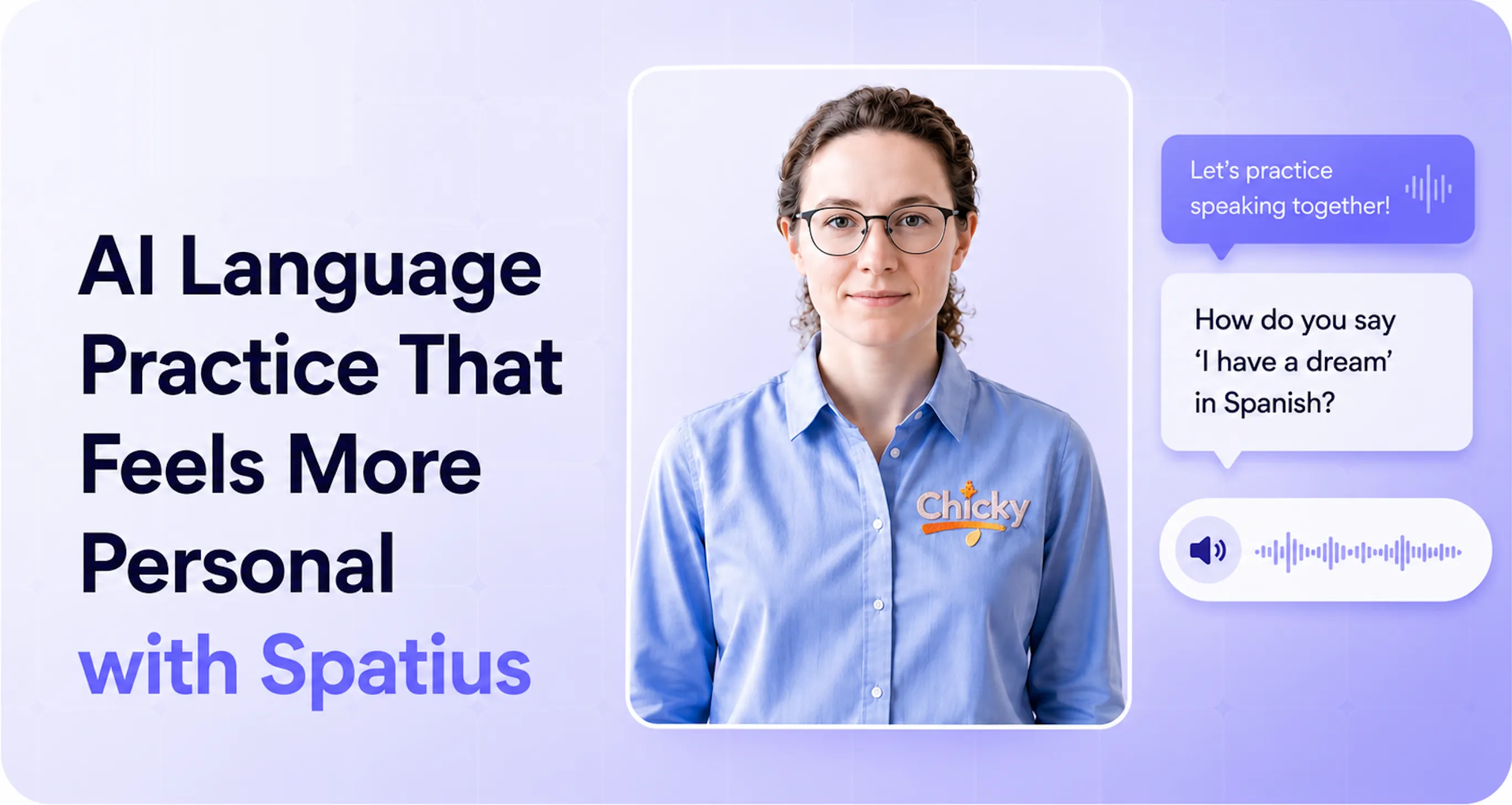
ChickyTutor added presence without rebuilding its voice product.

LiveKit keeps handling the real-time voice session. Spatius adds the visible avatar layer that makes language practice feel more face-to-face.

Read the customer story
ChickyTutor with a Spatius real-time avatar

LiveKit integration questions.

Does Spatius replace my LiveKit voice stack?+

No. Your LiveKit Agent still owns VAD, STT, LLM, TTS, turn-taking, and business logic. Spatius converts the agent speech audio into motion data and renders the avatar on the Web client.

Why does a normal LiveKit video renderer show a black frame?+

The avatar track carries synchronized motion data rather than finished video frames. Use @spatius/avatarkit-rtc with AvatarKit to decode the track and render locally.

Which platforms are supported?+

The LiveKit Agents integration client path currently targets Web. For iOS and Android, use the Spatius native SDKs through another integration path.

Where should credentials live?+

Keep Spatius and LiveKit secrets on the server. Never embed SPATIUS_API_KEY or LIVEKIT_API_SECRET in browser code.