

Adaptive Bitrate Streaming for Real-Time AI Avatars: What to Test
Adaptive bitrate streaming changes the quality of a live stream as network conditions change. For a real-time AI avatar, its job is to preserve a usable conversation when bandwidth drops instead of holding the user on a frozen frame.
It is important, but it is not a magic fix for every live-avatar problem. A weak connection can also affect audio, signaling, connection recovery, and the agent’s ability to respond quickly. Product teams should test the whole session, not just whether the face still moves. Anam’s post on adaptive bitrate streaming for real-time avatars offers a useful example of the intended behavior: gracefully lower visual quality during a constrained connection, then recover when conditions improve.
What adaptive bitrate solves
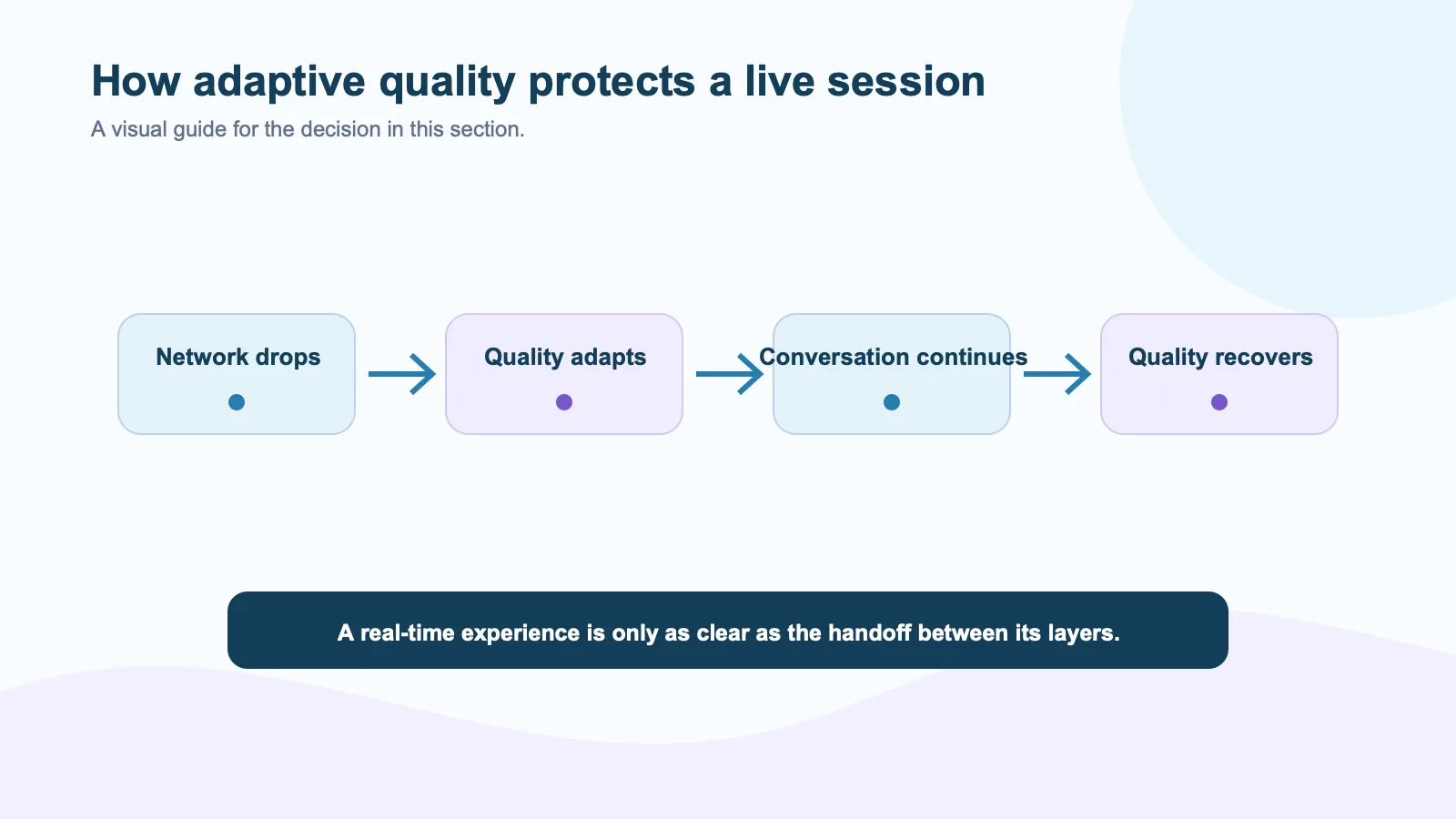
A typical cloud-streamed avatar sends audio and video over a variable network. If the user’s connection deteriorates, the client can receive fewer bits per second. Adaptive bitrate logic can lower resolution, frame rate, or visual detail so the stream continues instead of stalling.
This matters for users on home Wi-Fi, corporate VPNs, mobile hotspots, or geographically distant connections. It is also relevant to embedded devices that share a network with other traffic. The user may tolerate a softer image for a few seconds. They are less likely to tolerate a frozen avatar that appears to ignore them.
WebRTC implementations expose transport data that can help you observe this behavior. The MDN getStats documentation covers the statistics API used to inspect connection and media metrics. Pair those numbers with a recording of the actual user experience; bitrate alone does not tell you whether the session felt coherent.
What it does not solve
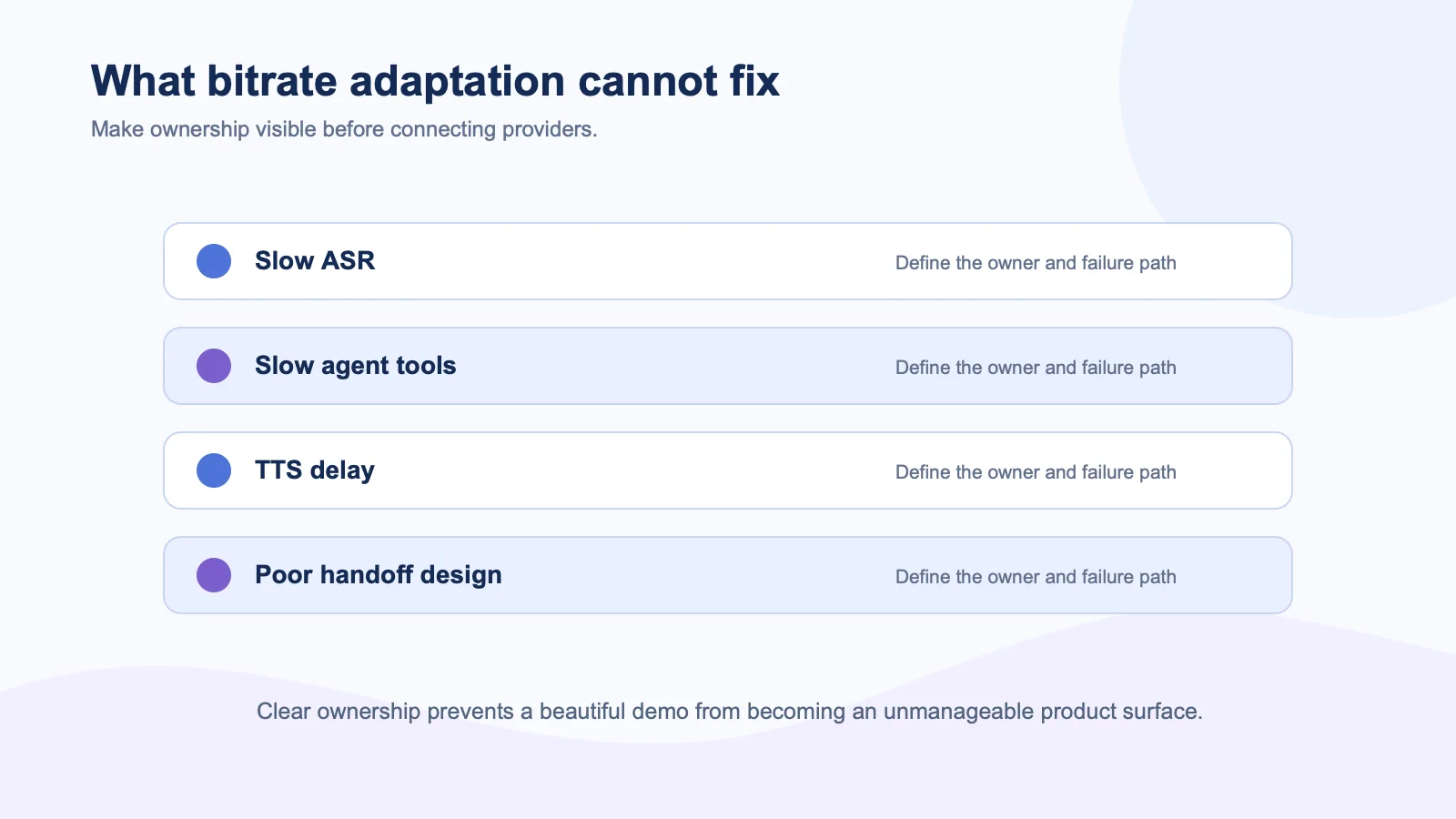
Adaptive bitrate cannot make a slow LLM answer faster. It cannot fix an ASR failure, a blocked TTS request, or a tool call that waits on a customer’s CRM. It also cannot repair poor conversation design. If a user interrupts and the agent keeps speaking for five seconds, a sharp video stream will not make the interaction feel responsive.
This distinction matters when comparing architectures. A cloud-rendered video path has streaming quality concerns. A motion-driven client-rendered architecture has a different delivery profile. Spatius documents audio-to-motion delivery and local AvatarKit rendering, rather than a finished avatar video returned from the cloud. That does not remove every network dependency, but it changes which part of the experience needs bandwidth.
Test the session in five conditions
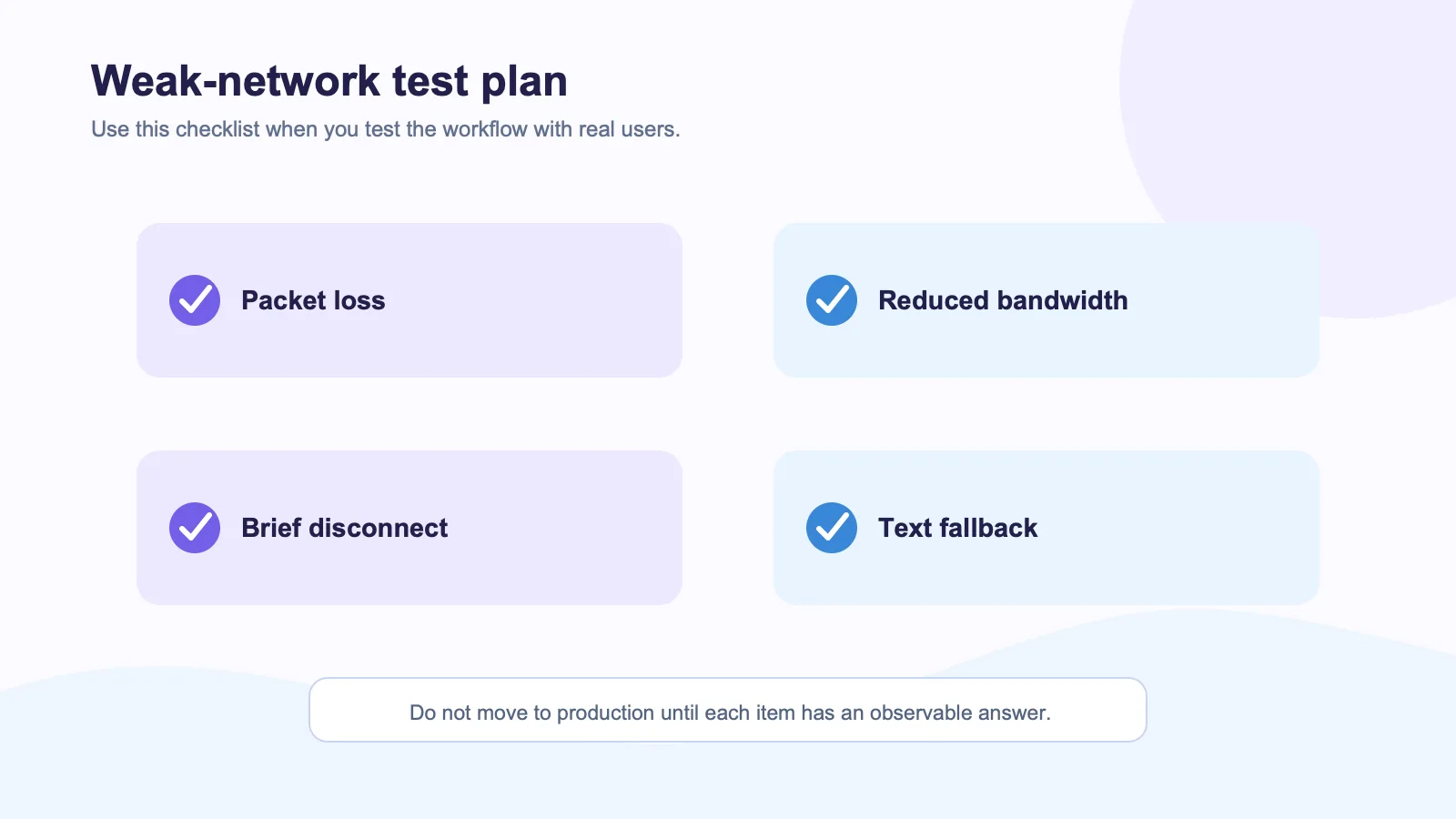
| Test condition | What to observe |
|---|---|
| Stable office connection | Baseline response and visual quality |
| Moderate packet loss | Does audio remain understandable? |
| Reduced bandwidth | Does the visual layer degrade gradually? |
| Brief disconnect | Is reconnection obvious and recoverable? |
| Backgrounded client | What state does the user return to? |
Chrome DevTools can help create early network scenarios through network throttling, but it cannot replicate every WebRTC path or device behavior. Include a real remote user in the pilot. They will find the awkward cases quickly.
Design for a visible fallback
The most important design decision is not the bitrate algorithm. It is the fallback. When visual quality cannot be maintained, do you keep audio and show a clear status? Can the user switch to text? Can they request a human or continue later? A polished avatar experience needs these exits from day one.
The W3C guidance on captions is written for recorded media, but the general lesson carries into live product design: people need an alternative way to understand the interaction. Captions, transcript visibility, and text controls are not optional decorations.
The practical rule
Choose a provider based on the complete degraded experience: what happens to the conversation, the controls, the handoff, and the user’s understanding of the state. A real-time avatar should fail gently. If it cannot, keep the interaction simpler until it can.
External sources
- Anam on adaptive bitrate streaming
- MDN WebRTC API documentation
- MDN RTCPeerConnection statistics
- Chrome network throttling documentation
- W3C captions guidance