

AI Integration Patterns for Real-Time Avatar Experiences
There are three common ways to add a real-time avatar to a SaaS product: connect the client directly, route the session through your backend, or add the avatar as a participant in a real-time room. The best choice depends on where your agent already lives.
The mistake is treating an avatar SDK as a front-end widget decision. The avatar has to receive agent output, react to session events, respect data boundaries, and recover when the connection is imperfect. Tavus’s developer playbook on real-time video integration patterns makes a related point: media, latency, and orchestration are architecture decisions, not implementation details to postpone.
Pattern 1: direct client integration
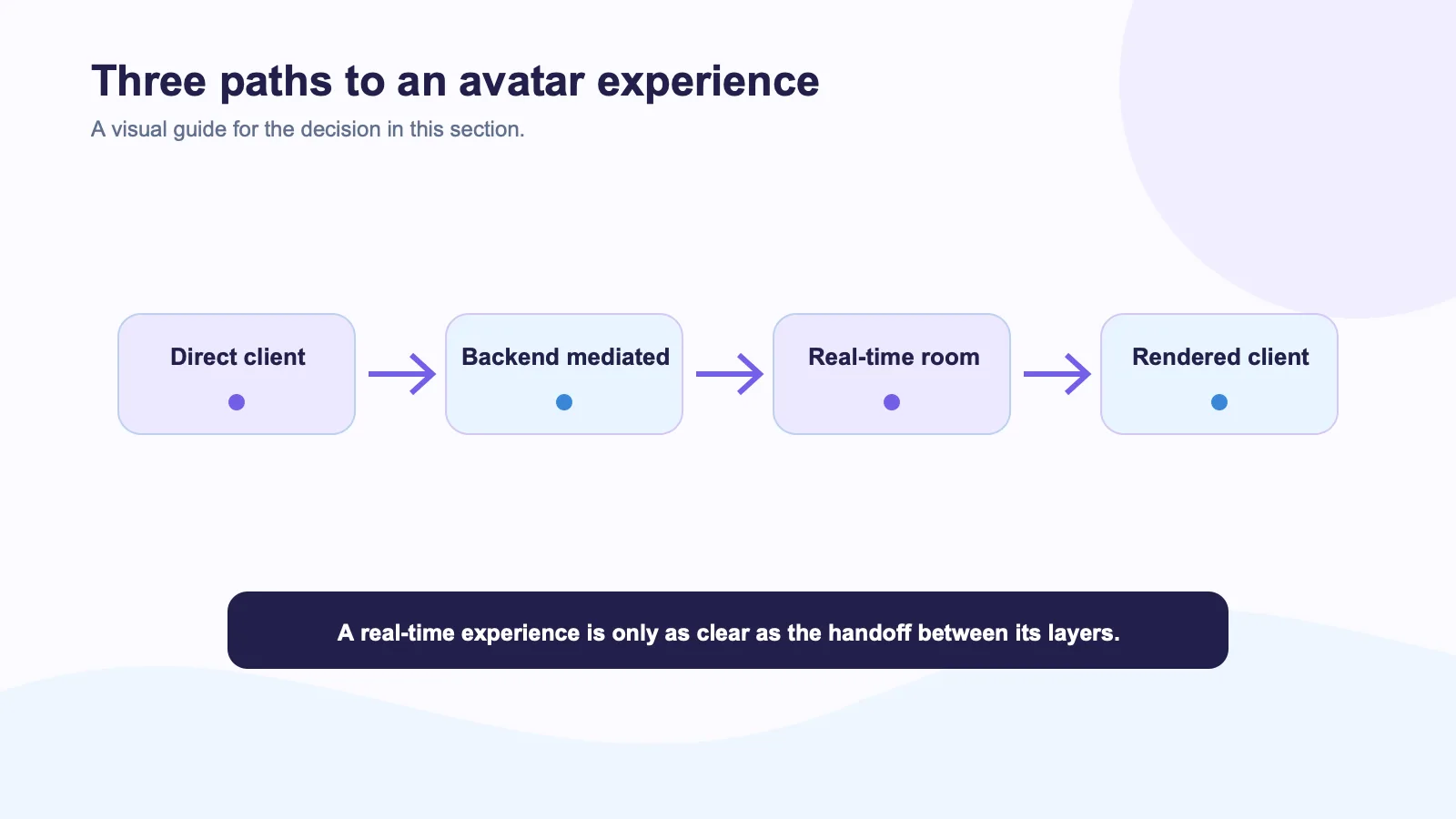
In a direct pattern, the browser or app connects to the avatar provider and renders the result locally. Your product backend still creates sessions or supplies signed credentials, but the media path stays close to the user.
This can reduce the number of systems standing between the user and the visual response. It is also straightforward for a contained Web pilot. The responsibility is clear: the client must handle loading, permission prompts, reconnects, and the state where an avatar is not available. Do not hide those states behind a blank video panel.
Spatius’s AvatarKit documentation map describes local client rendering driven by real-time motion data. That model can fit a product that wants to preserve its own agent and speech services while delivering visual output in the client. Validate the applicable client platform before you promise support; the documented LiveKit avatar client path is Web-focused.
Pattern 2: backend-mediated integration
In a backend-mediated pattern, the backend decides when the avatar is invoked and passes only the data required for the active turn. This works well when an existing agent handles permissions, retrieval, tool calls, and audit events on the server.
It adds control, but also latency and operational work. The backend becomes responsible for tokens, session teardown, retries, rate limits, and data minimization. If the agent calls a slow enterprise system, the user experience needs a truthful waiting state. A visual avatar that appears to be thinking while a tool times out can erode trust fast.
This pattern is usually the safer starting point for regulated or workflow-heavy SaaS products. The OWASP guidance for LLM applications is worth reading before sending customer context to any third-party model or media service. Know which identifiers, transcripts, and attachments leave your environment.
Pattern 3: real-time room participant
In a room model, the agent, user, and avatar join a common media session. LiveKit’s Agents framework supports this kind of architecture, allowing an agent worker to work alongside participants and media tracks. It is a useful fit for real-time voice products because the system already has a place to manage audio, data messages, and participant lifecycle.
Spatius documents a LiveKit integration in which agent audio reaches Motion Server and the resulting synchronized audio and motion data are published to the room, with AvatarKit rendering the avatar client-side. D-ID also markets a LiveKit plug-in that streams a visual avatar into an agent environment. The provider choice is separate from the room pattern itself.
Compare the patterns
| Pattern | Good fit | Main risk |
|---|---|---|
| Direct client | Lightweight Web experience | Client-state and credential handling |
| Backend-mediated | Controlled business workflows | Added latency and integration complexity |
| Real-time room | Voice or multimodal agent products | Participant lifecycle and media debugging |
Start with one interaction
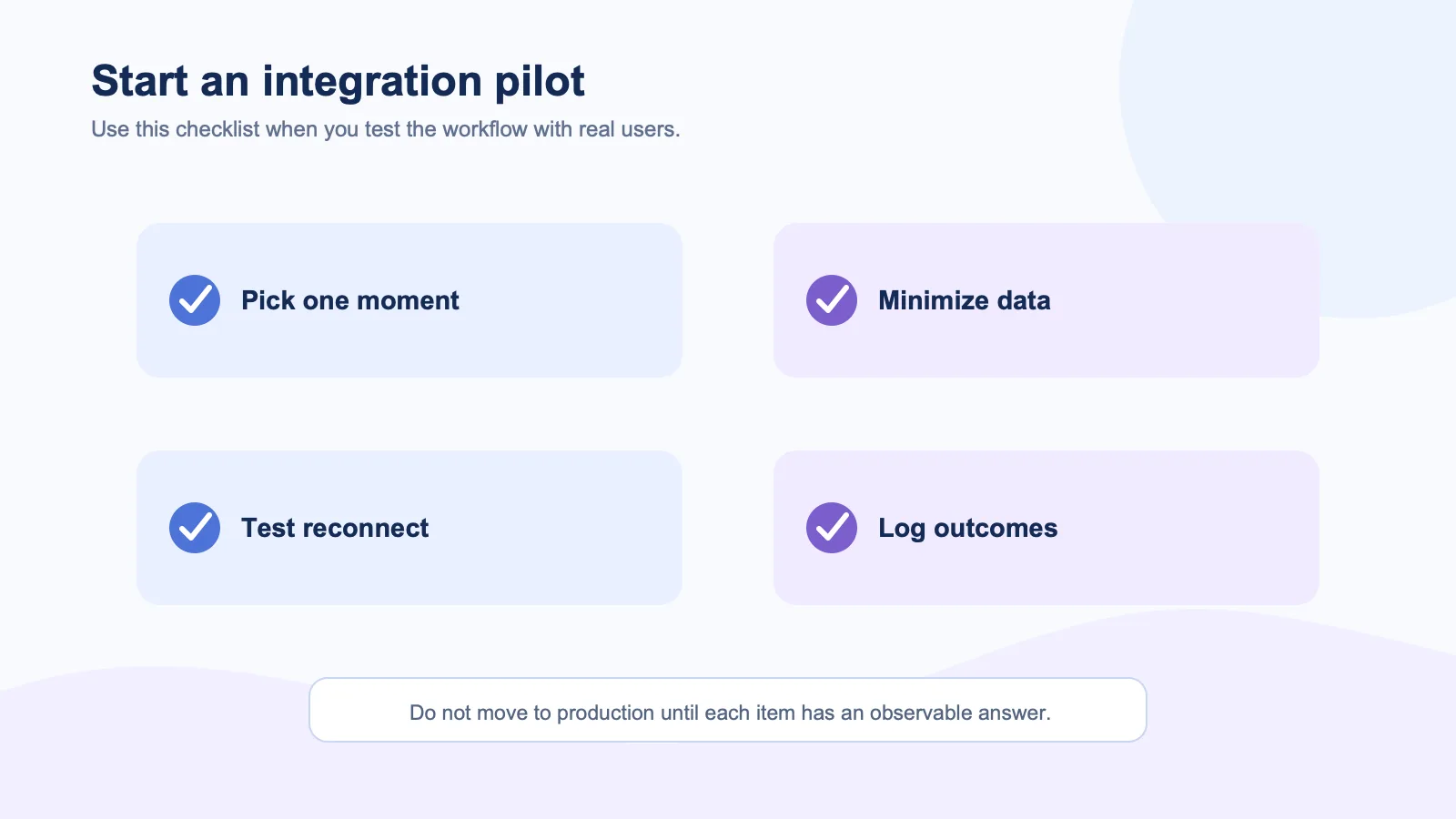
Pick one product moment: an onboarding step, a guided form, or a support triage flow. Define what the avatar receives, what it never receives, who decides the next turn, and what happens on disconnect. Then test the complete path with real users.
The cleanest architecture is the one that preserves the controls your product needs while making the live interaction feel understandable. A provider SDK does not replace that design work.
External sources
- LiveKit architecture documentation
- LiveKit Agents overview
- MDN WebRTC connectivity guide
- OWASP Top 10 for LLM Applications
- D-ID LiveKit plug-in guide