

How to Evaluate Latency in Real-Time AI Avatar Experiences
Real-time avatar latency is the time between a user’s action and a response that feels like the system understood them. It is not one vendor number. It is the sum of speech detection, transcription, agent reasoning, tool calls, TTS, transport, motion or video output, and client rendering.
That is why vendor demos are a poor benchmark. A polished answer to a preloaded prompt on office Wi-Fi says little about how your product behaves when a user interrupts, a CRM lookup takes two seconds, or a VPN adds jitter. Tavus’s guide to factors affecting latency in real-time voice AI conversations correctly treats the pipeline as a set of compounding delays.
Build a latency budget by stage
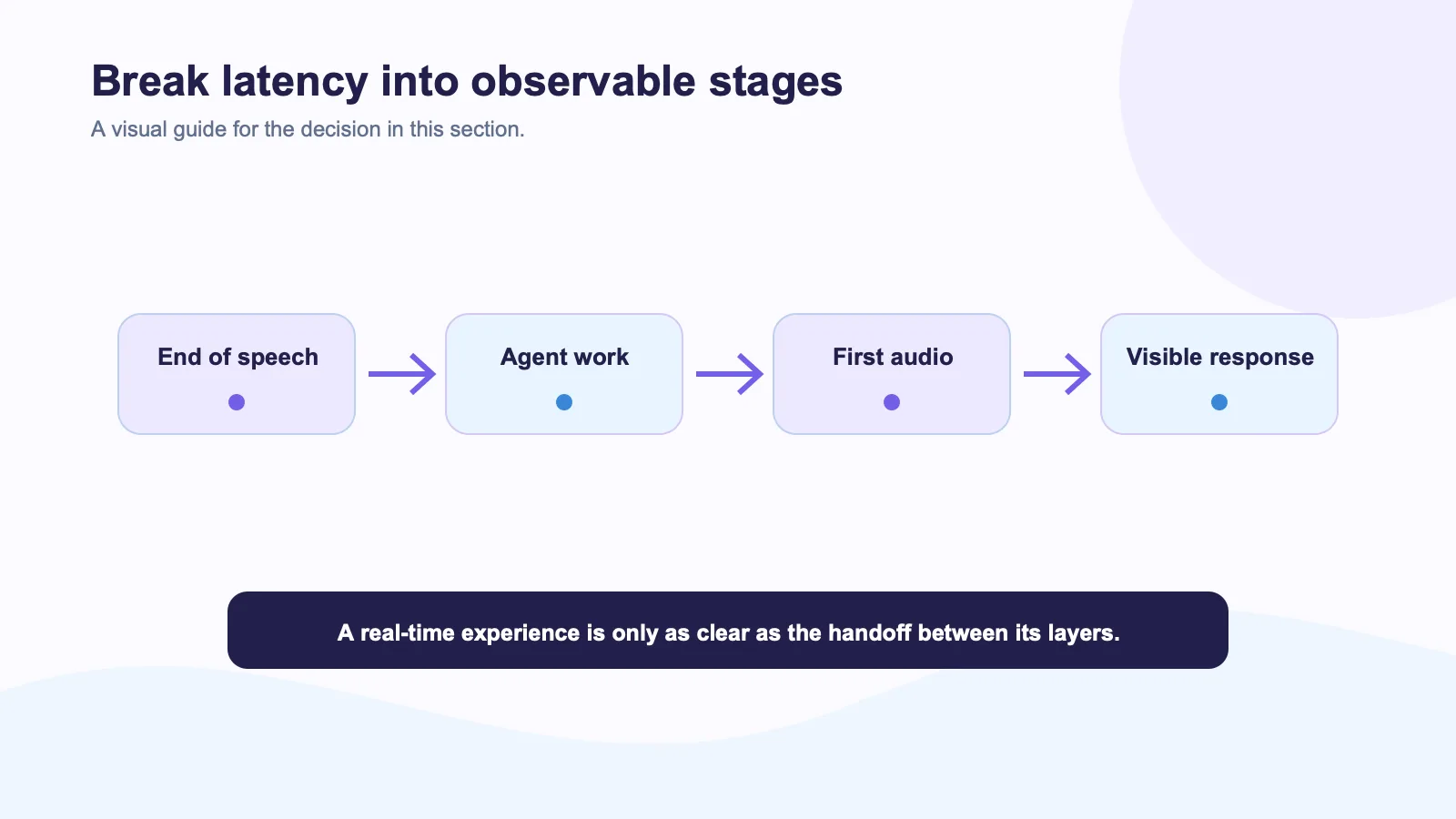
Start by recording timestamps for each handoff. You need to know when the user stopped speaking, when speech recognition produced a final result, when the agent began and completed work, when audio began, and when the visual response appeared. The precise target will differ by use case, but the stage breakdown reveals where an experience actually feels slow.
| Stage | Question to measure |
|---|---|
| End-of-turn detection | Did the system wait too long after the user finished? |
| ASR | When was usable text available? |
| Agent and tools | Which call dominated the response time? |
| TTS | When did the first audio sample begin? |
| Avatar delivery | When did movement and audio become visible to the user? |
| Recovery | How long after a network event did the session become usable? |
Use server timestamps where possible. Browser-only timing makes it hard to distinguish a slow tool call from a slow render. WebRTC statistics can help observe transport behavior, including jitter and packet loss, in a media-based implementation.
Test interruptions early
The most revealing test is simple: interrupt the avatar mid-sentence. Does speech stop? Does the agent cancel the obsolete turn? Does the UI show that the user has control? A system that produces a fast first response but talks over users will feel worse than a slightly slower system with predictable interruption behavior.
Anam highlights interruption behavior and adaptive streaming in its discussion of real-time avatars under constrained networks. Do not turn that into a blanket provider comparison without your own test. Network behavior depends on your client, geography, session topology, and the rest of the pipeline.
Separate visual latency from agent latency
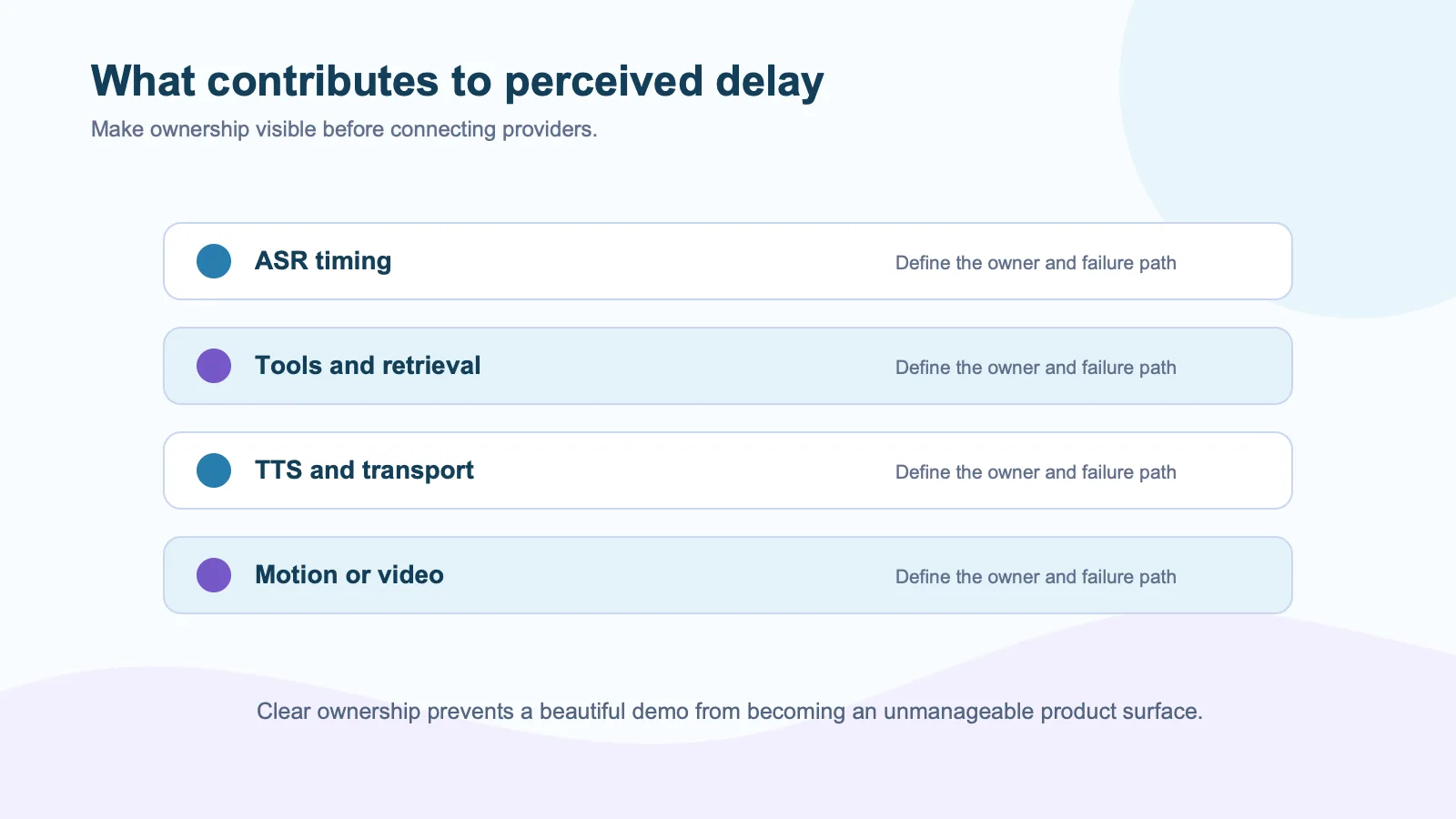
Teams often blame the avatar for delays created upstream. If your agent is waiting on retrieval or an external tool, changing the visual vendor will not solve the primary problem. Instead, decide what the interface should say during the wait. For short delays, a clear listening or processing state may be enough. For longer waits, offer a text summary, progress cue, or human alternative.
In Spatius’s documented architecture, Motion Server receives speech audio and returns motion data while AvatarKit renders in the client. The agent’s LLM, TTS, tools, and policies remain in the host application. This makes instrumentation especially important: you can measure the avatar layer without confusing it with a slow knowledge query.
Use realistic network conditions
Test more than a fast office connection. Include a home network, a VPN, packet loss, background-tab behavior, and a reconnect. Chrome’s network throttling tools can create a useful first pass, but live media behavior still needs observation in your actual deployment environment.
Log the user-visible outcome, not only the percentile. A reconnect that takes four seconds may be acceptable if the avatar says it is reconnecting and retains the conversation. A two-second silent freeze can feel much worse because the user has no idea whether the system heard them.
The decision rule
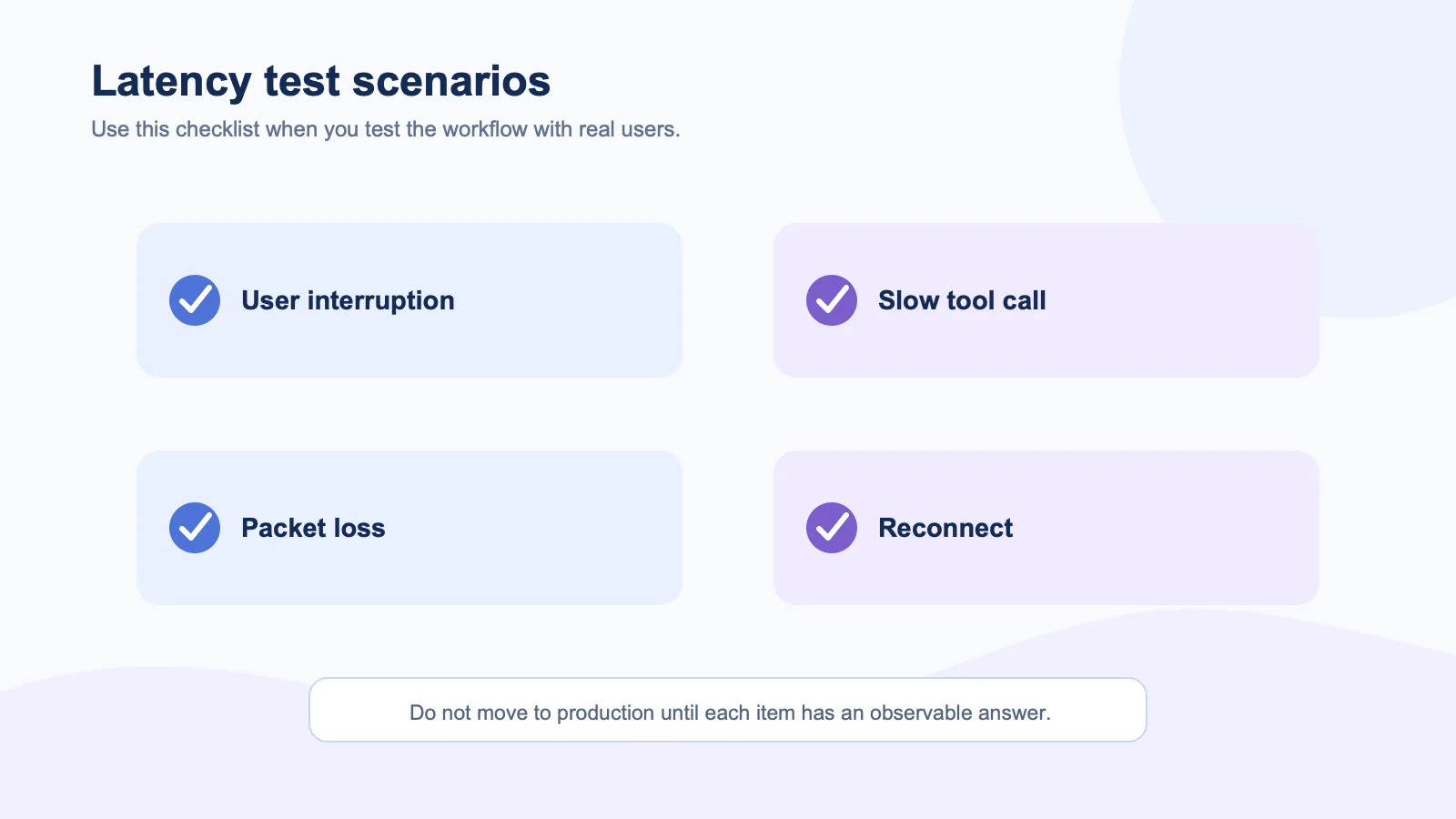
Choose an avatar path based on the end-to-end response in one real workflow. Include median and slow-case behavior, interruptions, tool waits, and reconnects. Then ask users whether the interaction felt natural and controllable.
That is the metric that matters. Not the best number from a launch video.
External sources
- MDN RTCPeerConnection getStats reference
- WebRTC quality and statistics guidance
- Chrome DevTools network tooling
- LiveKit Agents documentation
- Anam on adaptive bitrate streaming