

AI Agents vs. AI Avatars: What’s the Difference?
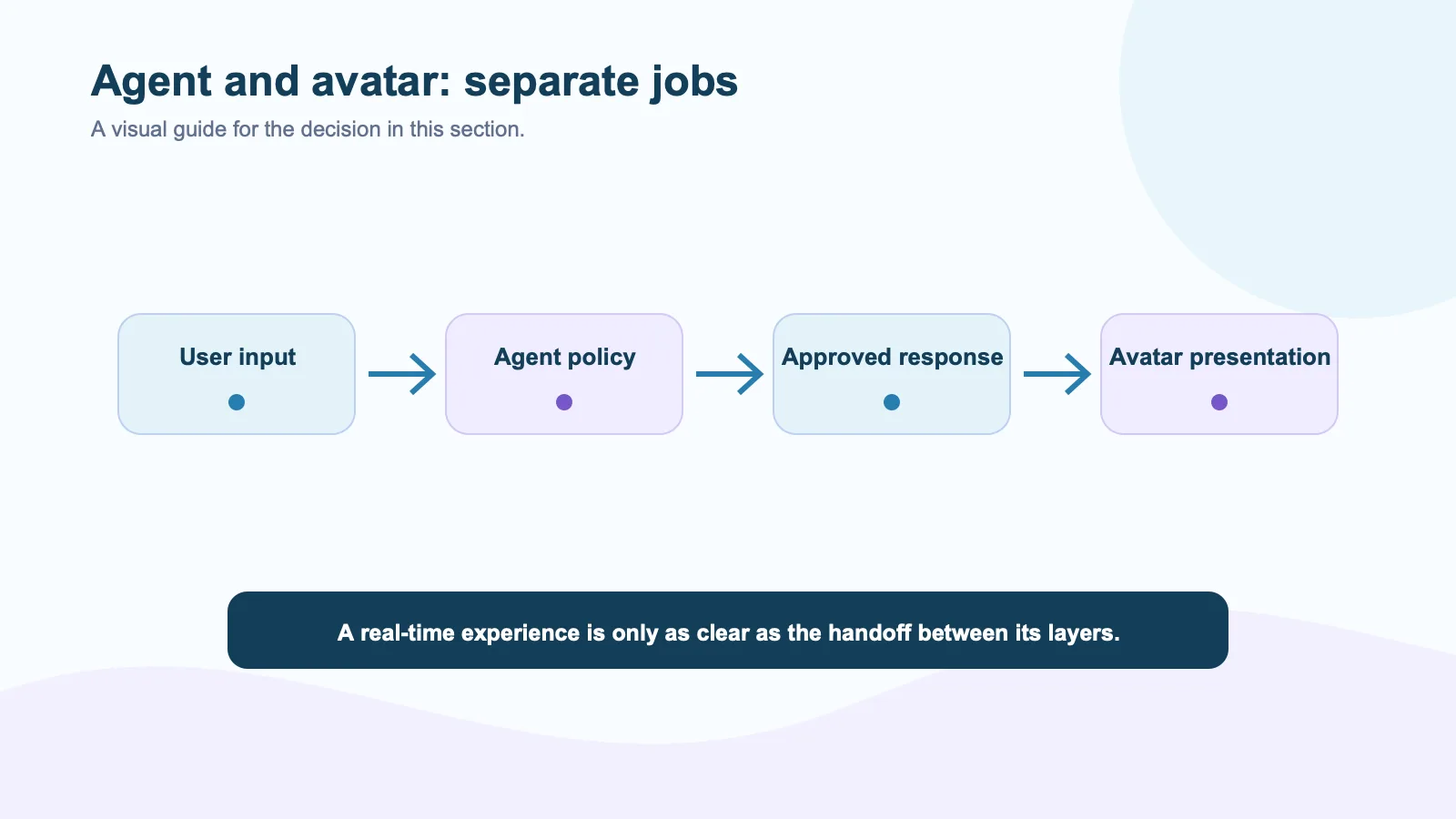
An AI agent decides and acts. An AI avatar presents that agent to a person through a visual, often voice-driven interface. They can work together, but they are not interchangeable products.
That distinction matters once a SaaS team moves beyond a demo. An agent may retrieve account data, call tools, enforce permissions, and decide when to hand a task to a person. An avatar may listen, speak, animate, and give that interaction a face. D-ID makes the same basic distinction in its AI agents vs. AI avatars guide. The hard part is deciding whether the visual layer improves a particular user moment enough to justify its operational cost.
What an AI agent owns
An agent is the system that receives context and chooses what happens next. In a B2B product, that can mean checking a customer’s plan, searching a knowledge base, opening a support ticket, or asking a human for approval. Frameworks such as LiveKit Agents help developers connect real-time media to those behaviors, but the underlying business logic remains the product team’s responsibility.
The agent layer needs clear rules. What data can it access? Which actions require confirmation? What happens after a tool error? An avatar vendor cannot answer those questions for a product team. If your support agent is allowed to refund an account, its policy and audit trail matter more than whether the avatar nods convincingly.
What an AI avatar owns
An avatar is the interaction surface. In a live experience it can render speech, facial motion, and turn-taking signals so the user has something more human than a text bubble. HeyGen describes LiveAvatar as a real-time layer that listens and responds inside an application. Tavus frames a similar category as conversational video AI, combining media, speech, language models, and visual output in one product path (overview).
Spatius has a narrower boundary. Its docs map says Motion Server receives avatar speech audio and returns real-time motion data, while AvatarKit renders the avatar locally in the client. Your application still owns ASR, the LLM, TTS, retrieval, tools, permissioning, and conversation policy. That is useful when the agent already exists and the team wants to add a visual presentation layer without replacing its stack.
When an avatar helps
An avatar earns its place when the user benefits from a visible, conversational guide. Think of a first-run configuration that has several dependencies, a role-play exercise where tone matters, or a high-consideration product walkthrough. In those moments, a face can signal attention, pacing, and turn ownership in ways that a chat window often cannot. Anam’s examples of interactive custom avatars include coaching and language practice, where spoken back-and-forth is the work itself.
It is a poor fit for many ordinary tasks. A user checking an invoice, changing a password, or exporting a CSV usually wants speed and control, not a conversation. Put the avatar in a place where interaction itself is valuable. Do not make it the mandatory front door to routine product operations.
A practical architecture test
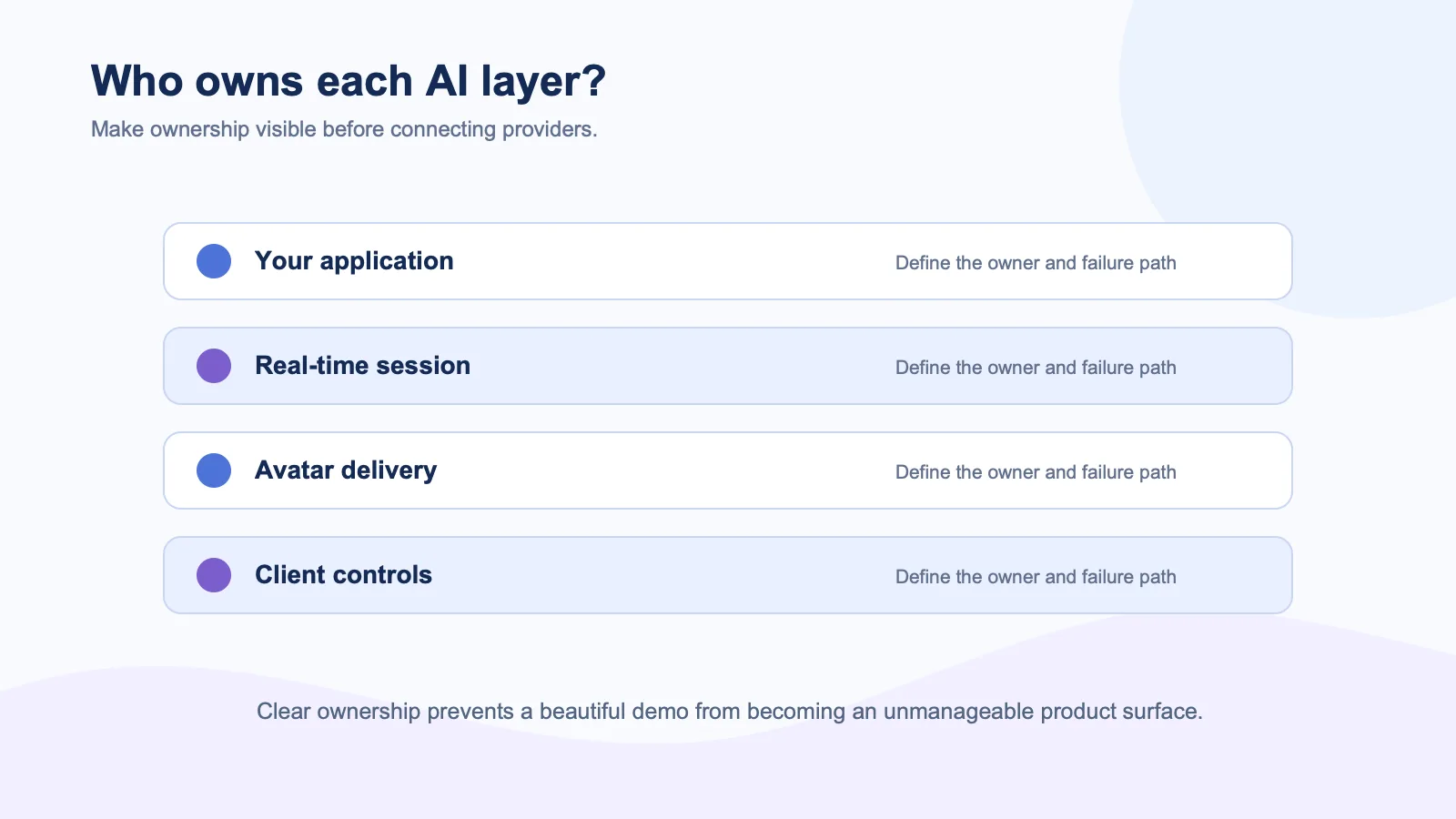
Before selecting a provider, write down each layer and its owner:
| Layer | Typical owner |
|---|---|
| Knowledge, tools, permissions, and policy | Your SaaS application |
| Real-time room and participant transport | Your chosen media stack |
| Speech-to-motion or streamed avatar output | Avatar provider |
| UI controls, disclosure, fallback, and human handoff | Your SaaS application |
Then run one contained workflow with real users. Measure completion, interruption rate, handoffs, and the failure states users actually see. The Spatius LiveKit integration is an example of this separation: the agent worker remains your agent, while the avatar layer participates in the real-time experience.
The useful mental model
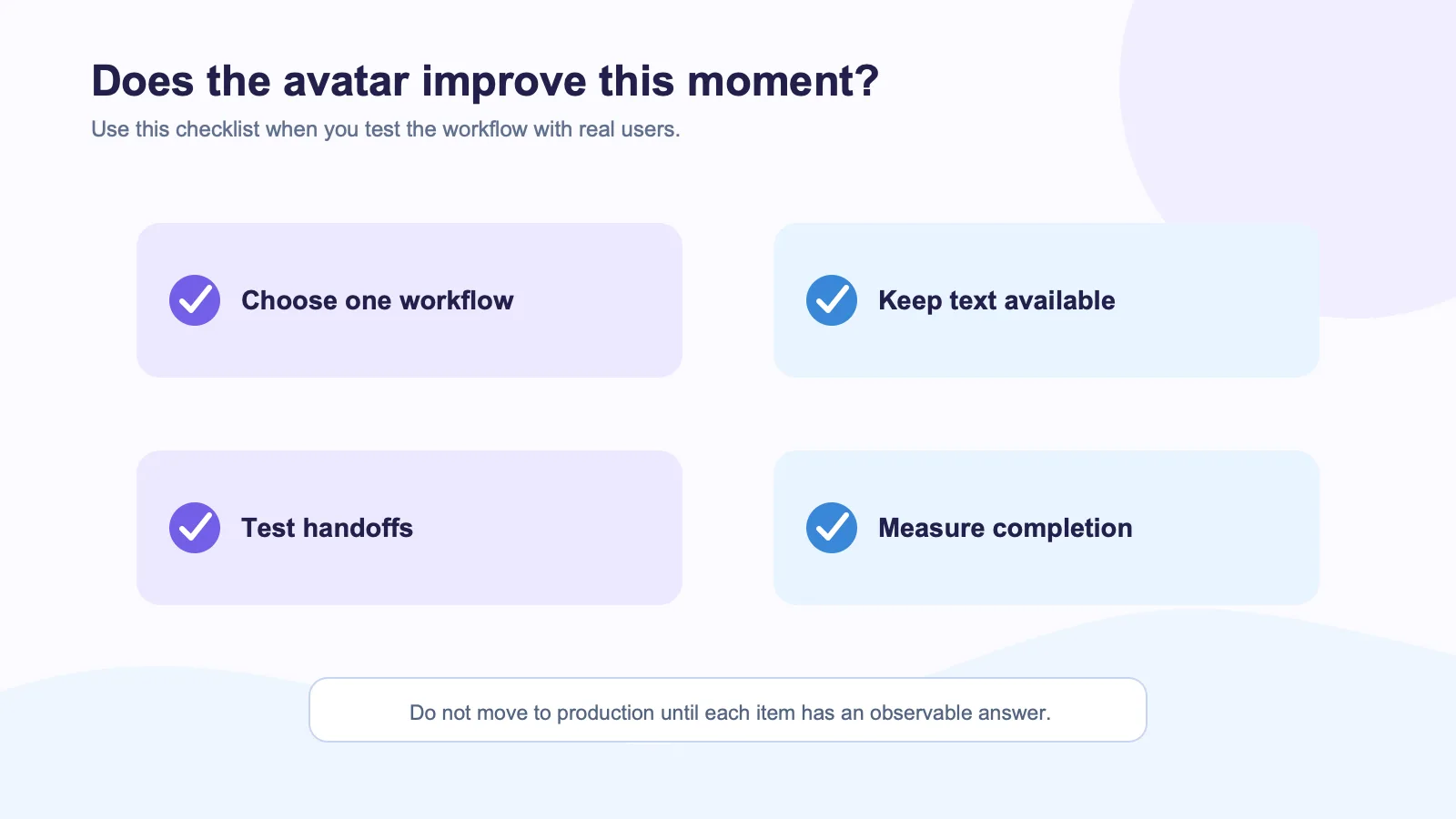
An agent is the brain and workflow owner. An avatar is one possible interface. Some vendors bundle both; others let you assemble the layers. Neither model is automatically better.
Choose a bundled experience when speed to a contained proof of concept matters more than control of individual components. Choose a separate avatar layer when your product already has an agent, data boundary, and operating model worth preserving. The right question is not “Do we need an AI avatar?” It is “Which user interaction becomes meaningfully better when our existing agent has a face?”
External sources
- LiveKit avatar model overview
- D-ID Interactive Avatar documentation
- Anam blog and developer guides
- HeyGen LiveAvatar FAQ
- Tavus Conversational Video Interface documentation