

AI Chatbot API vs. AI Video Agent API: Architecture Differences
A chatbot API usually accepts text and returns text. An AI video agent API must manage a live session: media transport, speech, intelligence, response timing, visual delivery, and the ways users interrupt it.
That does not mean a video agent is simply a chatbot with a face. The architecture changes as soon as the user expects a natural back-and-forth. Tavus describes conversational video as a pipeline combining WebRTC, speech recognition, LLMs, text-to-speech, and a visual output layer in its technical overview. A good buying decision begins by separating those layers instead of treating one vendor API as a black box.
The chatbot API path
The simple route is familiar: your app sends a user message, the model returns text, and your interface displays it. The product can store conversation state, attach retrieved documents, call a tool, and render an answer at its own pace. When latency rises, the UI can show a typing indicator. The user still understands what is happening.
This model is right for tasks that are fundamentally textual: searching documentation, drafting content, triaging forms, or summarizing account activity. It is easier to test because one turn is a request and one response. The system can also be accessible to users who prefer to read or need to scan results quickly.
What changes in a video-agent path
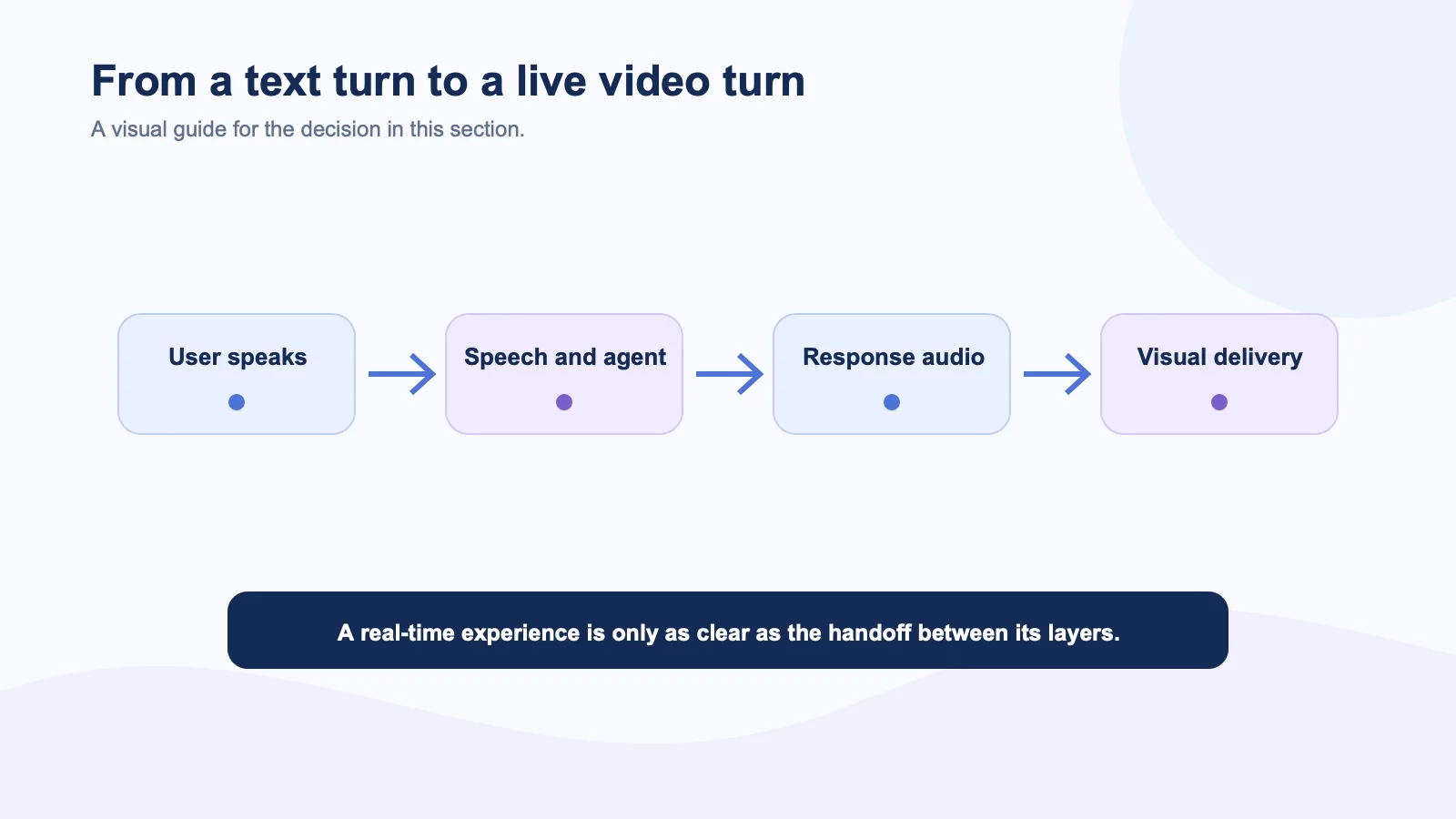
In a video agent, every layer affects the perceived response. Speech recognition has to decide when the user is finished. The agent has to retrieve context and call tools. TTS must produce audio. The avatar has to animate and deliver the result while the user watches. If any stage stalls, the experience feels broken even when the underlying answer is correct.
HeyGen defines LiveAvatar as a streaming video session in which an avatar can speak text in real time. D-ID’s LiveKit plug-in guide similarly places an avatar inside an agent pipeline. These integrations are useful, but they do not remove the need to decide who owns turn-taking, safety checks, user data, and recovery after a dropped connection.
The key architecture choice: bundled or composable
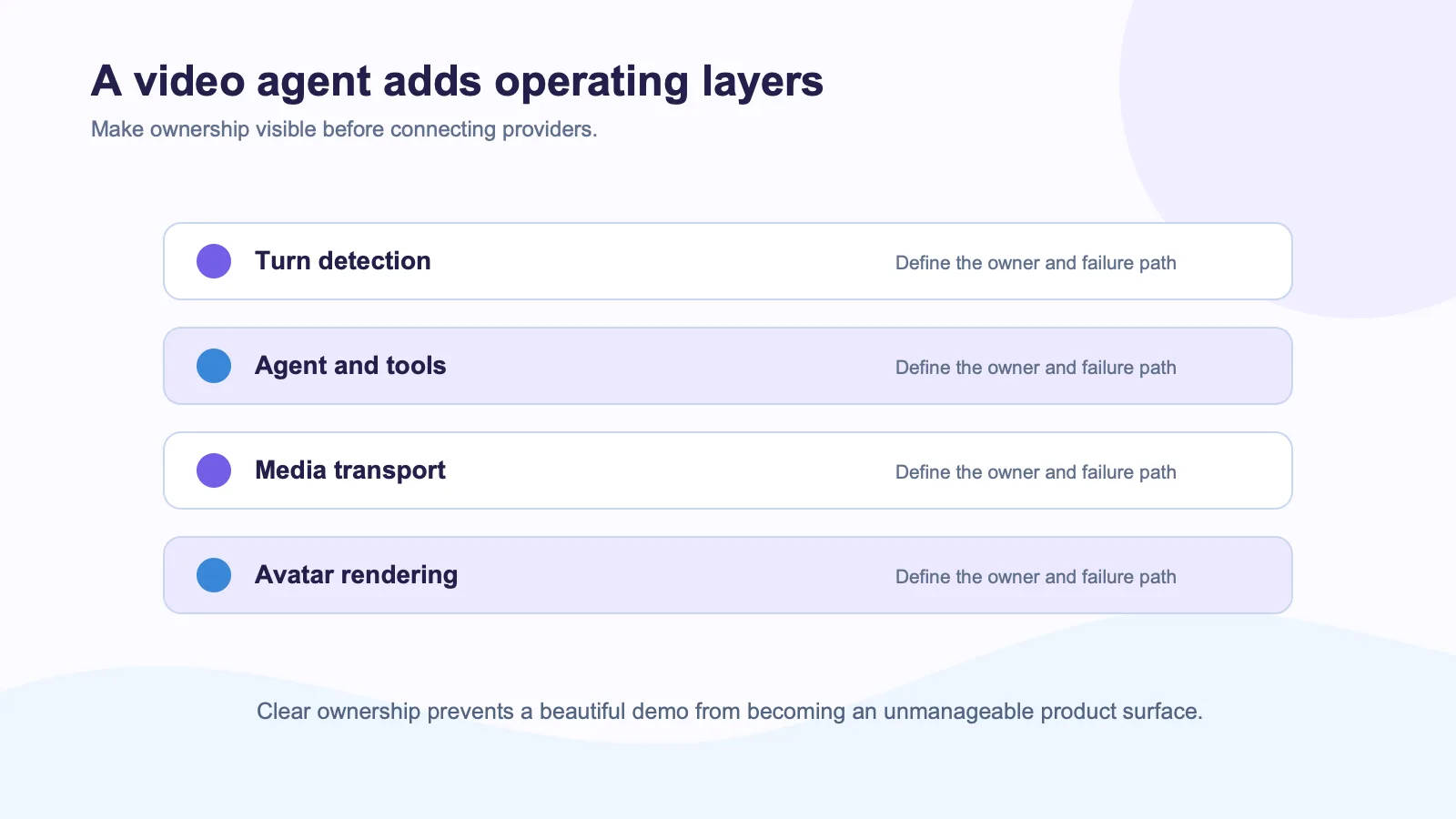
Some video-agent APIs bundle most of the pipeline. That can be a fast route to a proof of concept, especially when a team is starting with no voice stack. The trade-off is ownership: the product may need to work around the provider’s session model, model choices, telemetry, or routing assumptions.
A composable path keeps more pieces in the application. For example, Spatius documents a model in which Motion Server takes speech audio and returns motion data, while AvatarKit renders locally. The SaaS team can retain its LLM, TTS, retrieval system, policies, tools, and media architecture. That is a better fit when the intelligence layer already powers important workflows and the avatar is an interface addition rather than a replacement platform.
Compare the APIs with this table
| Question | Chatbot API | Video-agent API |
|---|---|---|
| Primary input | Text | Voice, text, and often video events |
| User expectation | Accurate response | Accurate response plus natural timing |
| Failure experience | Message can retry | Session must recover visibly |
| Product concerns | Context and tool quality | Context, media, interruptions, rendering, and handoff |
| Best starting use | Information work | Guided or interpersonal interaction |
The choice is not permanent. A product may keep its text chatbot for everyday support and add a video agent only for guided onboarding, coaching, or a high-value sales moment. Anam’s conversational AI API guide is part of a broader trend toward evaluating the interaction surface separately from the underlying model.
Test behavior, not a launch clip
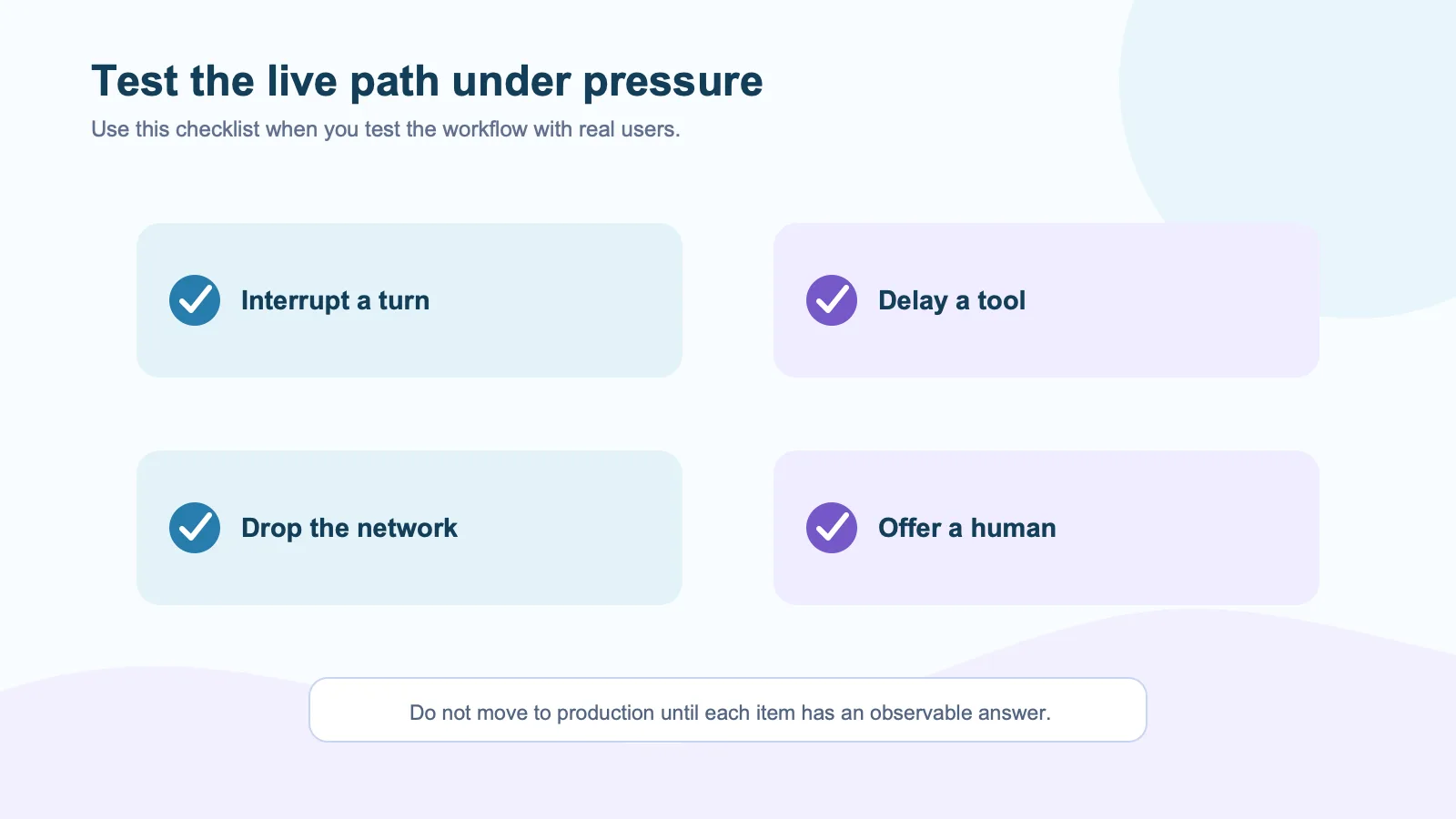
Run a test with noisy audio, a user interruption, a tool call that takes several seconds, and a network reconnection. Watch what the user sees at each point. The LiveKit Agents documentation is useful here because it treats real-time participants and media behavior as first-class product concerns.
Do not judge a video API only by visual realism. A less photorealistic avatar that has clear controls, quick recovery, and a dependable handoff can be the better product choice. Conversely, a striking demo can create trouble if the application cannot explain a delay or if a user has no way to exit the conversation.
External sources
- LiveKit real-time agents documentation
- MDN WebRTC API documentation
- D-ID LiveKit plug-in guide
- Anam LiveKit avatar-agent guide
- Tavus CVI API reference