

AI Customer Service Agents: Where Do Avatars Actually Help?
An AI avatar can make customer service feel more attentive, but it is not a better interface for every support task. Use it when the conversation itself benefits from presence, guidance, or reassurance. Keep chat, search, forms, and people for the rest.
The category is easy to oversell. D-ID positions visual agents for customer conversations in its AI agents and avatars overview, while Tavus writes about face-to-face AI for support and other high-value interactions (conversational video AI). Those are real possibilities. But a SaaS team should begin with the support job, not the most cinematic demo.
Good use cases for an avatar
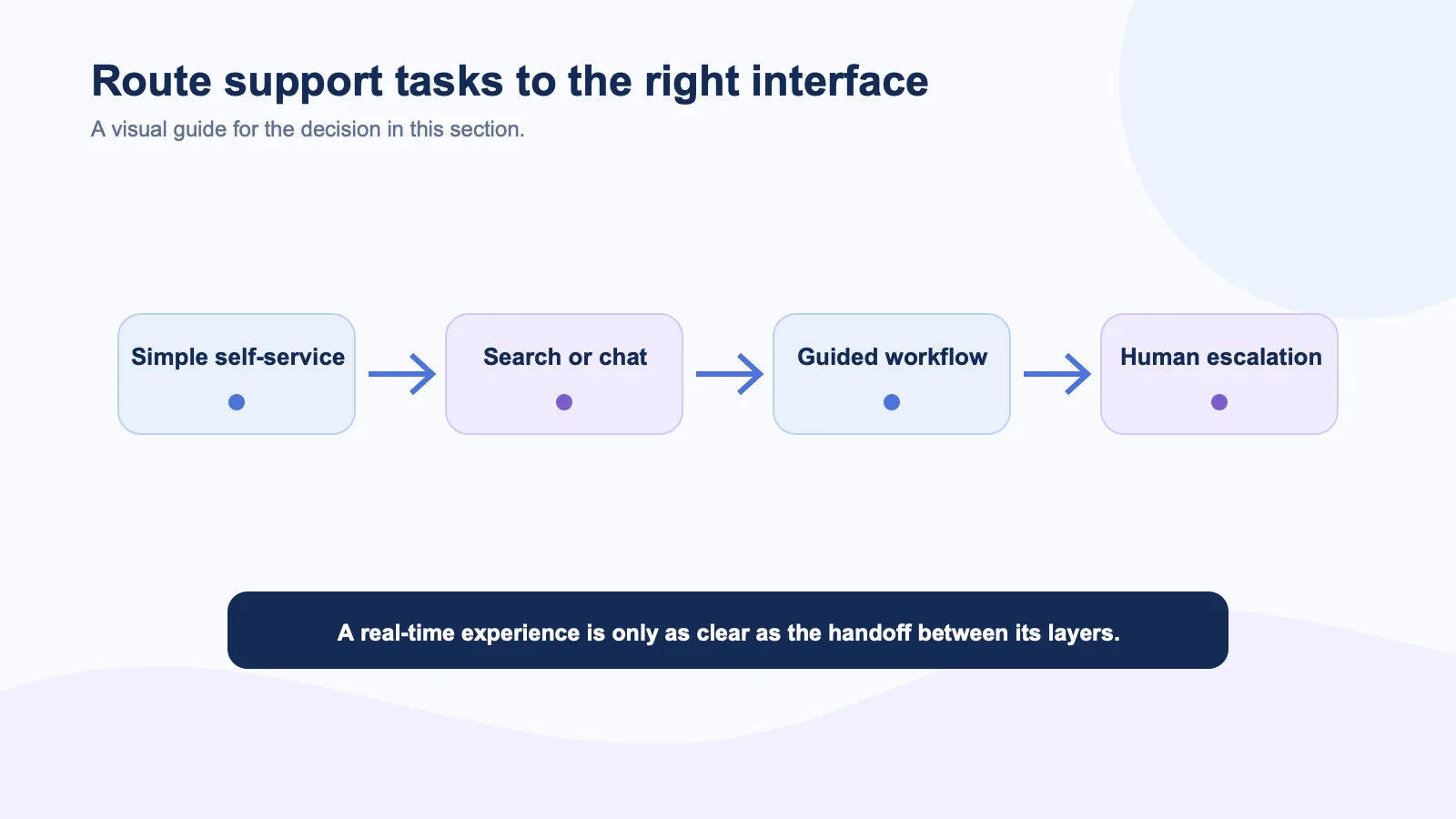
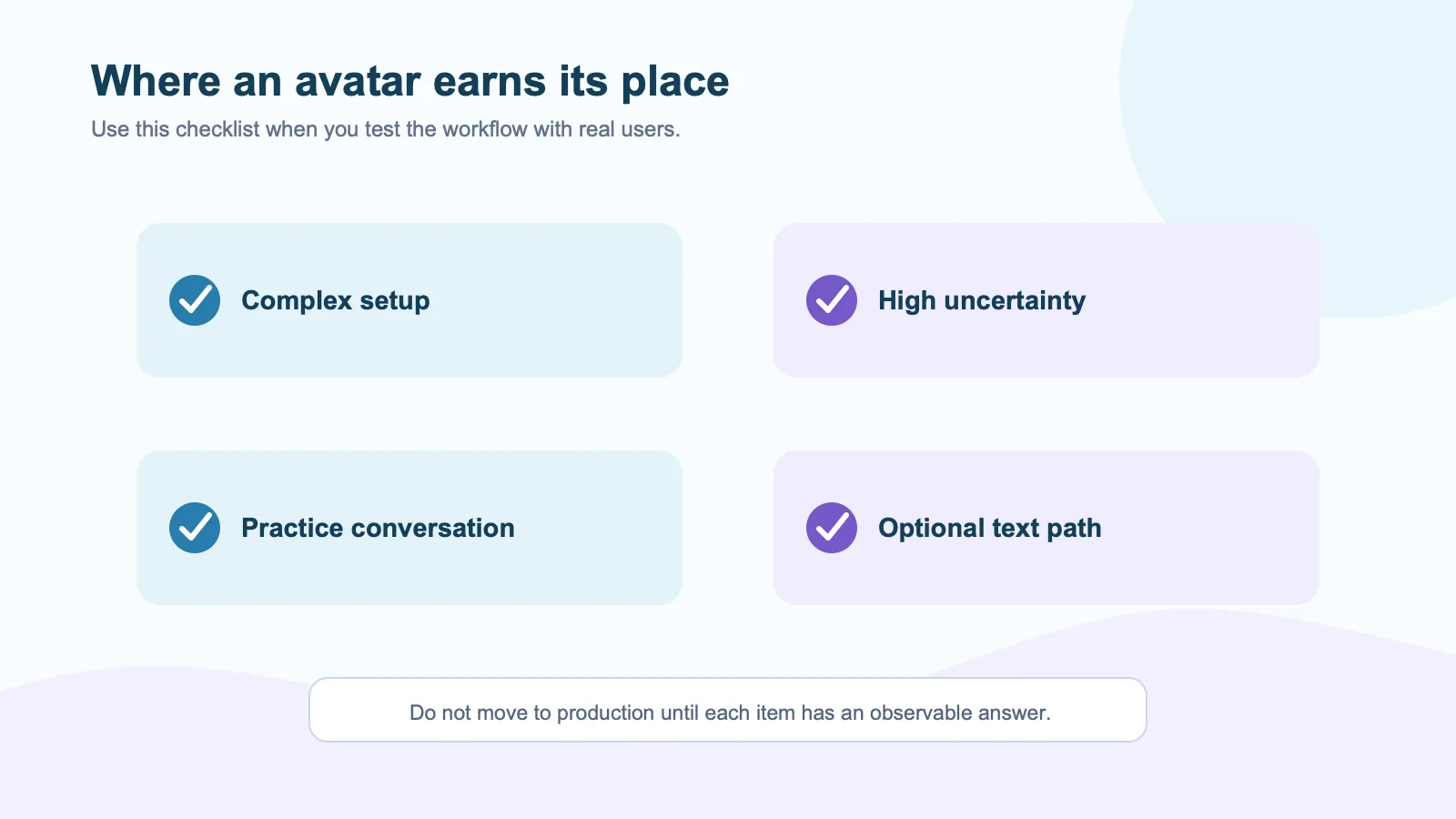
An avatar can help when a user is anxious, confused, or likely to abandon a multi-step task. Consider a new administrator setting up permissions, a customer trying to understand an unfamiliar integration, or a user who needs a guided account recovery path. A visible guide can pace the interaction, explain the next action, and make it obvious when the system is listening.
Training and practice are also good candidates. In a role-play, the user is not just extracting an answer. They are rehearsing a conversation. Anam cites coaching and learning use cases for its interactive avatars, which is a sensible fit because voice, timing, and response style are part of the outcome.
Poor use cases for an avatar
Do not put an avatar in front of a task that should take ten seconds. Invoice lookup, password reset, order-status check, export request, and routine account edits are usually better as direct self-service. The visual layer adds load time and social friction when a user simply wants to finish.
Also avoid an avatar as the only path for accessibility reasons. Users may be in a noisy environment, have a speech or hearing disability, prefer reading, or be unable to stay in a live session. The W3C guidance on accessible authentication is one reminder that convenience for one person can create a barrier for another. A text option and clear controls should always remain available.
Design the escalation before the personality
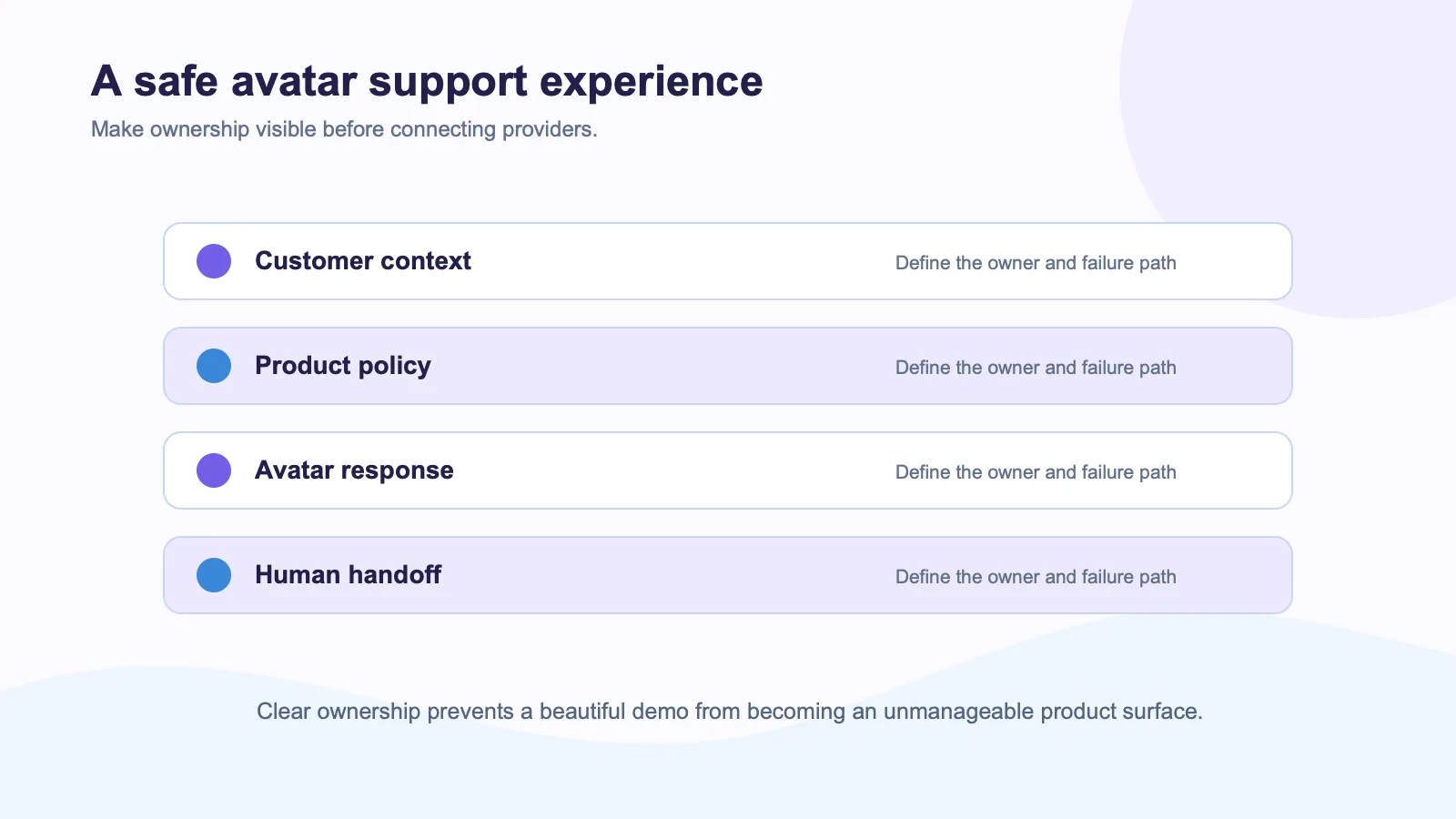
The agent needs a clear handoff path. If it cannot access an account, if the request triggers a policy exception, or if the user asks for a person, the system should say so plainly and offer the next step. Do not script the avatar to sound certain when the underlying agent is uncertain.
For B2B software, that often means preserving the product’s existing support workflow. The application owns customer identity, entitlements, case creation, and audit history. An avatar provider can handle the presentation layer, but it should receive only what it needs for the live turn. See what data an avatar provider should receive for the practical boundary.
A simple placement test
| Customer moment | Best starting interface |
|---|---|
| Find a help article | Search or chatbot |
| Update an account field | Direct form |
| Learn a complex product workflow | Guided avatar, with text controls |
| Resolve a high-risk billing issue | Human handoff or supervised agent |
| Practice a customer conversation | Interactive avatar |
The avatar should be optional at first. Let users choose “talk me through it” rather than forcing a live conversation. Measure whether those users complete the workflow faster, open fewer tickets, or report more confidence. If there is no improvement, remove the extra interface.
Keep the architecture honest
Spatius’s developer docs map describes a visual layer in which the product can retain its ASR, LLM, TTS, tools, and policies. That separation can be helpful in customer service because the existing system already contains the important controls. The avatar should make the support moment easier to understand, not become a second, ungoverned support platform.
Customer service needs fast answers and clear accountability. Sometimes a face improves that. Often, it does not. Design for the customer’s task and give them an exit.
External sources
- D-ID on AI agents and AI avatars
- Tavus conversational video AI overview
- Anam custom-avatar use cases
- W3C Web Content Accessibility Guidelines
- OWASP Top 10 for LLM Applications