

Where Does an AI Avatar Fit in an AI Agent Architecture?
An AI avatar should sit at the presentation edge of an agent architecture. It turns an approved spoken response into a visible interaction. It should not become the owner of customer permissions, business rules, retrieval policy, or the decision to take an action.
That framing helps product teams avoid a common mistake: buying a compelling visual demo, then trying to force all of their agent logic into an avatar vendor’s session model. D-ID’s recent LiveKit plug-in article presents the avatar as a visual participant inside an AI-agent pipeline. That is the useful way to think about the category, even when providers expose different levels of bundled functionality.
The layers of a product-owned agent
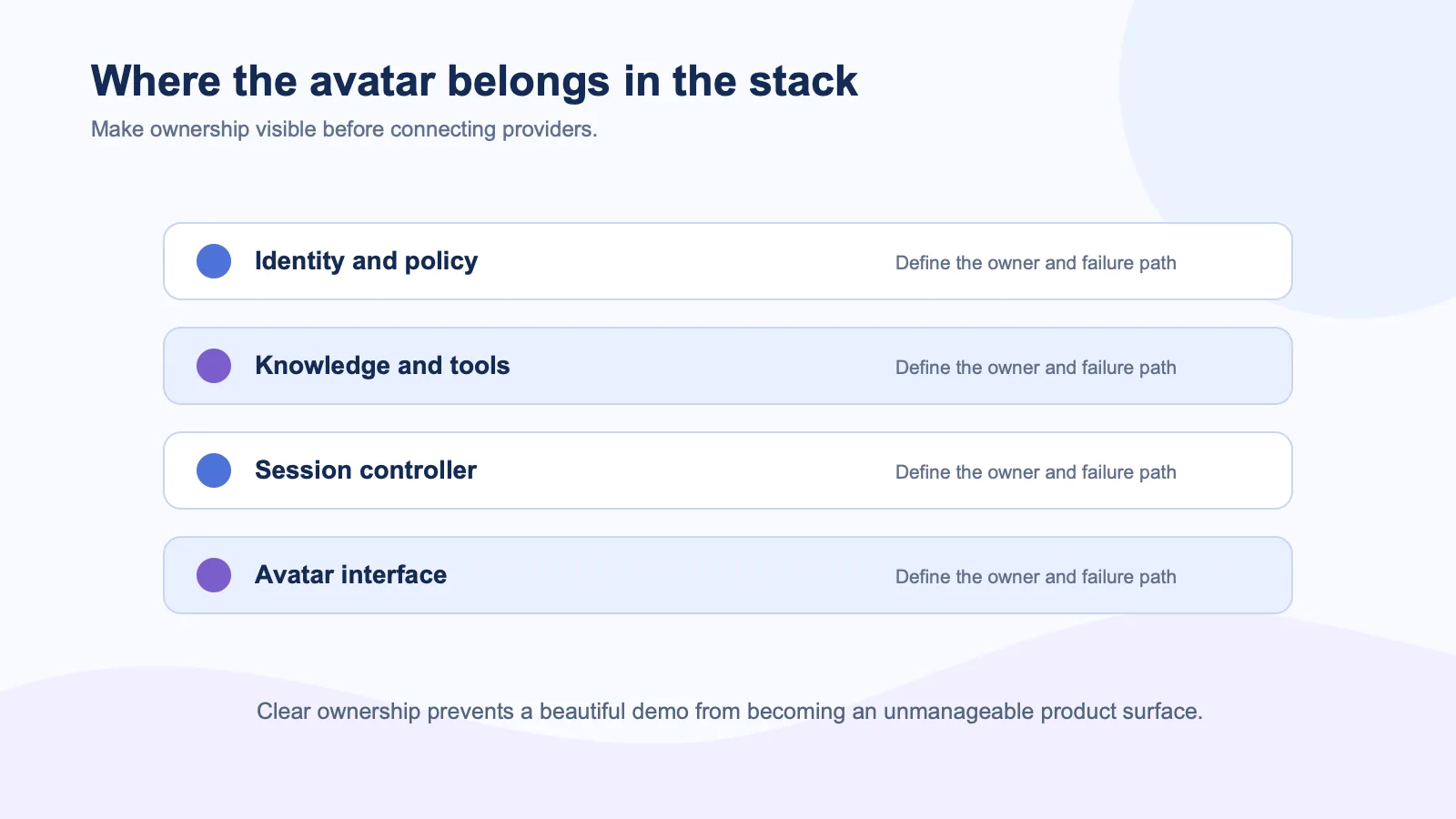
A real SaaS agent usually has more moving parts than a prompt and a model. It may authenticate a user, retrieve tenant-specific content, check role permissions, call tools, use a policy layer, create audit events, and decide whether to escalate to a person. Those behaviors need to remain visible and controllable to the product team.
The avatar comes after the agent decides on a user-facing response. It can render a spoken answer, display turn-taking cues, and give the user a more conversational interaction surface. If the user interrupts, that event should travel back to the agent or session controller so the obsolete turn can stop. The LiveKit Agents framework is useful for this model because it treats media participants and agent behavior as separate but connected components.
A practical ownership map
| Layer | Should usually own it | Why |
|---|---|---|
| Identity, access, and tenant boundaries | Your application | These are core product controls |
| Retrieval, tools, and business actions | Your agent backend | They need product context and auditability |
| Conversation policy and handoff | Your application | The product owns the customer outcome |
| Speech-to-motion or visual delivery | Avatar provider | This is the specialist real-time layer |
| UI controls and fallback | Your client application | The user needs a consistent product experience |
This does not rule out an end-to-end provider. A bundled conversational video platform can make a greenfield prototype faster. Tavus describes its CVI offering as a pipeline that can cover speech, language, transport, and rendering in its conversational video AI overview. That can be useful when a team wants one contained conversation and has little existing infrastructure.
But where the SaaS product already has a mature agent, the visual layer should adapt to the agent rather than reverse that relationship. Otherwise teams can lose the retrieval setup, analytics, guardrails, and handoff rules they have already built.
What the avatar should receive
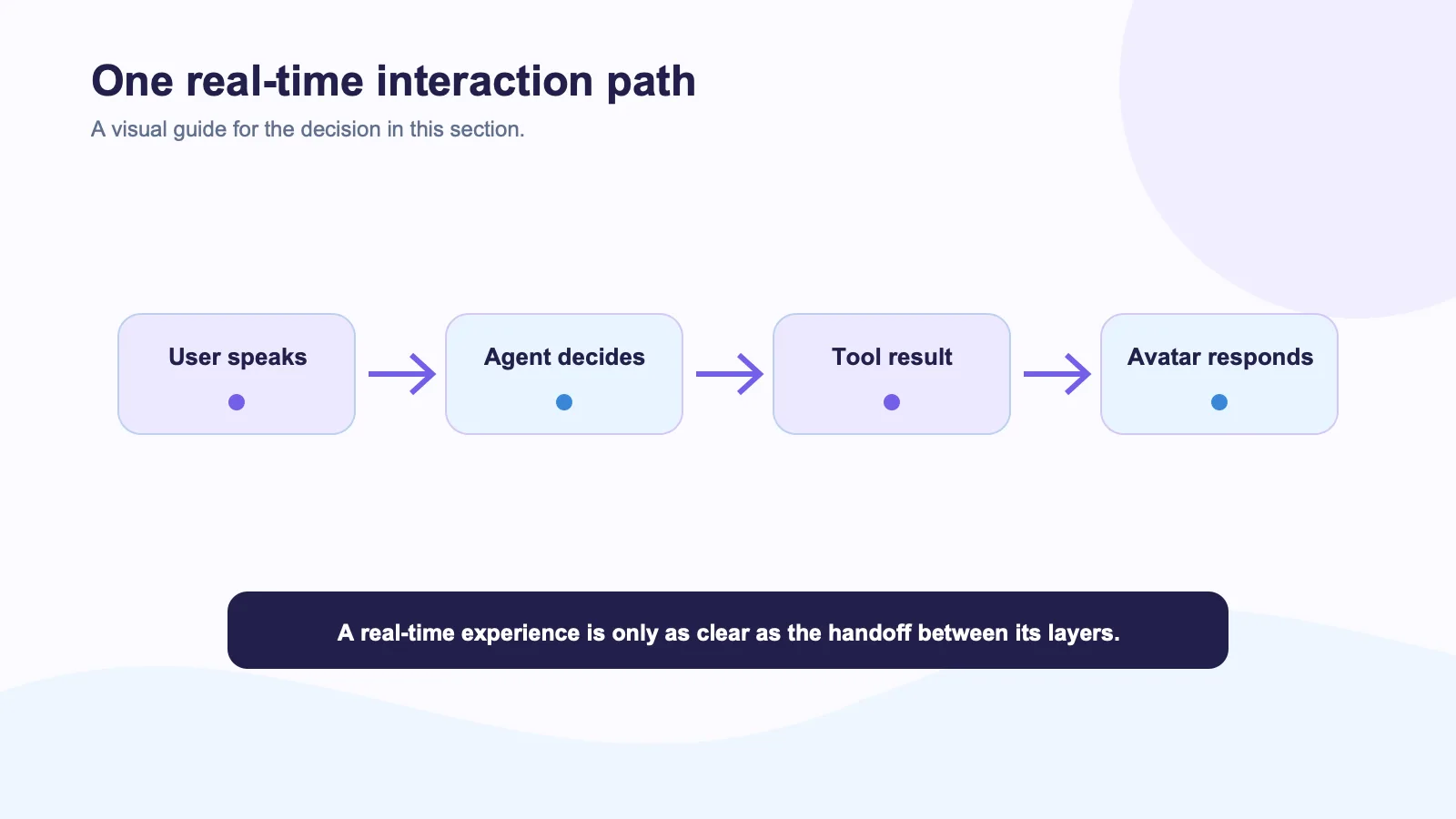
Minimize the payload. In many cases, the avatar only needs the speech audio or final response required to render the active turn, plus session-level signals such as start, stop, and interruption. It does not automatically need the customer’s full profile, raw documents, internal tool results, or long-term conversation history.
Spatius documents this narrower boundary in its docs map: Motion Server receives avatar speech audio and returns motion data, while AvatarKit renders in the client. The surrounding ASR, LLM, TTS, knowledge, tools, and conversation rules remain in the host application. For a detailed data checklist, use What Data Should a Real-Time AI Avatar Provider Receive?.
Data minimization is more than a legal preference. It makes the system easier to reason about. When a support manager asks why an avatar said something, the team should be able to trace that answer to the agent’s context and policy—not to an opaque set of vendor-side assumptions.
Put the session controller in charge
The session controller coordinates what the user experiences. It should decide when the user has started speaking, when the agent should cancel a response, when to show a wait state, and when to offer a human. The avatar should receive the result of those decisions, not independently invent them.
This is especially important for tool-driven work. If the agent is checking a customer’s account or creating a ticket, the avatar needs a clear state while that happens. A smiling face with no explanation can look deceptive. A transparent “I’m checking that now” state, a text fallback, and an exit to support are much better product behavior.
Test the boundary in one workflow
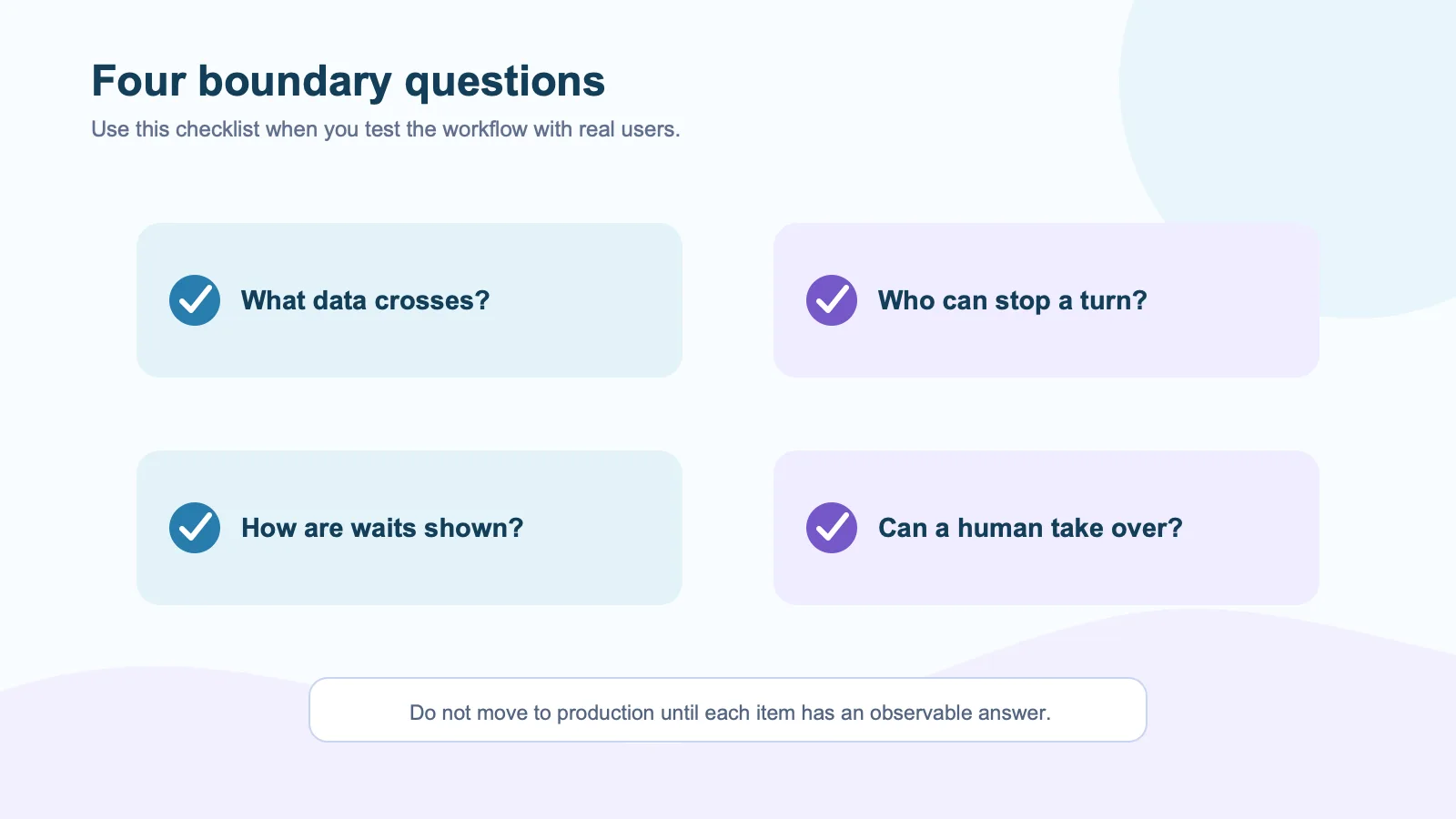
Choose a workflow such as guided onboarding or sales practice. Then trace one turn from user input to agent action to avatar response. Ask four questions:
- What customer data crosses the provider boundary?
- Which system can stop or change the response?
- What does the user see when a tool call is slow or fails?
- Can a human take over without losing the important context?
If those answers are vague, the architecture is not ready for scale. The avatar may be impressive, but the product experience will be fragile.
External sources
- LiveKit agent architecture documentation
- LiveKit avatar model overview
- D-ID LiveKit plug-in guide
- Tavus CVI API reference
- OWASP Top 10 for LLM Applications