

AI Avatars for Product Adoption: Beyond Tooltips and Product Tours
AI avatars can help product adoption when a user needs to understand a decision, not merely locate a button. They are a poor replacement for good information architecture, short forms, or an obvious next step.
That is an important distinction. Product tours, tooltips, checklists, and contextual help are still the right tools for many adoption problems. But some moments involve uncertainty: a new admin deciding how to configure a workflow, a user trying to connect several systems, or a trial account evaluating a feature with many trade-offs. Tavus calls out a similar use case in its writing on conversational AI for product adoption: an interactive guide can support feature discovery when passive tours hit a ceiling.
Find the moments with real friction
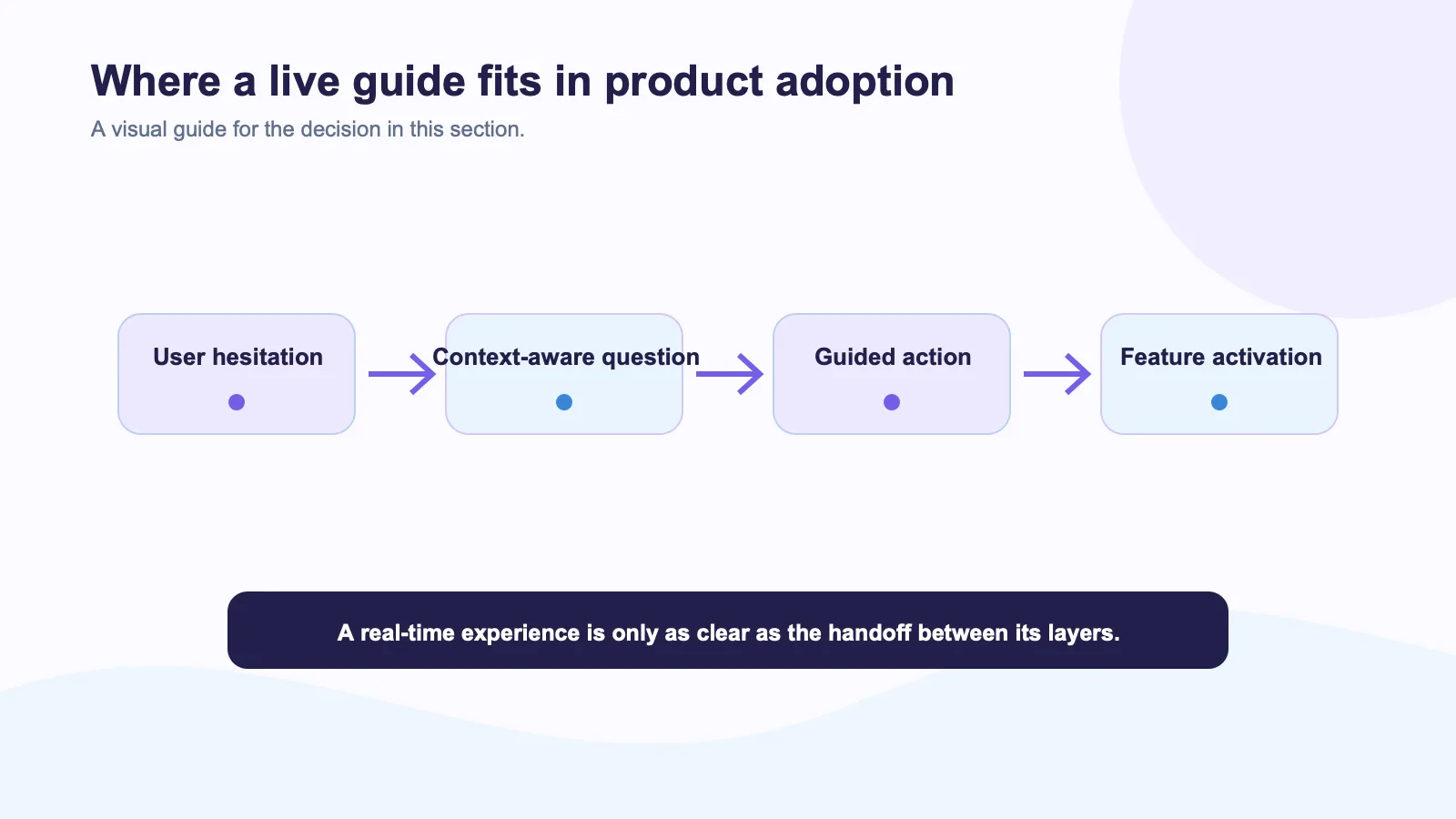
Start with product data, not a design concept. Look for a step where users repeatedly pause, abandon, open support tickets, or complete a setup incorrectly. The moment should have a clear finish line: connect a data source, invite a teammate, publish an integration, or create a first workflow.
An avatar is useful when the next question changes based on the answer. “What are you trying to achieve?” followed by a guided setup can justify a live interaction. “Click Save” does not. If the response is always the same, a short tooltip or help article will be faster and easier to maintain.
Give the guide real product context
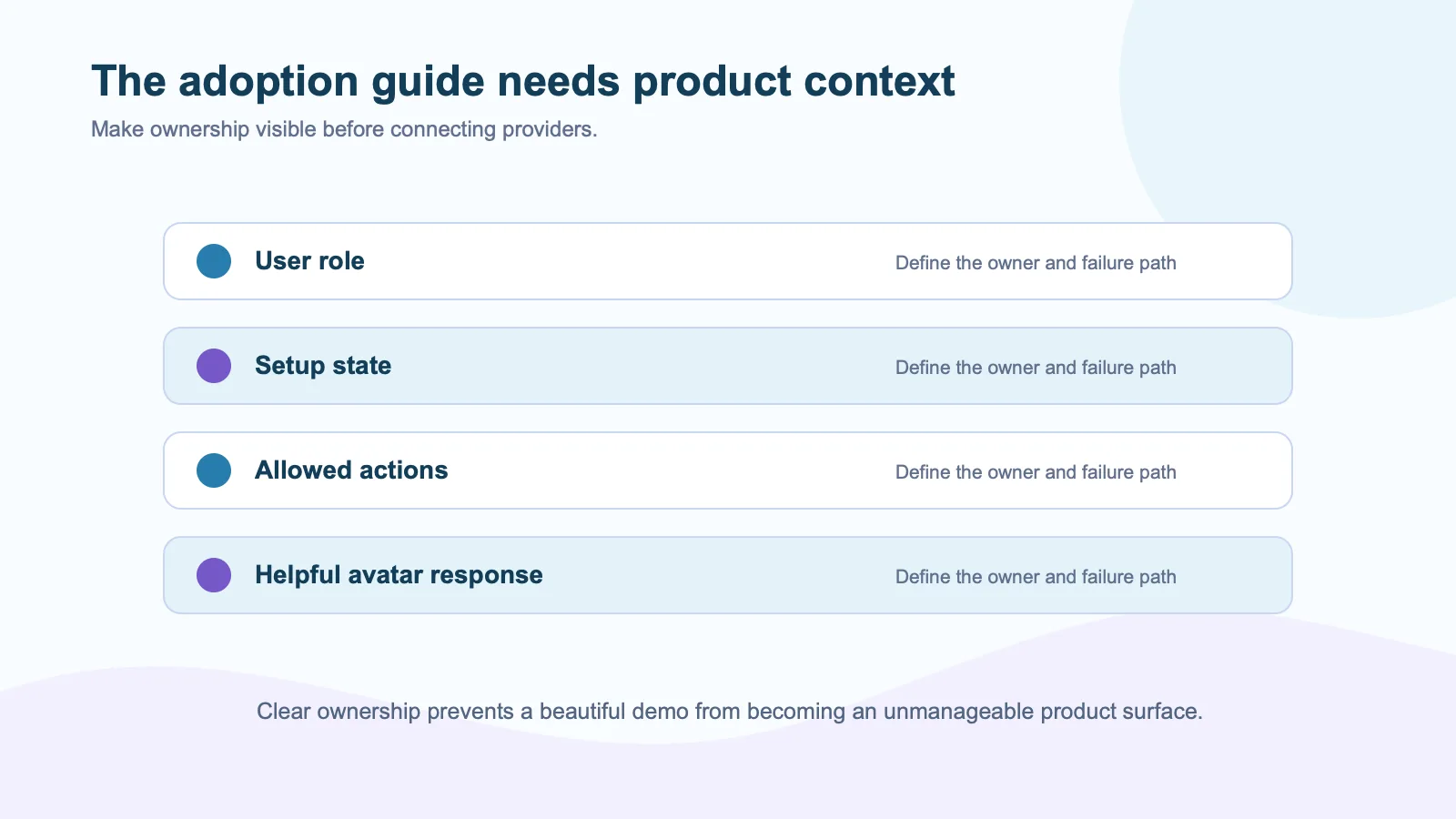
A product-adoption avatar should never pretend it can see more than it can. If it knows the user’s plan, role, completed setup steps, and available integrations, say so in the design and limit the data sent to the active session. If it does not know something, it should offer a search result or a human route rather than invent an answer.
This is where a product-owned agent stack matters. Spatius’s developer documentation describes an avatar layer that can sit beside the application’s existing ASR, LLM, TTS, retrieval, tools, and permission rules. That lets the SaaS product keep the context and control that make in-product guidance useful.
Design a conversation, not a mascot
The avatar needs a narrow job. It might guide a first configuration, explain why a permission is required, or coach the user through a complex template. It should not appear on every page with vague offers of help. Persistent animated helpers become visual noise quickly.
Use clear controls: mute, captions, switch to text, restart, and exit. Explain that the user is interacting with AI. The product should keep a transcript or summary when it is useful to the user, and avoid retaining sensitive inputs without a reason. These ideas connect directly to consent, disclosure, and brand safety.
Measure the right outcome
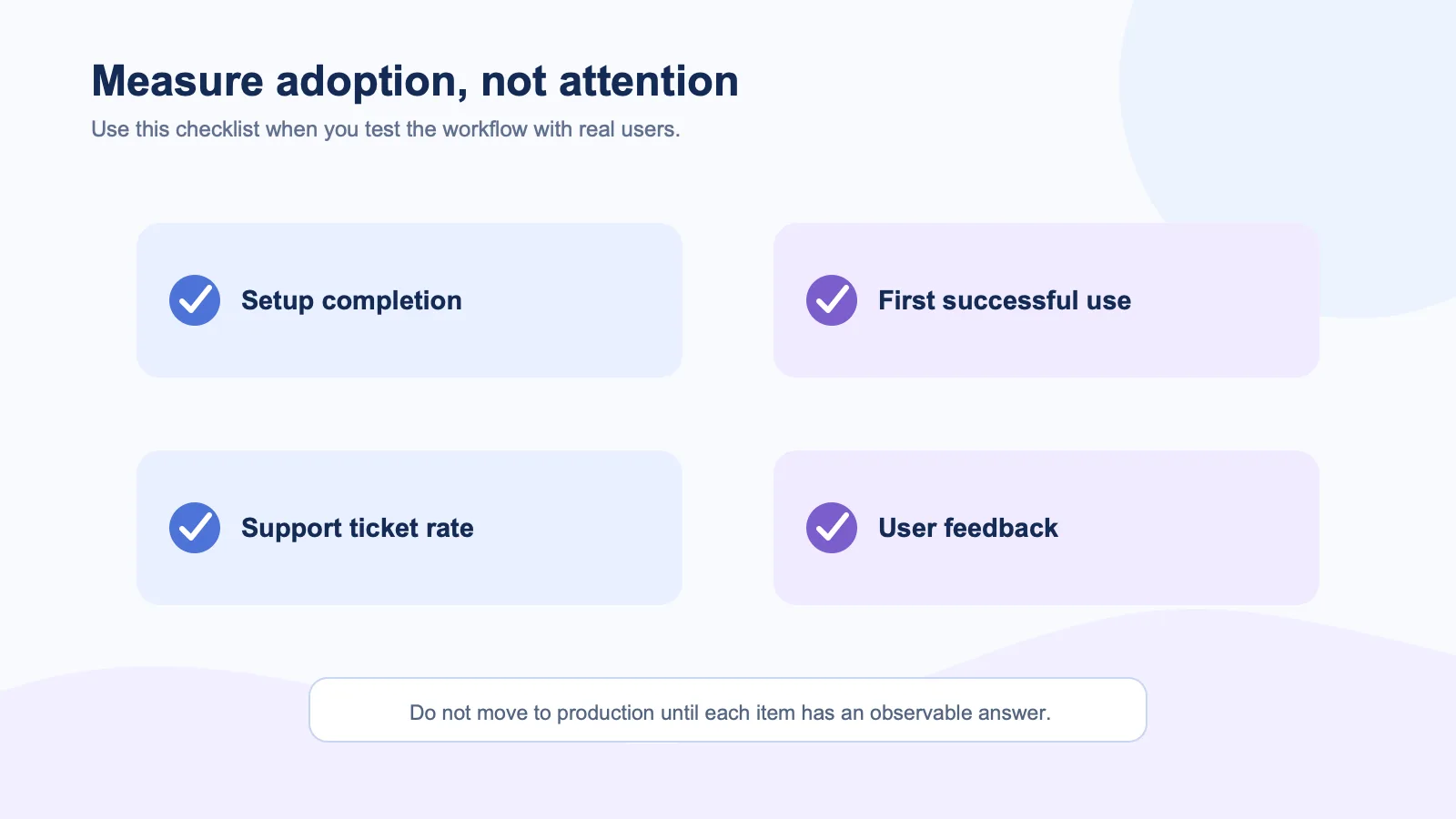
Do not optimize for how long someone talks to the avatar. A long conversation can indicate confusion. Measure the adoption outcome instead:
| Product question | Better metric |
|---|---|
| Did users finish setup? | Activation completion rate |
| Did they understand the feature? | Successful first use or retention |
| Did support burden change? | Ticket rate for the target workflow |
| Did the guide create trust? | Exit-to-human rate and qualitative feedback |
Run a controlled pilot with one workflow and compare it against the existing experience. The Spatius guide to measuring AI avatar impact offers the right general principle: tie the interaction to a meaningful product moment, not attention alone.
Keep the non-conversational path strong
The best adoption experience gives the user a choice. A fast reader may prefer a checklist. Another user may want a real-time walkthrough. Someone on a slow connection may need text. The avatar should extend the product’s help system, not replace it.
Put it where human-style guidance genuinely removes uncertainty. Everywhere else, let the product stay quiet and easy to use.
External sources
- Tavus on conversational AI for product adoption
- Anam on interactive custom avatars
- D-ID LiveKit plug-in overview
- W3C WCAG 2.2 guidance
- Nielsen Norman Group on onboarding